


Any business that is serious about growth has a significant online presence today in the form of apps or websites. This is especially true of companies with several locations. If you want to increase customer footfall organically and provide a better experience to them, consider installing a Webflow store locator.
An efficient store locator app helps visitors find the nearest store, outlet, branch, office, or service center in seconds.
In the United States, local search has become very important. Recent studies revealed that 46% of all Google searches have local intent. What does this mean? Just that those users are searching for stores because they have the intention to buy locally. Studies have also shown that
76% of users who search online for nearby store or service center tend to visit it within 24 hours. Also, 28% of those searches end in an actual purchase.
Businesses that use Webflow for their websites heavily depend on store locator tools to make sure that visitors can find their branches or outlets easily and quickly. The trick is in ensuring that you select the one that can be easily integrated with your website.
While there are dozens of store locator widgets available in the market, they are not all built alike, and they don’t offer the same features. Some are easy to install, while others necessitate possessing in-depth technical skills, expensive map APIs, and are complex to manage.
Today, we will look at how to choose a Store Locator app for Webflow, what features to look for, and how tools like LocateStore make location management simple.
Table of Contents
- Why Webflow Websites Need a Store Locator
- What is a Store Locator App for Webflow?
- Key Benefits of Using a Store Locator
- Webflow Store Locator Features to Look For
- How to Choose a Store Locator App for Webflow
- Why LocateStore is a Strong Choice
- Common Mistakes Businesses Make
- Conclusion
- FAQ
Why Webflow Websites Need a Store Locator
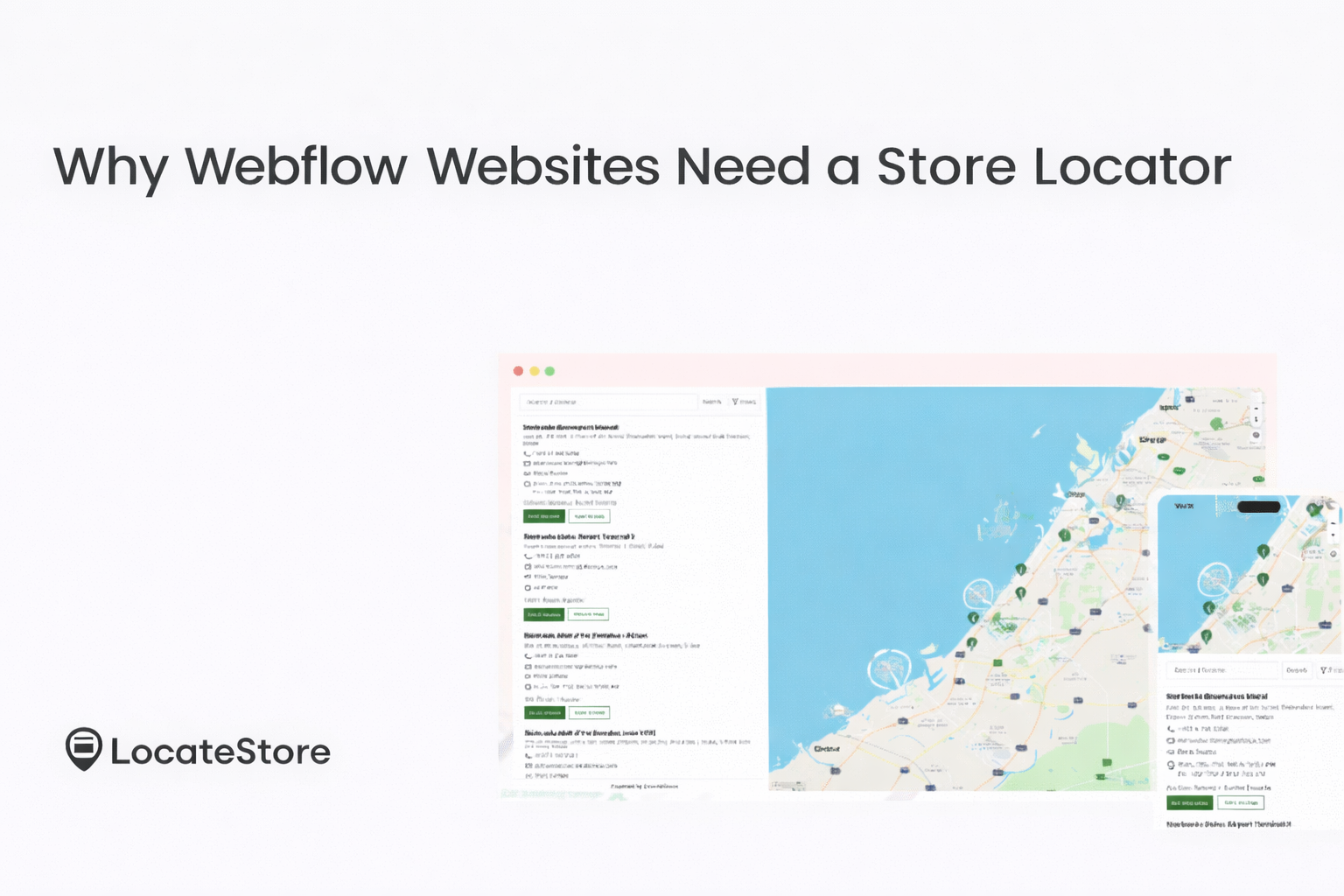
Webflow has become extremely popular with businesses and is one of the fastest-growing website builders in the market. It lets business owners to design visually attractive websites without requiring technical skills and deep coding.
Many businesses that use Webflow for their website usually run physical stores like these:
- Retail outlets
- Service centers
- Boutique or Salon chains
- Restaurants
- Fast-food chains
- Distribution centers
- Clinics
- Franchises
In the absence of a locator, customers are likely to struggle to find the store that’s closest to them.
An efficient store locator app solves this problem as it displays all the store locations on an interactive map.
The store locator on a Webflow website can also display this information:
- Full address of the store
- Contact number and email
- Driving directions
- Business hours
- Stock availability
This allows customers to decide quickly.
Several studies have shown that over 80% of U.S. shoppers search for products online before they visit an actual store.
A store locator can help close the gap between online discovery and offline visits.
What is a Store Locator App for Webflow?
A store locator app or widget is a tool that can be embedded on a website. It displays all the locations of business locations on an interactive map. Visitors can search for nearby locations using filters like radius, distance, zip codes, city, or GPS coordinates.
When it’s integrated with Webflow, the locator becomes part of the website interface.
Typical features of a store locator include:
- Interactive maps
- Location search
- Filters and categories
- Detailed store information
- Responsive design
Businesses that have multiple branches depend on store locator tools to make navigation hassle-free for customers. When finding this information is difficult, customers are likely to leave your website and go to one where they can get the information they need.
Key Benefits of Using a Store Locator
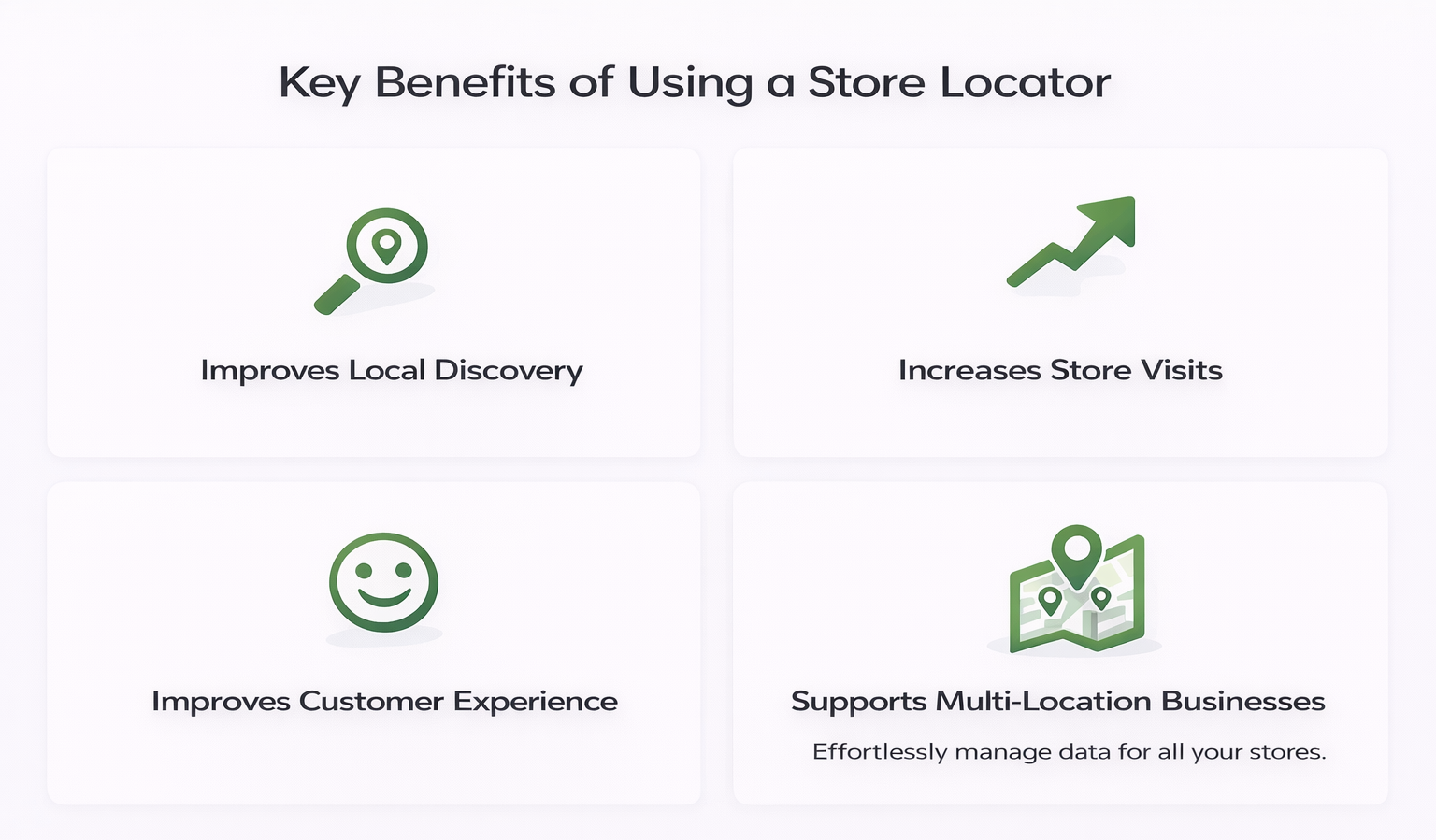
Improves Local Discovery
A huge percentage of consumers search for products online before heading to a store. A store locator enables businesses to show up in local searches and nudges visitors to your stores that are near them.
We have seen that 76% of local search users visit a business within a day. Therefore, location tools have a direct impact on sales.
Increases Store Visits
When customers are able to get directions to reach your stores, they aree more likely to visit. It eliminates confusion and saves time lost in searching. When you provide stock availability, it makes things even more convenient for them.
Improves Customer Experience
Modern consumers demand speed, performance, and ease of use. By installing a store locator, you can deliver all this to your customers, as it offers the following details:
- Address
- Contact number
- Email address
- Navigation directions
- Stock availability
- Business hours.
Supports Multi-Location Businesses
Whether you have a few locations, dozens, or hundreds, you need to be able to manage store data easily and efficiently. By installing a store locator app, you can centralize all this information and access it whenever required.
Webflow Store Locator Features to Look For
You need to know the most critical Webflow to be able to choose the ideal locator for your business. Here are the features you must prioritize for your business.
Easy Integration
The store locator must smoothly integrate with Webflow without requiring heavy coding. This will ensure quick and easy installation.
Mobile-Friendly Design
Over 60% of web traffic originates from mobile devices. It is essential that store locators work equally well on smartphones and tablets as they do on computers, as many consumers search and browse on the go.
Fast Map Performance
Visitors can get easily frustrated with maps that load slowly. Customers are not patient, and map speed is critical in ensuring a good user experience. Choose tools that use modern mapping platforms, as they perform better.
Location Search and Filters
Visitors should be able to search using different types of filters like categories, specific services, products, and so on. They should be able to search for stores within a specific distance, radius, ZIP code, city or geolocation.
Easy Location Management
It is very important to ensure that your store information is always up-to-date and relevant. A user-friendly locator tool must enable easy and quick updates.
Customizable Map Design
Branding is extremely important; locators should allow customization of colours, fonts, market icons, pins, and layout style so that the map aligns with the overarching brand theme and your website.
Read: Webflow Store Locator: Benefits and Features
How to Choose a Store Locator App for Webflow
When looking for the best store locator app webflow, you need to consider a few important factors.
Ease of Setup
Look for store locators that are easy to install, like no-code integration or just simple embed codes. Avoid tools that need a tech team and complex coding to set up and maintain.
Data Management
In complex systems, it can be tough to manage store information. Efficient tools facilitate team collaboration and instant updates.
Map Technology
Relying on conventional map services can be expensive. Look for locators that make use of alternative mapping platforms that offer the same or even better performance at more economical prices.
Scalability
A store locator must be able to support growth. As your business grows and you add more locations in the coming years, the locator must be able scale up easily.
Performance and Reliability
Your website rankings and user satisfaction depend on speed to a great extent. By choosing a lightweight locator widget, you can ensure peak performance.
Why LocateStore is a Strong Choice
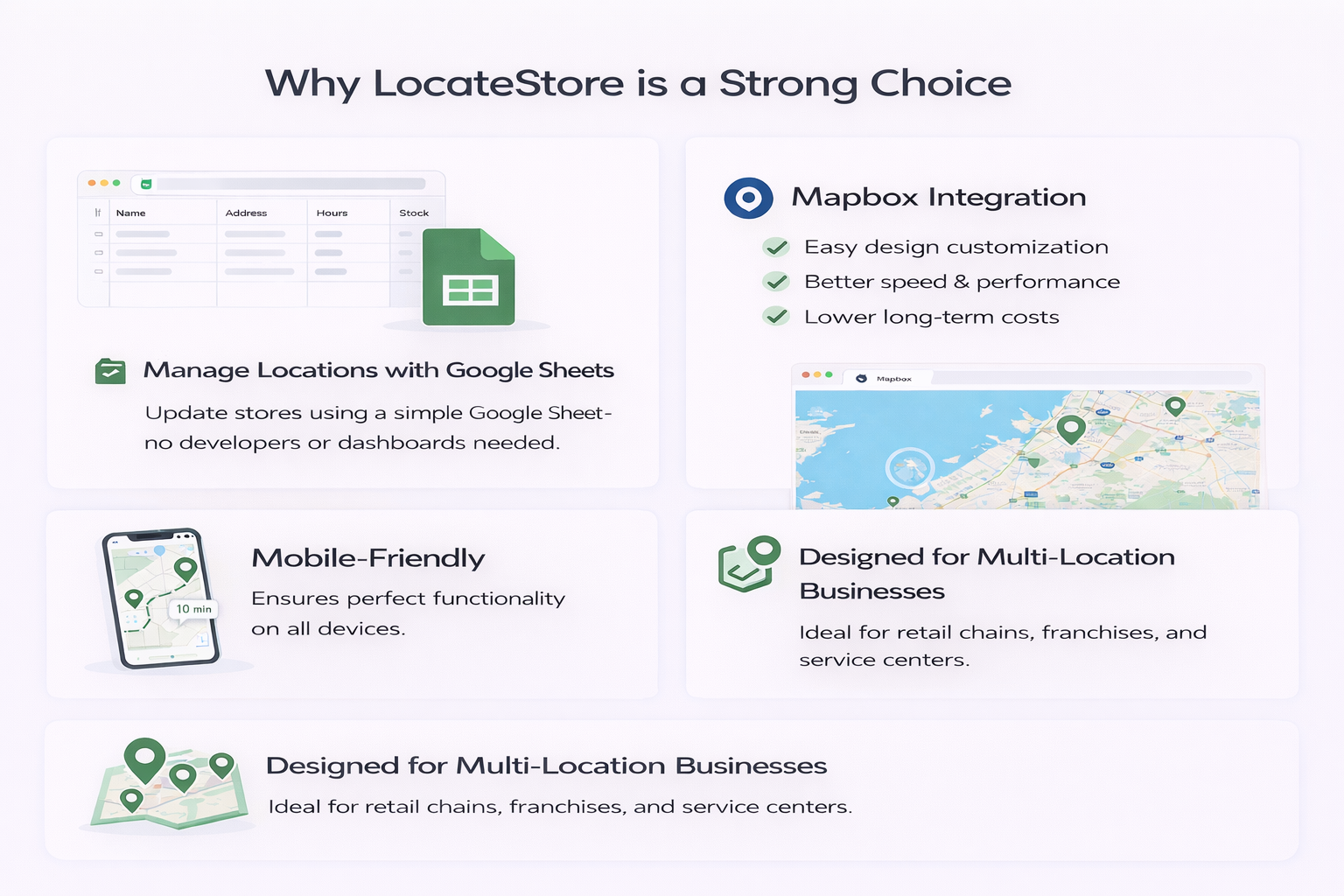
When businesses compare store locator tools for Webflow, LocateStore emerges as a practical and easy solution. One of the best things about it is that it’s built entirely on Google Sheets, meaning that you can manage all your store information in a simple spreadsheet. You don’t need a developer, API keys, or a dashboard your Google Sheet becomes your backend. You can say goodbye to complicated dashboards and say hello to speed and ease.
Your team with access to the Google Sheet can add, edit and modify new locations and store information like addresses, hours, and stock, all in real time, from anywhere and at any time. All changes are reflected in real time on the website.
Mapbox Integration
LocateStore uses Mapbox in place of Google Maps, which provides benefits like;
- Easy design customization
- Better speed and performance
- Lower cost in the long run
These features make the store locator flexible and scalable.
No-Code Integration
LocateStore is easy to install as it only needs simple embed codes. This makes it the best choice for Webflow users who need a no-code store locator. All you need is a few clicks, and in minutes, your store locator is ready to go!
Designed for Multi-Location Businesses
LocateStore functions very well for retail chains, boutiques, salons, restaurant chains, distribution centers, franchise networks, service centers, and so on. Thanks to integration with Google Sheets, integration is very simple.
Common Mistakes Businesses Make
You can invite long-term problems if you install the wrong store locator. Make sure to avoid these:
- Complex systems that need developer support for all updates, increasing costs and slowing operations
- Ignoring mobile performance, unresponsive store locators can lead to users abandoning the website
- Choosing tools that don’t support future expansion and are not scalable
Also read: How to Add a Store Locator in Webflow
Conclusion
It is well established that local search drives modern customer behavior significantly. As millions of consumers search online before going to stores, businesses must enable users to find nearby locations quickly.
A webflow store locator helps in connecting online search and physical stores. It makes for better customer experience, increases store visits, and supports multi-location businesses.
To select the best store locator app webflow, you need to focus on easy integration, mobile responsiveness, flexible map technology, and easy location management.
Tools like LocateStore provide a powerful, simple, and economical solution. With navigation driven by Mapbox and location management based on Google Sheets, you can manage locations efficiently and without complexity
FAQ
What is a store locator app for Webflow?
A store locator app for Webflow is a widget that shows the various business locations on an interactive map on a Webflow website. Visitors can search for nearby stores, get directions, and access location information.
What features should I look for in a Webflow store locator app?
Interactive maps, location search, mobile responsiveness, simplified data management, customization options, real-time updates and simple integration with Webflow are the key features you need.
Is a no-code store locator better for Webflow?
Yes. It is easier to configure and manage, and lets allows businesses add, remove, or update store locations without coding.
What is the best store locator app for Webflow?
That completely depends on your specific business needs, but solutions like LocateStore are highly popular. It offers easy setup, Google Sheets-based location management, easy scalability, fast performance, and customizable maps powered by Mapbox.