


For businesses who also have an online presence in the US and want customers to find your locations easily, a store locator widget is essential. You want a tool that gets you results without much effort from you. While previously most websites were built on Wix, Squarespace, or Shopify, Elementor is emerging as a highly popular choice today.
What you need is a powerful Elementor store locator solution that you can manage easily. It should show your store locations on the map, deliver excellent customer experience, and help increase conversions. Swift, user-friendly, and convenient: that is what customers today want, and that’s what you need to provide.
Let us take a look at the best store locator plugins for Elementor, including a comparison of the key features, benefits, and insights from actual usage. This will serve as a guide so that you can choose the best solution for your business.
What Is an Elementor Store Locator?
An Elementor Store Locator is a plugin or widget that is map-based and can be easily integrated with the Elementor page builder on WordPress. Businesses can display any number of physical store locations on an interactive map with this tool.
They can also include search and filter options that help customers get precise results. All these features in combination help customers find the store with the products they want, and that is closest to their preferred location without hassles.
These functionalities are available in store locator widgets within plugins, and they work seamlessly in the drag-and-drop editor that is part of Elementor.
Though the first WordPress websites came out in about 2005, it still continues to be one of the most popular platforms for this purpose. As of 2026, nearly 43% of websites on the internet continue to be on WordPress. And Elementor is one of the most sought-after page builders, and the no.1 choice for business owners who want to deliver interactive webpage experiences to their customers, and this includes store locators as well.
Why You Need a Store Locator Widget in Elementor
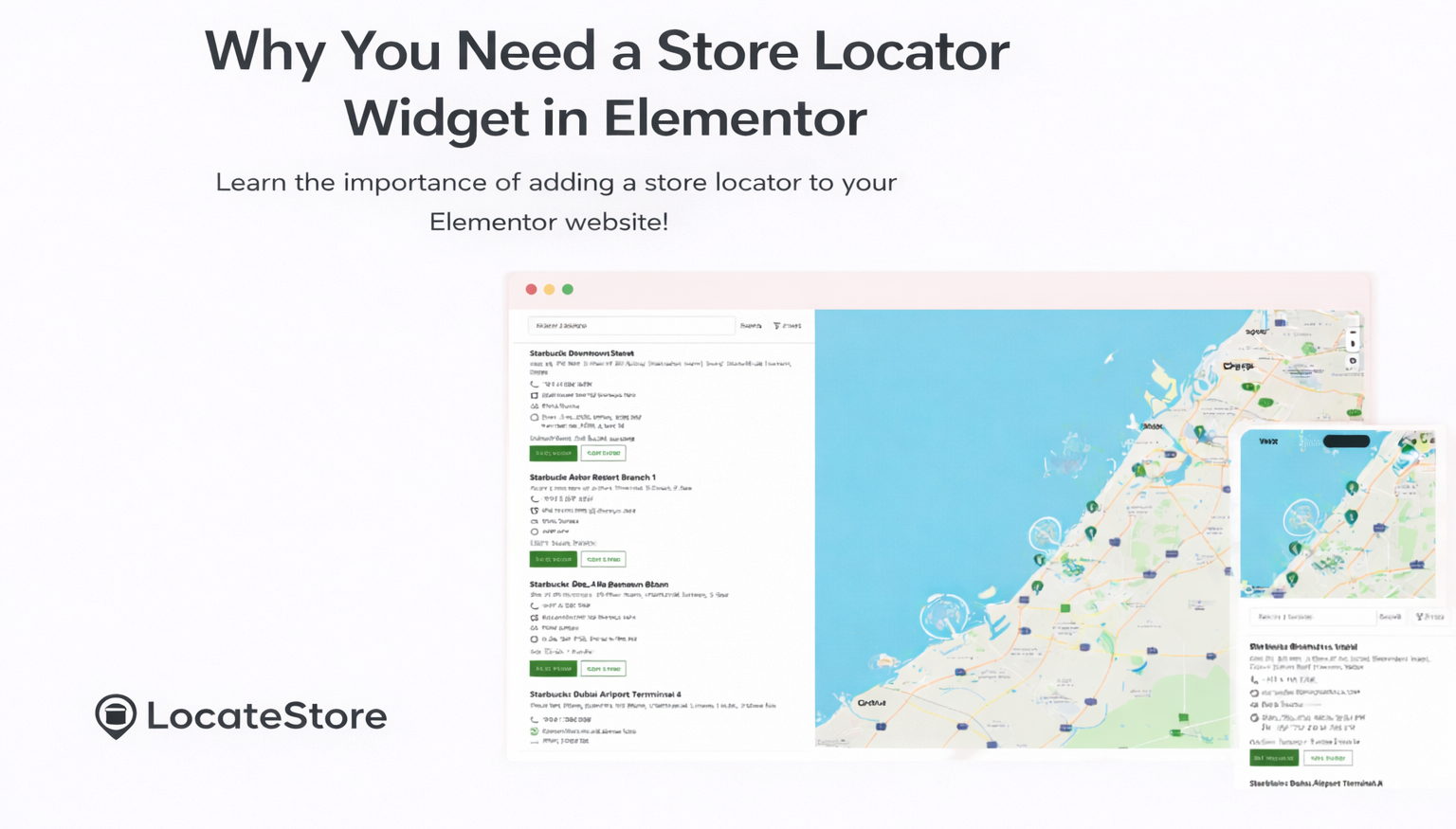
A store locator is a lot more than merely a map; it is a conversion tool that offers several benefits:
- It helps customers with the intent to buy to find the physical stores that is nearest to them swiftly
- Customers get detailed store information, including address, driving directions, product availability, and business hours.
- Organic, local foot traffic increases, and the chances of not only conversion, but also upselling and cross-selling are also higher
- It improves local SEO and search visibility, ensuring your business shows up in search results
- Provides more clarity to customers, eliminates confusion and frustration as they won’t visit stores that are stocked out, and offers more convenience.
Installing the right Elementor store locator plugin in your Elementor-based website, you can offer a brand experience to your customers that is responsive, visually pleasing and cohesive.
Features of Elementor Store Locator You Need in 2026
The best Elementor store locator should include these features
1. Map Provider Support
While Google Maps is considered the no.1 map, there are actually other tools like Mapbox that offer more customization, rich styling, and fast performance. They are also simpler as they avoid complex API keys, and they have more economical pricing as well.
2. Unlimited Locations
The best store locator plugins should allow you to add any number of store locations as per your requirement without spending extra money or effort.
3. Search & Filter
Potential customers should be able to search by ZIP code, city, radius, distance, or categories of business to get relevant results.
4. Mobile Responsiveness
The tool must be able to give consistent results on every device, PC or mobile. The maps must be equally high-performing on mobile phones and tablets as on computers, especially because most ‘near me’ searches originate from mobile devices.
5. Easy Location Management
Your team should be able to add, edit, or delete locations without much effort or having any coding skills. Ideally, it should happen via a dashboard or spreadsheets like Google Sheets. Any changes made should ideally reflect instantly on the website so that customers always have access to relevant information.
6. Elementor Integration
Ideally, the store locator tool should be integrated effortlessly within Elementor without coding. Just a simple shortcode or a native widget is ideal, so that it works flawlessly within Elementor.
The Best Elementor Store Locator Plugins in 2026
Let us now discuss the different store locator tools available today, and the best one for Elementor.
1. LocateStore - Best Overall Elementor Store Locator
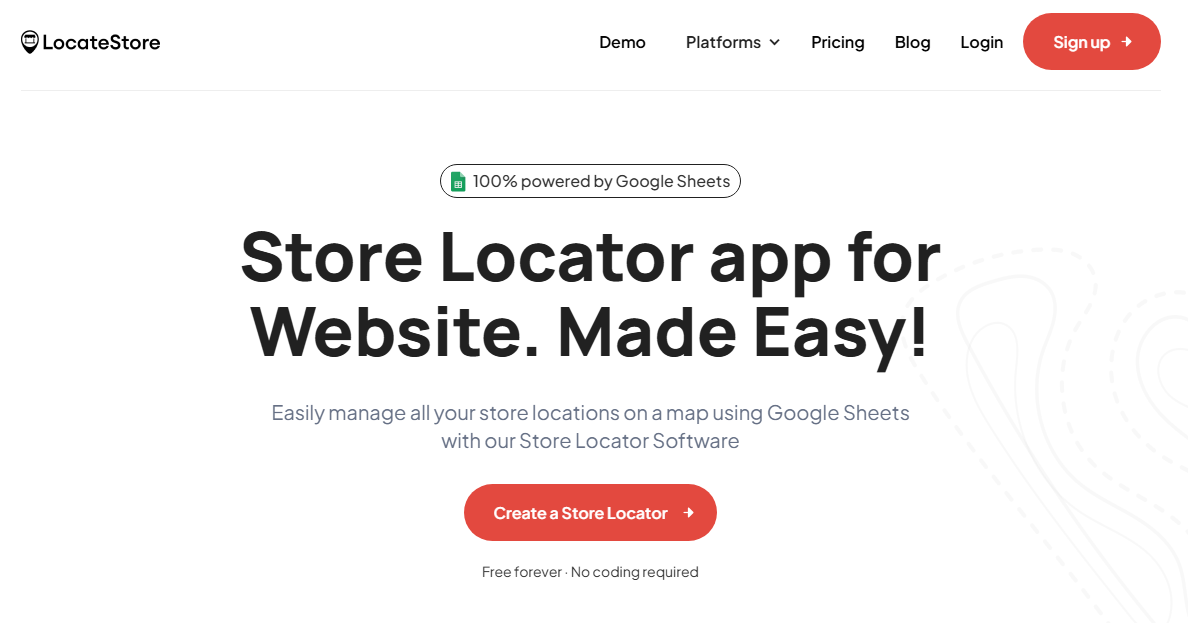
LocateStore is on the top of the list because of its unique blend of simplicity, scalability, customization, and power.
Key Highlights
- Built on Google Sheets, it simplifies store location management. All you need is a live spreadsheet, and you can make changes to location information that are reflected immediately on your site.
- Mapbox is used for map rendering, eliminating the anxiety over Google Maps APIs, and reducing cost.
- LocateStore plugin and embed code works smoothly and seamlessly in Elementor, so you can have your store location page up in no time.
- It has a responsive and user-friendly interface, so customers get a consistent performance regardless of the device used.
- You can add any number of locations as the tool is designed to scale with your business.
- It requires no coding and can be set up quickly.
Why is LocateStore Best for Most Businesses?
LocateStore is the ideal solution if you want a store locator that:
- Updates immediately with your current Google Sheets workflow
- Eliminates API key issues and sudden unexpected bills
- It uses Mapbox that delivers fast, reliable performance.
This makes LocateStore ideal for businesses that have dozens to hundreds of locations, whether they are retail chains, service networks, boutiques, restaurant chains, or franchises.
2. Storepoint - Premium Customizable Store Locator
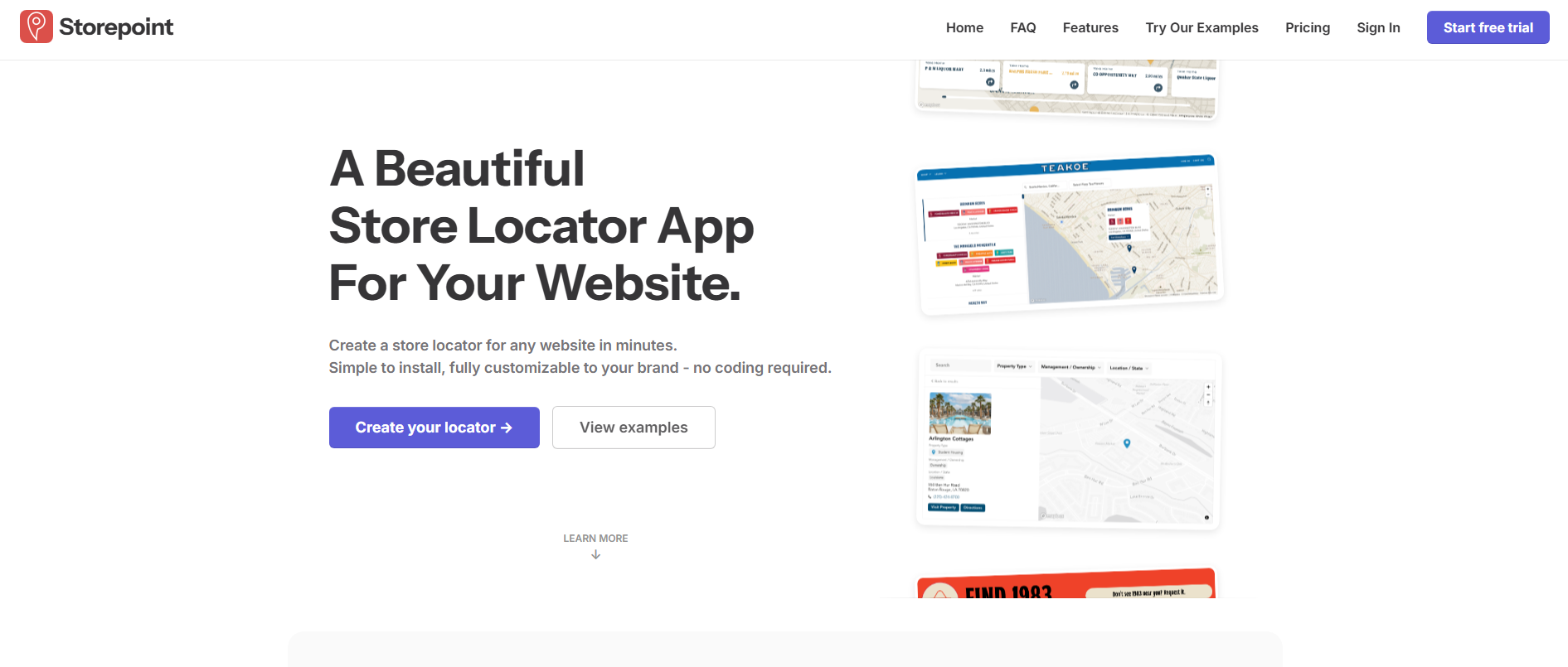
Storepoint is a good choice of store locator for businesses that need in-depth design customization and excellent support.
Features
- Locations can be updated via spreadsheets or dashboard uploads
- Customized filters, styles, and map pins
- Can be integrated with Elementor through widgets or embeds.
- Locations can be uploaded in bulk using CSV features.
Store point combines robust custom styling choices and user-friendliness, making it the perfect choice for established businesses that want to deliver branded locator experiences.
3. Qodewire’s Elementor Store Locator Widget
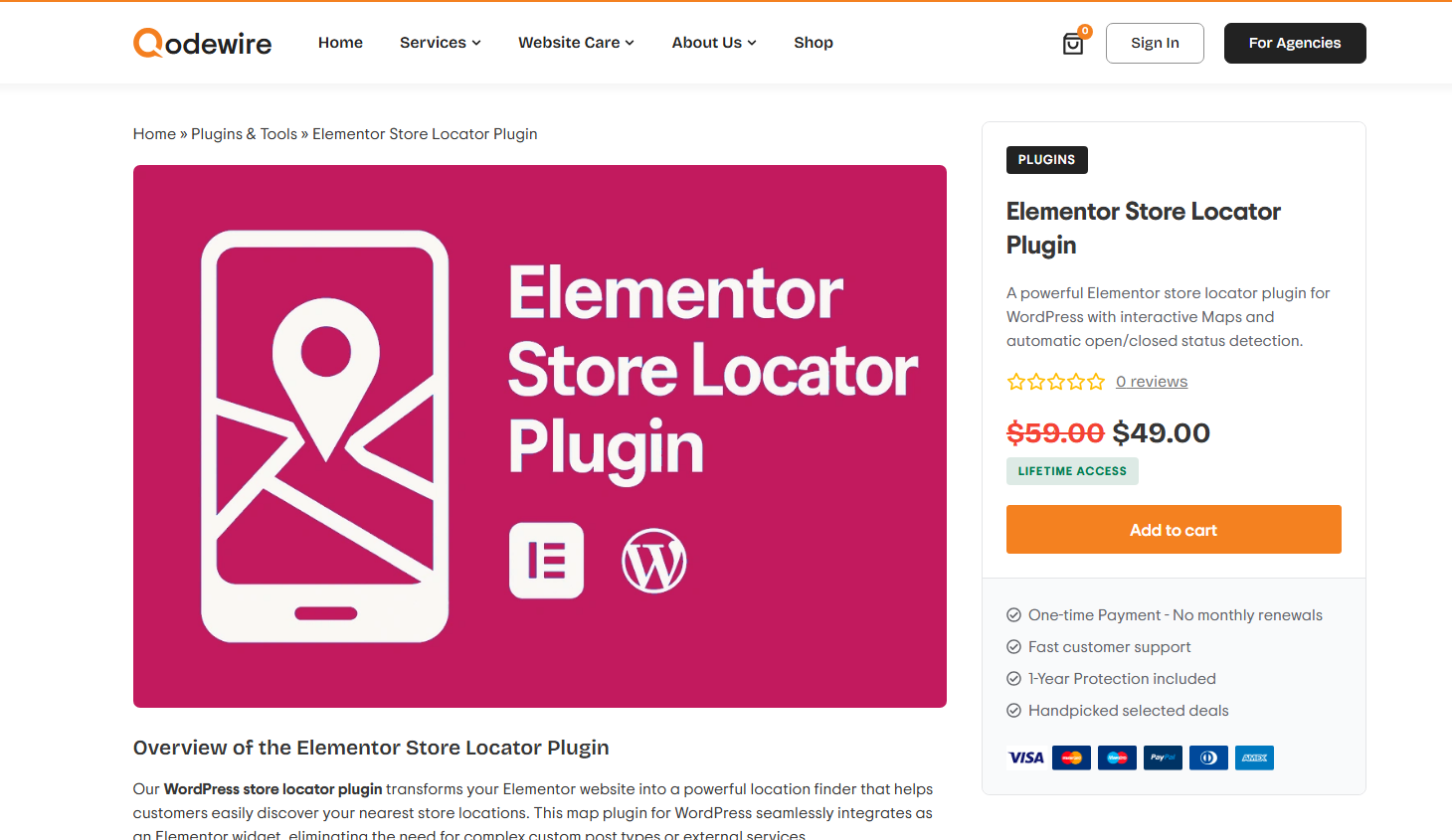
This is a solid choice if you want a lightweight, no-nonsense locator within Elementor itself.
Features
- Built-in map with search.
- Customized markers and location popups
- Basic mapping is done through OpenStreetMap/Leaflet which is ideal for simpler use cases.
This is the ideal option for a small business that is looking for basic functionality without any extra plugins.
4. Other Worthy Mentions
Elementor Store Locator from external services: these usually have advanced options for filters and analytics.
Interactive Map Widgets: this is perfect for customized maps with stylized pins and popups that are compatible with Elementor.
There are several conventional WordPress store locator plugins, but all of them cannot be integrated seamlessly with Elementor. Some even have huge API requirements.
Elementor Store Locator Benefits
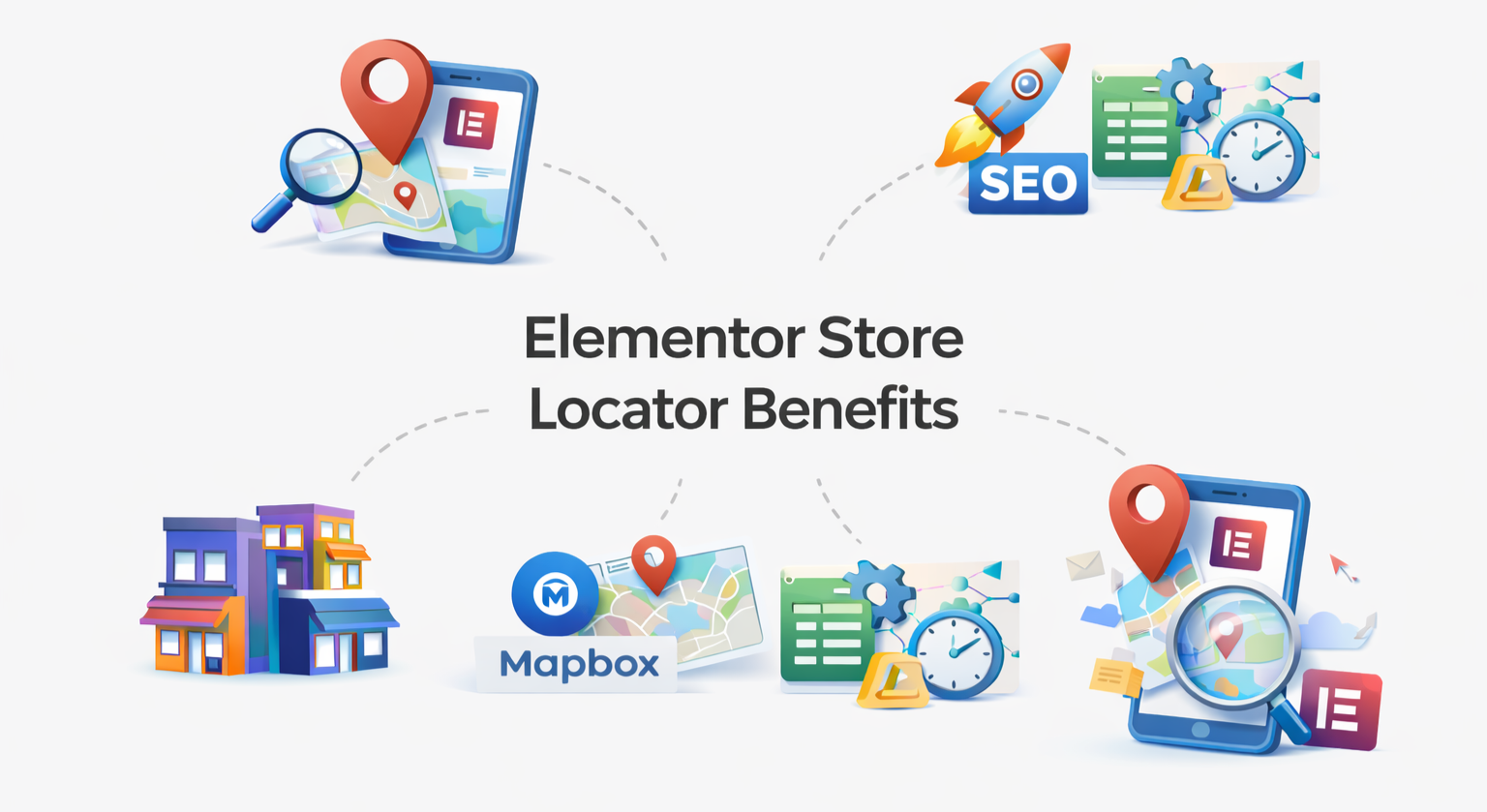
Better User Experience: Visitors can quickly find nearby stores using smart search, filters, and interactive maps with no confusion, no delays.
Improved SEO & Local Visibility: Displaying accurate store locations helps search engines like Google understand your local presence, boosting local SEO rankings.
Cost-Effective Mapping Solution: Using Mapbox with tools like LocateStore eliminates high Google Maps API costs while delivering fast, reliable maps.
Easy Location Management (No Tech Skills Needed): Google Sheets integration allows you to add, edit, or update hundreds of store locations effortlessly with no coding required.
Scales as Your Business Grows; Whether you have 5 stores or 500, the store locator handles expansion smoothly without performance issues.
Mobile-Friendly & Fast Loading: Optimized for all devices, ensuring customers can find stores easily on mobile, tablet, or desktop.
Fully Customizable for Elementor: Seamlessly matches your website’s design, layout, and branding within Elementor.
Why LocateStore Stands Out in 2026
Though there are numerous options for an Elementor store locator widget, LocateStore holds an edge over the other tools with regard to usability and real-world performance:
Google Sheets-First Workflow: No coding or developer needed, and updates are super easy for teams of any size.
Mapbox Maps: Swift rendering and beautiful aesthetic style without any API key setup.
Unlimited Locations: Critical for growing businesses in the U.S.
Elementor Friendly: Works flawlessly with shortcodes or embed blocks within tailored or custom layouts.
Flexible Pricing & Free Plan: LocateStore has a free plan that works well for small businesses with low traffic. As your business grows, you can upgrade to paid plans that support more visitors and searches so you only pay when you need more.
For most businesses, this blend translates into time saved on configuration and spent better, that is, for converting visitors into customers.
Also read: How To Add a Store Locator In Elementor
Conclusion
If you want the best Elementor store locator plugin in 2026, you need to balance ease of use, cost, performance, flexibility, and scalability. While there are several solid options, LocateStore stands out because of its intuitive Google Sheets management, Mapbox-driven navigation, and excellent Elementor compatibility.
Regardless of whether you’re a small business or a large retail network, the right Elementor store locator can help deliver an enhanced customer experience. This can boost engagement and increase your local conversions.
FAQs
Is Elementor still good in 2026?
Yes. Elementor remains one of the most popular WordPress page builders, and is used by millions of sites worldwide as it has a drag-and-drop interface and a vast ecosystem.
What is the Best Elementor Store Locator?
LocateStore has an edge over other tools thanks to its Google Sheets-based location management, smooth integration with Elementor and Mapbox-powered maps. These features offer the right mix of simplicity, power, and scalability.
Can I customize the design of Elementor store locator results?
Many plugins allow custom layouts, map pin styling, and colors so that you can align it with your brand’s theme. In LocateStore, you can add custom map pin icons and match the map theme colors to your branding, making the store locator fit perfectly with your website design.
Is there a plugin that supports unlimited store locations?
Yes. LocateStore and a few other modern store locator plugins do support any number of locations.