


If you thought that a visually appealing design was enough to ensure your business website got you the results you wanted, you would be mistaken. Modern shoppers are very discerning, expecting speedy navigation, easy contact options and features that allow them to find what they need instantly. This is why free widgets for websites are becoming popular.
An efficient store locator widget, contact form, chat plugin, or analytics tool, can help turn a normal website into a powerful platform that delivers superior customer experiences. Every business, small or big, can add advanced features that they need without hiring developers or having technical skills.
If you want proof of this, just check the popularity of website plugins: over 59,000 free plugins are available in WordPress alone. Take any other website, and you will find them using multiple plugins to enhance functionality. including tools like a WordPress store locator to help customers easily find nearby stores.
In fact, according to some studies,
80% of WordPress websites use at the minimum one plugin.
Many sites often utilize 12–15 plugins on average to add features like forms, SEO tools, and store locators, to offer more convenience to their customers.
With the right widget, businesses will be able to:
- Enhance customer engagement and deliver improved service
- Increase conversions and create opportunities for upselling and cross-selling
- Provide better support
- Make website navigation simpler and more intuitive
In this blog, let us take a look at 10 of the best free widgets and plugins you can add to your business website in 2026.
Why Widgets and Plugins Matter for Business Websites
Businesses can easily add more features to their website without any type of complex coding if they install widgets and plugins. The need to create everything from scratch is completely eliminated.
The reason why intuitive platforms like WordPress are highly popular; in fact, a mind-boggling 43% of websites globally are based on it. It supports thousands of plugins for nearly every functionality one can think of.
Widgets help businesses to improve website functionality with better lead generation, data tracking and analysis, and local discovery, in addition to delivering enhanced customer experience.
10 best free widgets for your business websites
1. LocateStore – Store Locator Widget
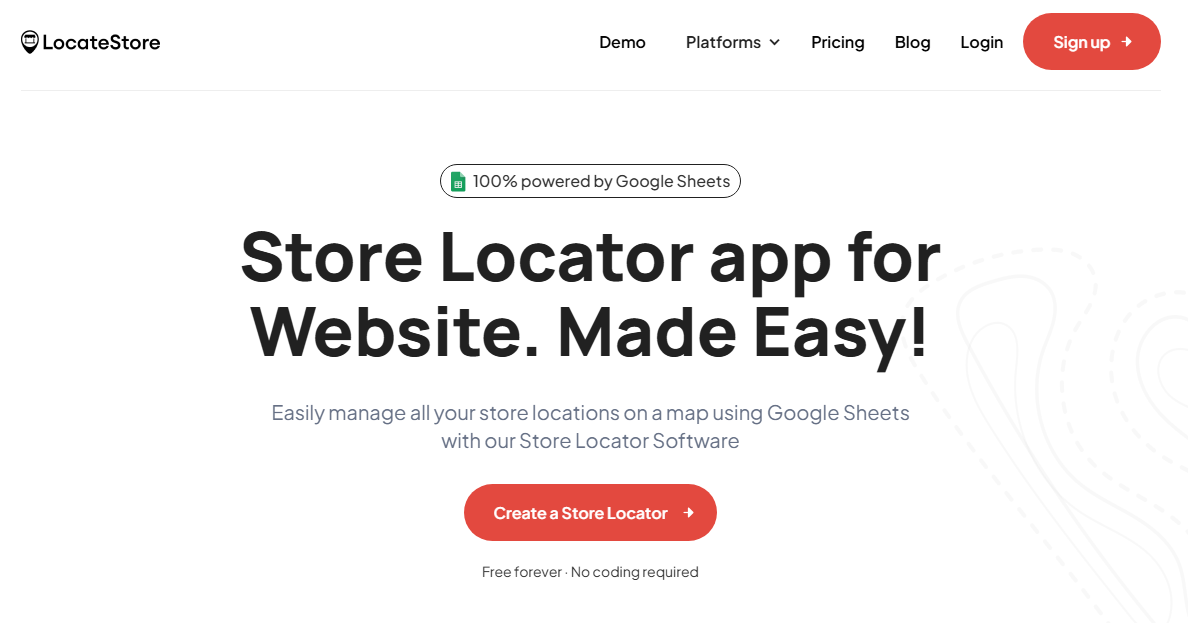
A store locator widget is one of the most invaluable tools for a business that has multiple physical locations. LocateStore is a store locator app that enables businesses to display their store locations on an interactive map. It also provides driving directions, stock information, working hours, and contact details so that customers can quickly see if this is the store they need to visit and how to get there.
Key Features of LocateStore
- Interactive store maps
- Fully customizable design that enables alignment with brand theme
- Advanced filters and location search
- Responsive and mobile-friendly interface
- Real-time, simple updates
- Easily scalable
One of the best things about LocateStore is that it is entirely built on Google Sheets, making it very easy to add, edit, or modify store information. All businesses have to do is simply update their spreadsheet, and the changes are reflected on the website instantly.
For navigation, LocateStore uses Mapbox instead of Google Maps, which allows improved performance, better customization and lower cost.
Any business that has a number of locations, whether it is retail stores, distributor outlets, service centers, boutiques, salons, restaurant chains, or franchises, can improve local discovery to a great extent by implementing a store locator like LocateStore.
According to research,
almost 76% of people who search for a local business visit the store within 24 hours,
making location tools an absolute necessity to boost conversion.
2. Elementor Page Builder

This is one of the most popular and efficient website builders in the market today.
It allows businesses to create professional web pages using drag-and-drop design tools without coding knowledge.
Key Features
- Intuitive drag-and-drop editor
- Attractive templates
- Responsive design suitable for all devices
- Full integration with third-party tools like marketing tools.
With over 10 million active installations across the world, Elementor is one of the most widely used website plugins. Any business that requires flexibility to design web pages should consider Elementor. It is one of the best free options you can get today.
3. WPForms – Contact Form Widget
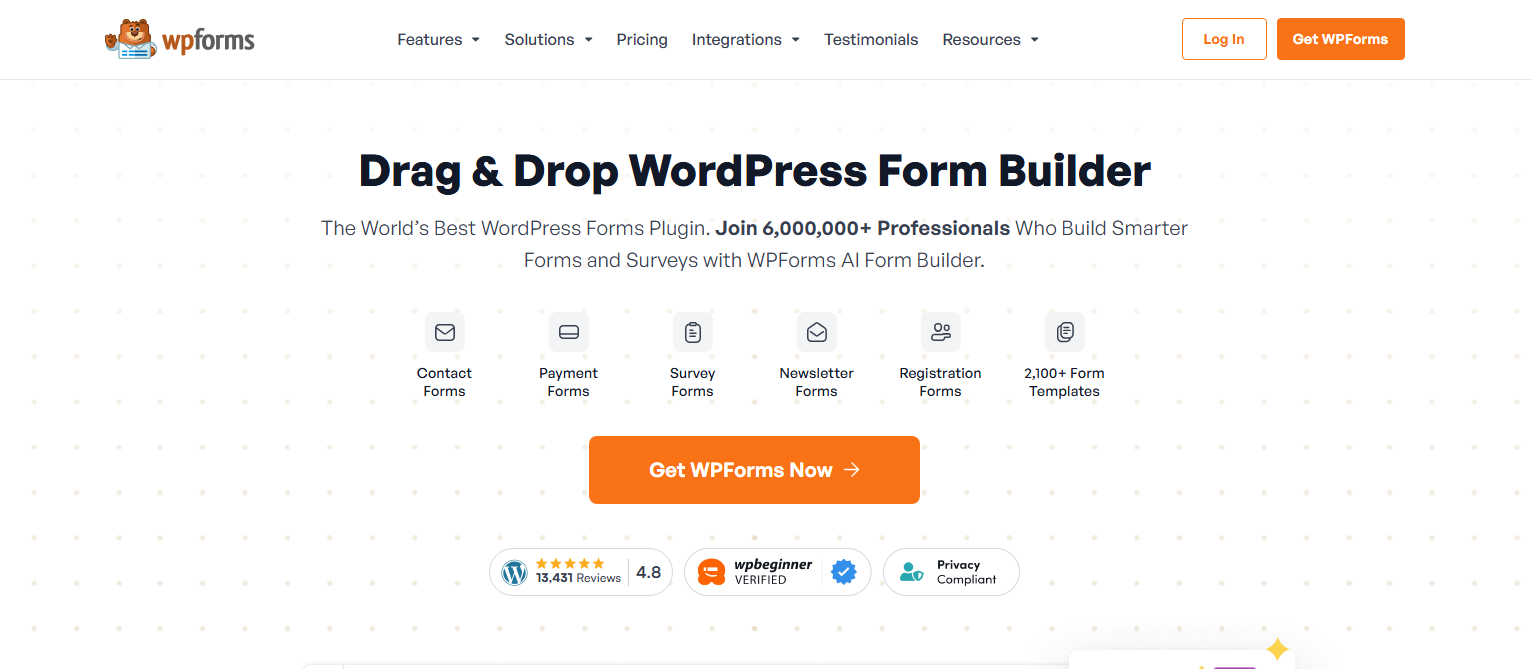
Regardless of which industry you are in or what size your business is, your website must provide customers with a simple and efficient way to get in touch with you. One of the most popular contact form plugins used by websites globally is WPForms.
Key Features
- Easy drag-and-drop form builder
- Contact forms, feedback forms, and booking forms can be created
- Spam protection is available
- Responsive design that works seamlessly on all devices
Studies reveal that contact form plugins like WPForms are installed on over 6 million websites. This is solid proof that online forms have become an absolute necessity for businesses.
With the help of such forms, businesses can gather customer feedback, inquiries, leads, and more, directly from their websites.
4. Yoast SEO Plugin
For any business to grow online, it is essential to have search engine visibility. One of the most installed plugins to optimize web content is Yoast SEO.
Key Features
- Optimizing keywords
- SEO analysis
- Suggestions for readability
- meta -tag control
Businesses that use SEO plugins usually experience improved search rankings and organic traffic flow to their websites.
With billions of searches happening every day on Google, SEO tools like Yoast are imperative. They help businesses to attract online visitors to their websites, increasing chances of conversion.
5. Collect.chat – Automated Chat Widget
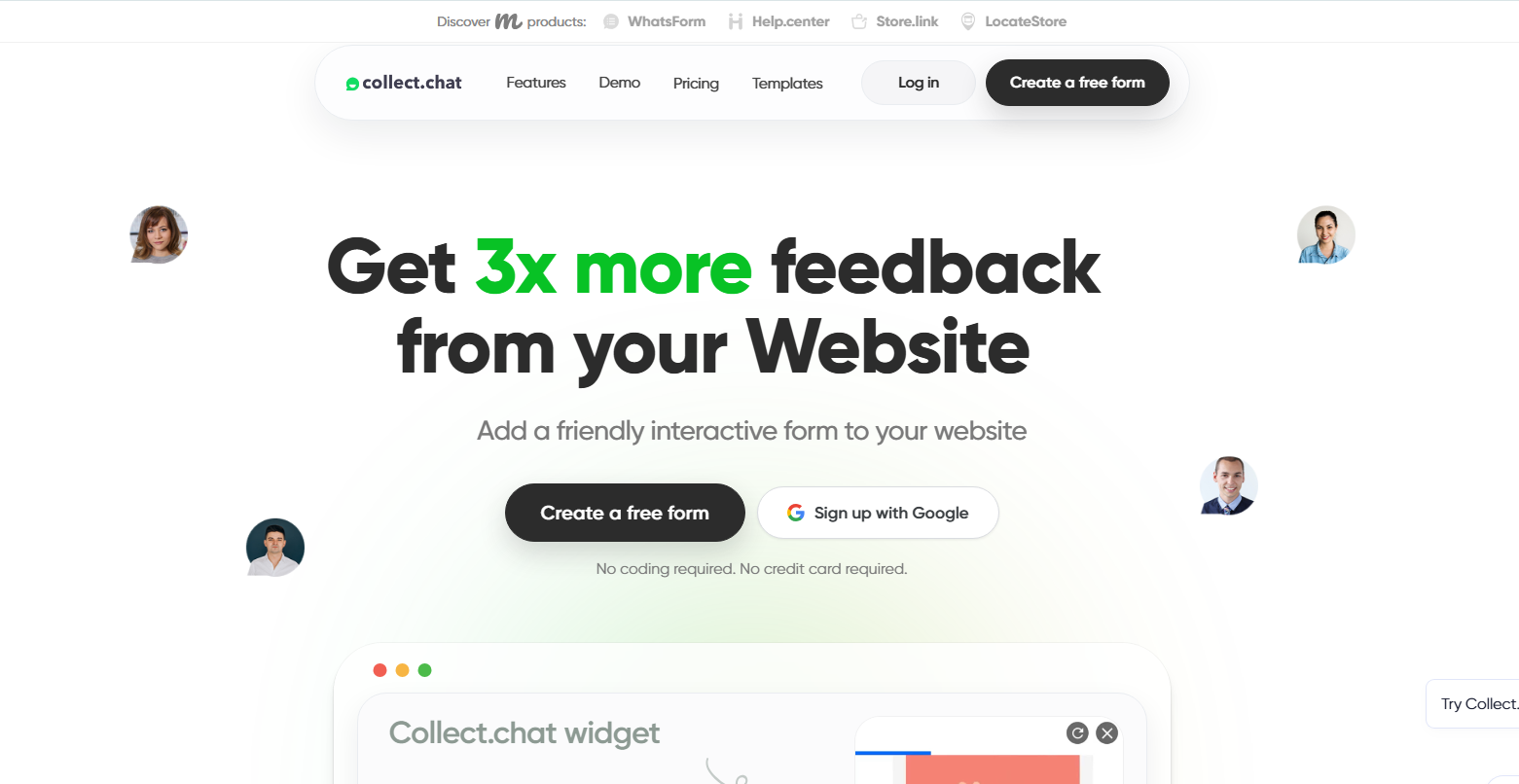
Chatbots have become an important part of modern customer service. Instead of waiting for human support, customers can quickly get answers through automated chat systems. Collect.chat is a chatbot widget that helps businesses communicate with website visitors using automated conversations.
Unlike traditional live chat tools, Collect.chat works with 100% automated chat flows, which means businesses can respond to customers even when no support team is available.
Key Features
- Fully automated chatbot conversations
- Lead generation and customer data collection
- Easy chatbot builder with no coding required
- Integration with marketing and CRM tools
- Works on websites, landing pages, and mobile devices
Automated chat widgets like Collect.chat help businesses capture leads, answer common questions, and guide visitors through the website. This improves user experience and increases the chances of converting visitors into customers.
For businesses that want automated customer interaction without managing live chat agents, Collect.chat can be a simple and effective solution.
6. Google Site Kit Analytics Plugin
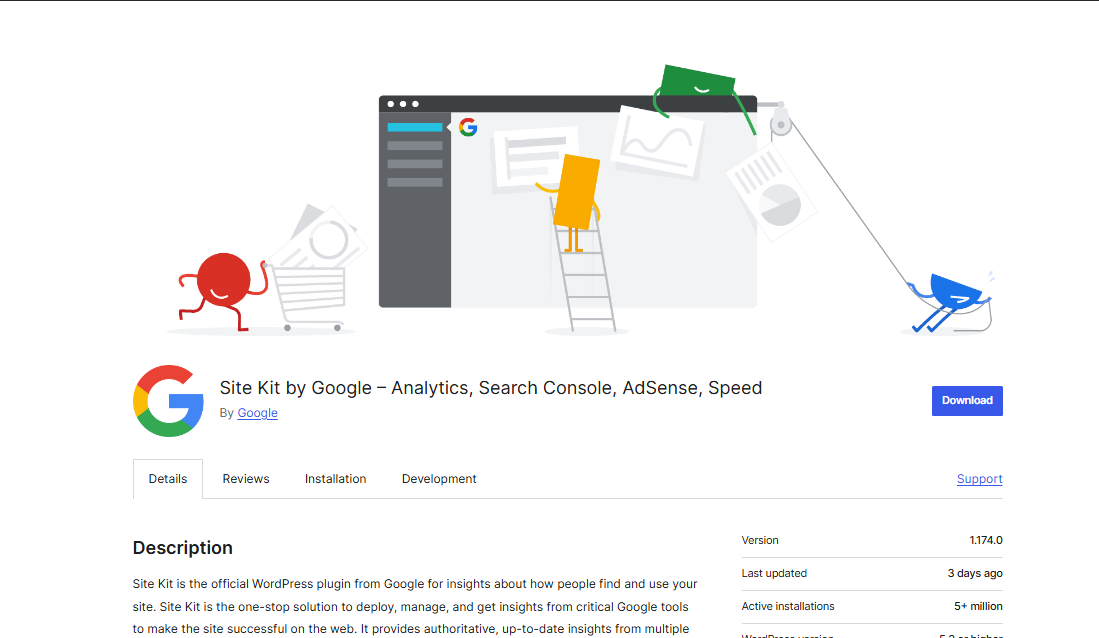
Data is king today. It helps businesses understand what shoppers do on their website, which they can use to shape their marketing campaigns, inventory planning, and even product offerings.
Google Site Kit is a plugin that connects a website with Google tools like Google Analytics, Google Search Console, and PageSpeed Insights.
Analytics tools help businesses to track the following:
- Website traffic
- Behaviour of shoppers
- Pages that visitors spend more time on
- Sources of conversion
Such insights enable companies to enhance their marketing strategies and website performance.
7. Mailchimp Signup Form Widget
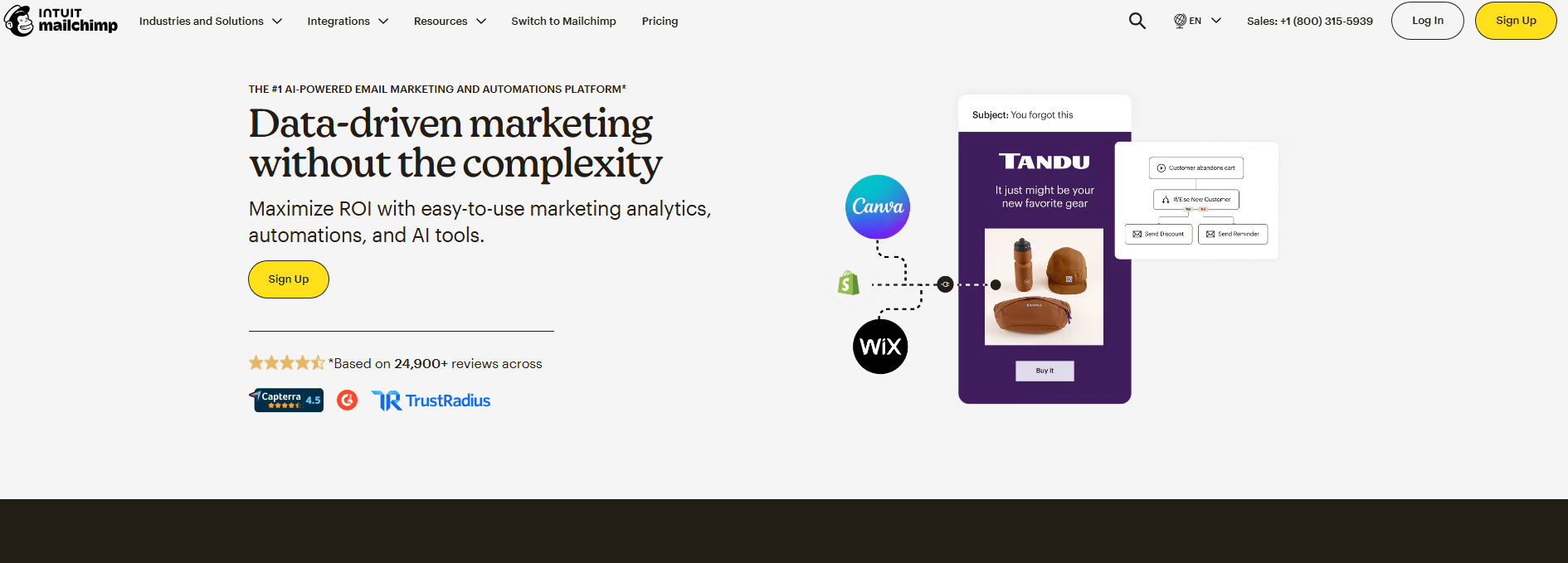
Though it is not new, email marketing is still a very effective digital marketing channel that helps businesses stay in regular touch with customers.
The Mailchimp signup widget lets businesses collect email subscribers from their website itself.
Key Features
- Forms for newsletter signup
- Automated email marketing
- Segmenting customers
- Marketing analysis
Email marketing remains one of the channels with the highest ROI, generating excellent returns in comparison to other methods.
8. Social Media Feed Widget

Social proof plays a huge role in building customer trust. These widgets display posts from Instagram, Facebook, X, and LinkedIn.
Key Benefits
- Shows live updates
- Increases engagement
- Builds brand reputation
Shoppers usually check social media reviews before trusting a brand, so it makes sense to embed social media feeds in your website.
9. Cookie Consent and Privacy Widget
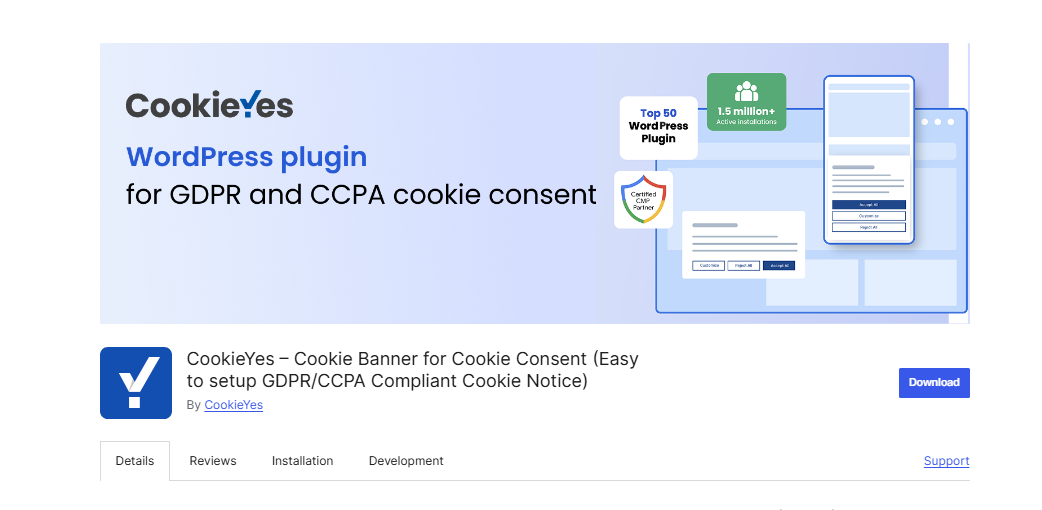
Privacy regulations are now an integral element of website management. Widgets for cookie consent allow businesses to stay compliant with GDPR and similar laws.
Key Features
- Cookie banners
- Privacy policy links
- Consent tracking
Such widgets enable businesses to build trust and maintain compliance.
10. Website Analytics Plugins (Traffic Tracking)
It is vital for businesses to understand visitor behavior to improve performance.
Analytics plugins track metrics like page views, popular content, traffic sources, and visitor locations. They can track visitor interactions in depth, providing reports right from the dashboard. This data can be used by businesses to improve marketing campaigns and user experience.
Choosing the Right Website Widgets
Obviously, you must only choose those tools that your business really needs. Here are some tips to choose the right free widgets for websites:
- Select widgets that help visitors navigate your site easily and deliver a great experience – like a store locator or search tools.
- Don’t install too many plugins; 12 to 15 are adequate. Any more, and the site can become sluggish.
- Choose plugins with good reviews, support, and regular updates.
- Ensure that the plugin is compatible with your website platform.
Also read: The Best Map Locator for Small Businesses in 2026
Conclusion
Website widgets and plugins are no longer optional. Businesses serious about improving functionality and customer service realize the importance of forms, social feeds, and analytics. Any business having multiple branches or outlets knows how critical store locator widgets are, as they link online browsing with offline visits.
Smart planning can help you choose the correct free website widgets to make your site quicker, smarter and more customer-focused in 2026.
FAQs
What are widgets and plugins?
Widgets and plugins are tools that add extra features and functionality to a website without coding. Plugins usually work in the background to improve how a website functions, while widgets are visible elements on a webpage that users can see and interact with.
What is a store locator widget for a website?
A store locator widget is a tool you can install on websites to allow customers to find your nearby store locations quickly. It displays an interactive map, search, and location filters.
Are there free store locator widgets available for websites?
Yes, however, they offer limited functionality and may not get you the desired results. LocateStore is a tool that offers multi-tiered pricing, which lets businesses choose the functionality and locations they want.
Do store locator plugins work on all website platforms?
Yes, LocateStore and other plugins work with most website platforms like WordPress store locator, Shopify store locator, Wix store locator, Squarespace store locator, Webflow store locator and custom websites.