


If you’ve created your e-commerce website using Elementor, enhancing it with a store locator widget can take your customer experience to the next level. An Elementor store locator helps visitors instantly find your nearest outlet, dealer, service centre, or franchise with just a few clicks directly from your website.
In today’s fast-paced world, customers expect quick answers and convenience. When they search for “store near me” or “service centre nearby,” your business should appear instantly. A powerful store locator not only improves navigation and trust but also drives real foot traffic and higher sales.
In this guide, we’ll show you how to easily add a store locator in Elementor, explore its key benefits, and introduce the best solution to help your customers reach you faster.
What is a Store Locator Widget in Elementor?
Today, customers expect everything to happen instantly. For example, they expect to find a store near them immediately, for a specific product or service, simply by entering their location, postcode, or city.
A store locator not only helps visitors find the nearest store, but it also simplifies navigation and increases physical visits, increasing conversions, and helps build trust.
A customer study conducted by Google recently revealed that 72% of shoppers who did a local search visited a store in a five-mile radius, and 88% visited a location within a week. This just proves that you will get more walk-ins if people can find your store quickly.
It is a tool that helps users find a store or service centre that is closest to them that sells a specific product or provides a specific service. Users can search by typing a city name, address, postcode code, or sharing location. It is one of the best and most practical tools you can use to convert site visitors into walk-in customers.
Why Businesses Need A Store Locator
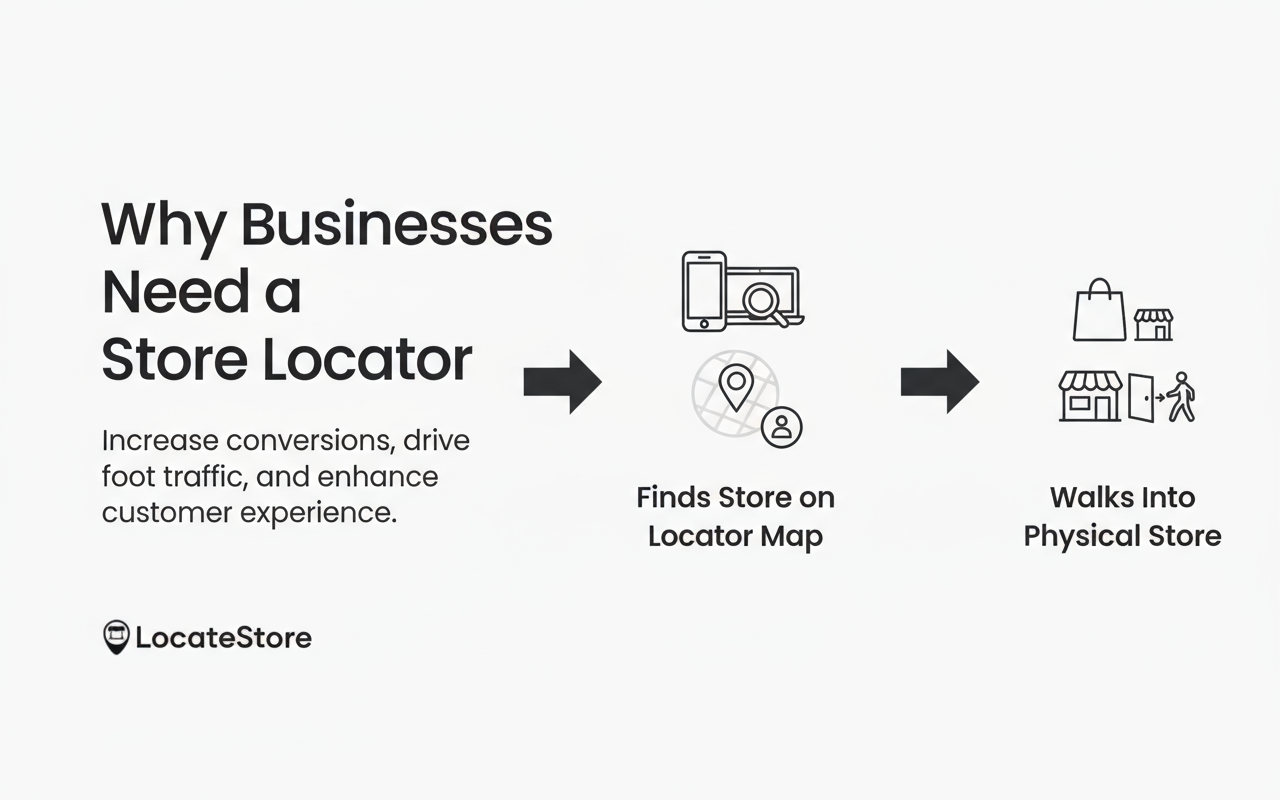
Consumers are increasingly indulging in a hybrid purchase: searching online and buying offline, making store locators vital. Whenever users use phrases like ‘service centre near me’ or ‘branch near me’, they want results immediately.
By adding a store locator, you minimize confusion and eliminate friction for your customers, and boost your credibility. It helps increase in-store visits and allows you to appear in local search results. Today’s consumer wants convenience; if your branch or outlet can’t be found easily, they will simply go to your competitor, whose store may be nearby and easily found.
How Store Locators Help With SEO
A store locator like LocateStore boosts your local SEO; how? When customers spend more time on your store locator page, clicking for directions, or searching for locations, Google tags these activities as valuable engagement signals. Since 46% of Google searches have local intent, this can enhance search visibility, boost organic traffic, and increase in-store conversions.
Even small brands with just two or three stores benefit significantly, because consumers want fast, actionable results when searching for products or services nearby. A locator builds confidence and allows customers to get directions in seconds. Larger businesses benefit exponentially more, as scale and automated updates begin saving huge operational time.
Top Store Locators for Elementor
The best store locators for Elementor include LocateStore, known for its speed and flexibility; Agile Store Locator for its deep analytics, Elfsight for being user-friendly, Storepoint, and Locatoraid.
We recommend LocateStore as it has many advantages over other tools.
What makes LocateStore different from other solutions?
The Google Sheets Advantage
LocateStore is specially designed for businesses that prioritize speed, data accuracy, and smooth and easy team collaboration. It is completely built on Google Sheets, which makes it easy for marketing teams, sales teams, or franchise managers to update locations instantly from anywhere without needing any tech skills or developer support.
It is reliable, loads fast, can be customized fully, offers precise mapping through Mapbox, and scales easily. This makes it ideal for retail chains, dealer networks, service brands, and franchises.
Collaboration Made Easy
LocateStore is built on Google Sheets, making team collaboration seamless. You can easily share your sheet with marketing, sales, or franchise teams, allowing them to add, edit, or update location details instantly, no technical skills required. Since multiple users can work on the same sheet in real time, it ensures data accuracy, faster updates, and smoother coordination across departments.
Economically Priced
LocateStore offers flexible, affordable pricing plans for both growing and established businesses. You pay only for the features and number of locations you need — such as analytics, filters, or advanced customization. This makes it cost-effective and scalable as your business expands.
Data Security
All your outlet and service centre data stored in Google Sheets is securely encrypted and accessible only to authorized users. This ensures your business information remains private, giving you full control and transparency at all times.
Integrated Analytics
LocateStore comes with powerful search analytics and can easily integrate with Google Analytics 4 (GA4). You can track key actions like click-to-call, click-for-directions, and location views, and identify which cities or postcodes have the highest demand. These insights help you refine marketing campaigns, plan expansions, optimize inventory, and measure your ROI from online-to-offline traffic effectively.
How does Google Sheets power real-time updates?
As LocateStore is built on Google Sheets, you just have to open the sheet to make any edits or additions; there is no need to log into WordPress. As soon as you make any changes to the location, business hours, etc., they immediately reflect on your site. You don’t need to sync or import anything, or spend frustrating hours in the admin panel. As Google Sheets is collaborative, you can have multiple team members updating information at the same time, reducing wastage of time. It also ensures accuracy, which is important for brands on the fast track to growth or expanding to new locations rapidly.
Why LocateStore Uses Mapbox Instead Of Google Maps
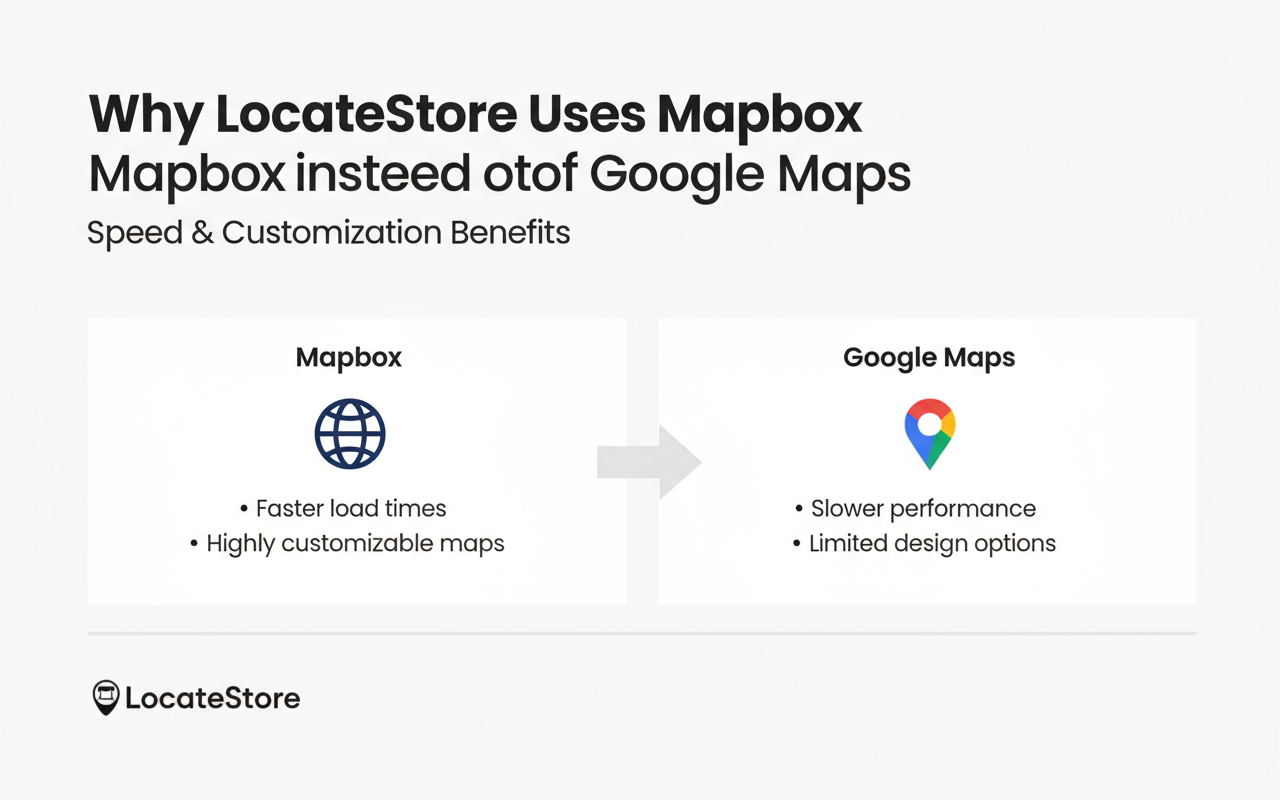
Mapbox delivers faster, smoother maps with modern UI styling and enables deep customization, which is why it is used by companies like Uber. It is more flexible than Google Maps, is more economically priced, and is able to deliver smooth performance when there are large numbers of pins.
If map responsiveness and visual experience are priorities for you, then definitely, Mapbox is a superior solution. LocateStore uses Mapbox to deliver fast, modern performance to its users without the high charges of Google Maps.
Setting Up Your Store Locator in Elementor
Setting up your store locator in Elementor with LocateStore is quick and effortless. Once you sign up, you’ll get access to a pre-formatted Google Sheets template where you can easily enter details such as your store name, address, ZIP code, contact number, website link, and business hours.
LocateStore automatically generates map coordinates for each location, so there’s no need for manual entry, saving time and reducing errors.
After your locations are added, simply go to the Elementor HTML Embed Code Generator
page, paste your LocateStore URL, copy the generated code, and follow Elementor’s instructions to embed it on any page of your website.
There’s no limit to how many locations you can include, making LocateStore perfect for everything from small local businesses to nationwide chains with hundreds of outlets.
Customizing The Store Locator In Elementor
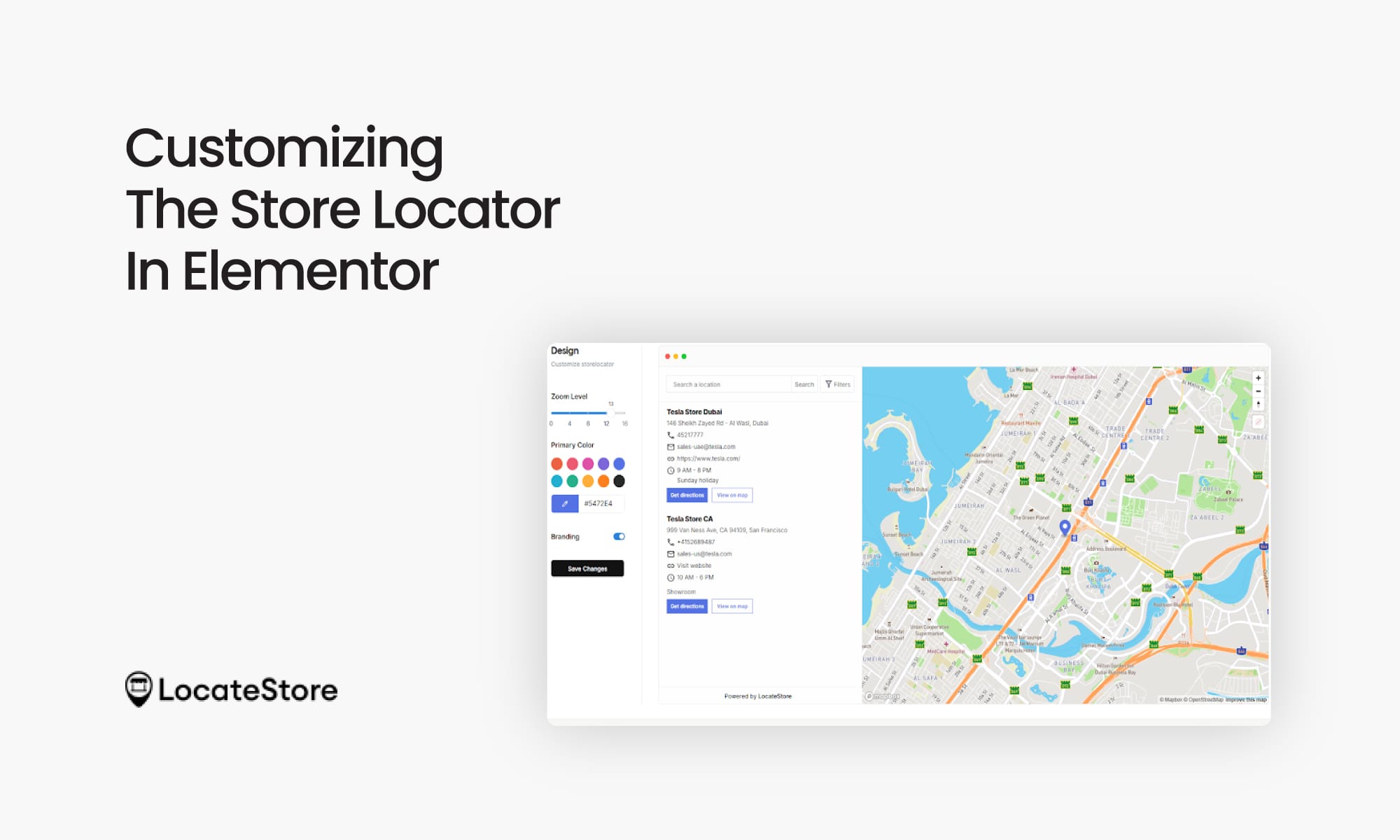
LocateStore can be styled to align with your branding, including fonts, colours, map icons, and search bar styles. You can have custom filters like dealer category, product availability, certification level, service type, etc. You can configure all of this through LocateStore, and it simply integrates into your Elementor design. Regardless of the number of locations, it delivers fast performance as it is not dependent on plugins or databases from WordPress.
Also read: How to Add Store Locator in WordPress – A Complete Guide
Conclusion
As you can see, adding a store locator in Elementor does not have to be complicated and does not require you to call tech support. You don’t need any coding skills. All you need to do is paste the snippet, connect your Google Sheet, and launch your store locator with Mapbox precision.
LocateStore is fast, efficient, highly scalable, and designed for real-world businesses that want to convert online searches into actual store visits. Any business with multiple locations can greatly benefit by implementing LocateStore on Elementor: one of the most powerful and future-proof decisions you can make.
FAQs
How To Add A Store Locator To My Elementor Website
Adding a store locator in Elementor with LocateStore is super easy. All you need to do is sign up, and link to the Google Sheet that has your store locations. Next, you copy the embed code and open your Elementor page. You don’t need a tech expert or any coding skills, and can do it all yourself. Any changes you make to your store information in Google Sheets is instantly reflected on your Element
What is the best store locator plugin for Elementor?
There are a number of store locator plugins available in the WordPress marketplace, but LocateStore stands out as the best solution for Elementor users. It offers many advantages: the best is that you do not need to install a plugin at all. It functions as a lightweight embed that ensures that your WordPress site operates fast and avoids plugin conflicts. Many businesses prefer this approach as WordPress plugins tend to slow websites over time, need updates, and can even crash during theme or Elementor updates.
Can I add a store locator without any plugin?
Yes, you can. LocateStore enables the addition of a locator to Elementor without installing anything. Instead of installing a plugin, it uses an embed code that you can paste directly into Elementor. This minimizes the need for maintenance, improves site speed, and prevents security risks usually associated with plugin vulnerabilities. It’s a proven method for businesses that want performance and reliability.
Does the store locator work on mobile devices?
Yes, with over 60% of local business searches in the U.S. now happening on mobile, responsiveness is important. LocateStore is fully responsive, enabling customers to search locations, click to call, or open directions on Apple Maps or Google Maps directly from their phone. A mobile-friendly locator can help visitors make faster decisions and visit stores more often.