


Adding a store locator widget to your WooCommerce website is one of the smarter ways to upgrade your website. You can increase both online sales and physical store visits that could culminate in sales, boosting your overall revenue.
A WooCommerce Store Locatorthe allows users to find the locations of your physical stores right from your website. This helps you offer more convenience to your customers, engage with them, and improve your chances of converting them into customers tremendously.
Studies reveal that over 70% shoppers make use of store locators rather than Google Maps to plan their shopping trips. Therefore, if you make it easy for shoppers to find your stores, they will certainly prioritize your business over those that don’t offer this information.
Let us discuss what a WooCommerce store locator is, and how adding it to your store locator can benefit your business. We will also give you a step-by-step guide that will help you to set it up quickly and easily.
What Is A WooCommerce Store Locator?
This is a tool that can be implemented on your website to display the locations of all your outlets, branches, or stores on an interactive website. It enables customers to search by radius, distance, city, ZIP code, or location (map coordinates). An efficient store locator will also provide customers with the contact details of the store, driving directions, distance, business hours, and product availability. This eliminates confusion for customers and helps them avoid the disappointment of going to stores and discovering that a product is sold out.
Efficient WooCommerce store locators use map APIs like Google Maps or Mapbox to deliver an interactive experience to customers. The store locator widget can be embedded straight into your pages, so that users are able to search for locations and click through them seamlessly.
Why Add A WooCommerce Store Locator to Your Site?
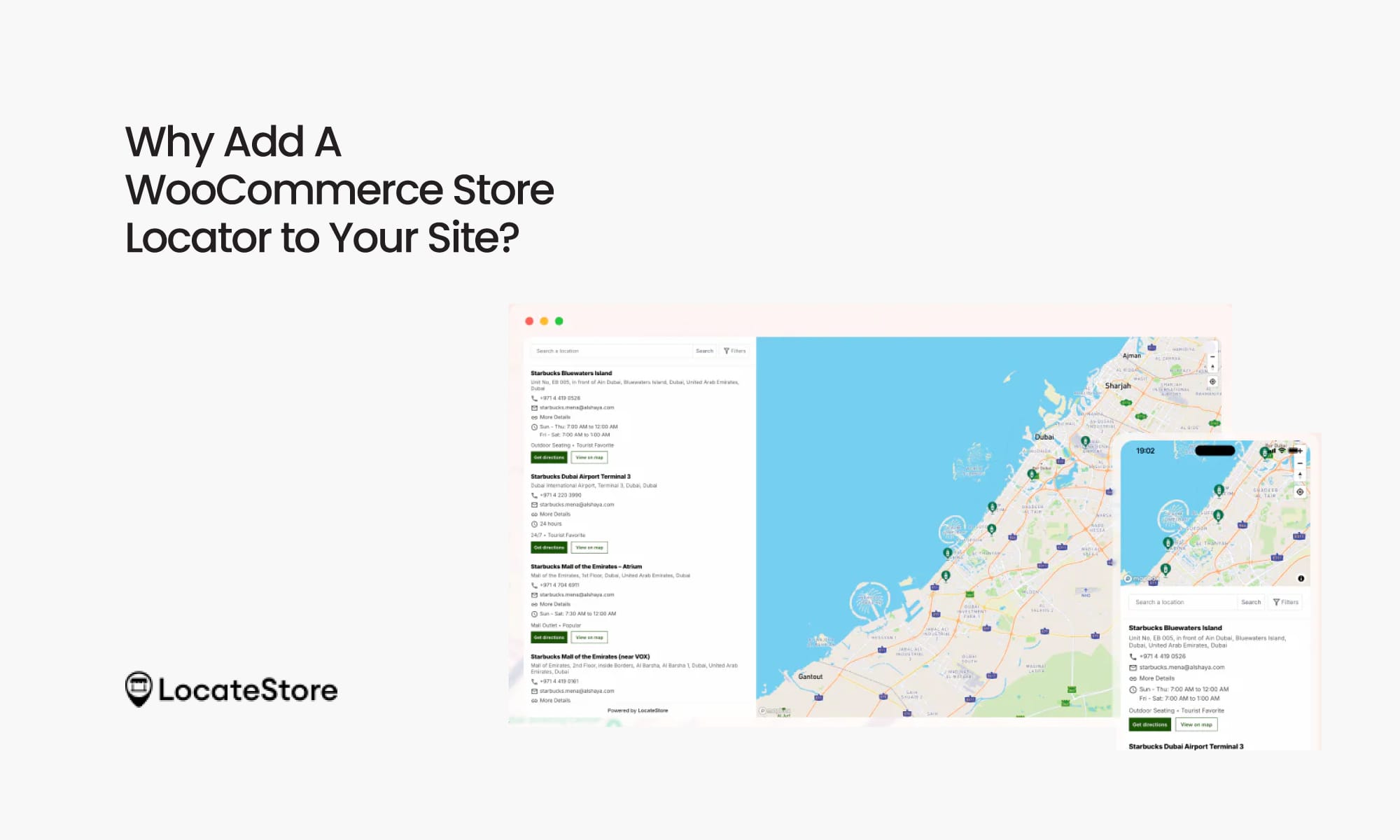
Let us look at what adding a WooCommerce store locator can do for your business:
Closes the Online-to-Offline Shopping Gap
Despite e-commerce becoming hugely popular, physical retail still holds sway in overall sales, even in the US. The physical stores account for the majority of the transactions even today. Store locators simplify the transition for shoppers from online browsing to physical in-store visits. This increases the chances of conversion, cross-sell, and upselling.
Increases Customer Satisfaction & Conversions
Today’s shoppers demand convenience and quick service. When customers are able to find your closest store without much effort, they are more likely to buy from you. This is regardless of whether they want to buy online, or reserve it online and pick it up from the store, or visit directly to purchase. An efficient store locator can enhance the user experience for the customer, as well as increase conversion rates by making it easy for them to make decisions.
Supports Local SEO
Every store that is listed on your locator is capable of promoting your local SEO strategy, increasing your store visibility in search engine results for “near me” phrase searches, as well as geo-targeted searches.
Boost Foot Traffic and Local Sales
Usually, businesses experience a 20–30% increase in foot traffic once they add a store locator to their site, as it allows customers to easily identify and visit nearby stores that sell products they are looking for. Customers are able to touch and feel the product and make a purchase decision; businesses can attempt cross-selling and upselling products, boosting overall revenue.
Strengthens Your Omnichannel Strategy
You can easily fulfil the needs of customers and cater to hybrid shopping patterns by installing store locator widgets. Hybrid shopping refers to the behaviour of customers where they search online for products but do the eventual buying offline.
A Step-by-Step Guide on How to Add A WooCommerce Store Locator
One of the best store locators you can implement on your WooCommerce site is LocateStore. It is built entirely on Google Sheets, making setup, use, and maintenance super simple. As it uses Mapbox for navigation, customers can enjoy fast loading, responsive design, and attractive, interactive maps. Businesses can customize the map colours and pins so that it is aligned with their brand theme entirely.
We are presenting the method of adding LocateStore to your WooCommerce site here, but the process is more or less similar for any store locator widget you want to add.
Step 1: Choose the right plugin
Pick a solution that’s user-friendly and feature-rich. LocateStore WordPress plugin is perfect because it manages store data via Google Sheets and uses Mapbox to create beautiful interactive maps all without needing map API keys.
Step 2: Install the plugin
From your WordPress Dashboard, go to Plugins → Add New. Search for “LocateStore” in the plugin directory, or upload the plugin ZIP file. Click Install Now, then Activate.
Step 3: Add store data
Signing up on LocateStore creates a Google Sheet for you. Add your store details.
Step 4: Customize the locator
Easily adjust zoom levels and colors to match your brand. You can also add your logo for the location pins to get a professional look.
Step 5: Embed on your site
Insert the store locator using a shortcode or widget. Test it on desktop and mobile to ensure it looks and works exactly as expected.
Tips to Offer Enhanced User Experience With Your Store Locator
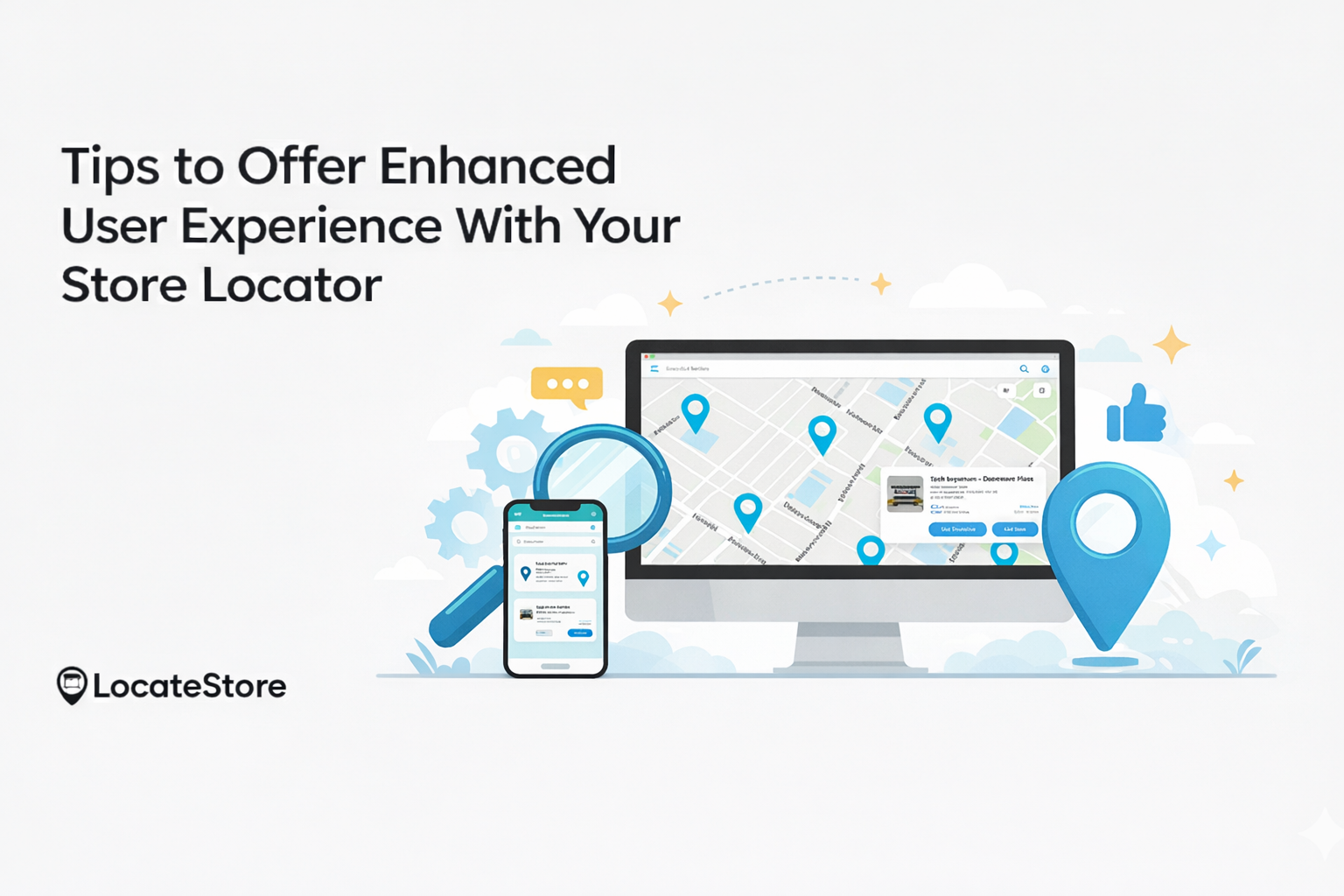
- Make it Mobile-Friendly: Many shoppers today browse on their mobiles, and making your app responsive, or optimizing performance for mobile, helps increase engagement significantly.
- Pre-fill User Location (Geo-Detect): Implement a geolocation facility so that users can see your nearby stores immediately.
- Include Driving Directions: An inbuilt option for navigation that is powered by Mapbox improves utility.
- Offer Filters: Allow customers to search by various parameters like city, ZIP, radius, store type, or product availability.
All these enhanced user experience features come built-in with LocateStore, so you can deliver a fast, seamless, and mobile-friendly store locator experience without any additional setup or technical effort.
Also read: How WooCommerce Store Locator Helps Your E-Commerce Business
Final Thoughts
Adding a WooCommerce Store Locator does a lot more than make your website more functional. It makes it more accessible, user-friendly, and suitable to handle the hybrid shopping patterns of customers. Customers today want seamless online-to-offline shopping experiences, and a store locator tool like LocateStore makes it possible.
By providing added convenience to your customers, you can attract more customers, giving you a competitive edge. The easier pricing structure of LocateStore, its fast performance with Mapbox, simple configuration with Google Sheets integration, all mean that it is easy for you to use and maintain. It is highly flexible and scalable, letting you add thousands of locations without any difficulty. locateStore is also highly customizable, and you can tailor the appearance of the maps and store locator to align with your brand.
Are you ready to take your WooCommerce site to the next level and increase your revenues? Take the first step today and build your store locator for your WooCommerce site with LocateStore today!
FAQs
How do I add a store locator to a WooCommerce website?
Install the LocateStore plugin on your WooCommerce website and create your store locator by adding locations in the Google Sheet provided. Customize the map design and search settings directly from LocateStore. Embed the store locator on any WooCommerce page using the shortcode, and it will be live instantly.
Which is the best store locator plugin for WooCommerce?
There are several good options to choose from:
LocateStore WooCommerce Store Locator is a user-friendly and simple tool with Google Sheets integration and Mapbox navigation that ensures smooth and fast performance.
Store Finder for WooCommerce is a popular Google Maps-based option with several filters.
Elfsight Store Locator Widget is a flexible widget that offers ample customization.
The ideal choice depends on what your needs are, like easy setup, level of customization, budget, and which map navigation you like: Mapbox vs. Google Maps.
Can I customize the design of a WooCommerce store locator?
Yes, it is possible. Most store locator widgets let you customize colors, markers, labels, pins, layout, and map behavior so that they align with your brand theme.
How does a store locator improve user experience?
A store locator makes it easy for customers to find information about the physical location of stores while still browsing your website, saving time, increasing satisfaction, and empowering customers to decide quickly. All these together can help you convert visitors into customers faster and earn their loyalty.