


Aside from Digital presence, it is important to increase foot traffic to your store to help the business grow and expand. Using a store locator is best when you have multiple stores and want your customers to seamlessly navigate to the closest store. If you are looking for a top Store Locator aside from Storepoint, try the best Store Locator alternative, LocateStore store locator.
Why Choose LocateStore When You’re Considering Storepoint Alternatives?
Before jumping into any store locator software or exploring storepoint alternatives, you must prioritise factors like quick and easy launching, seamless maintenance, and affordability. Considering these factors, LocateStore is the best storepoint alternative due to numerous reasons.
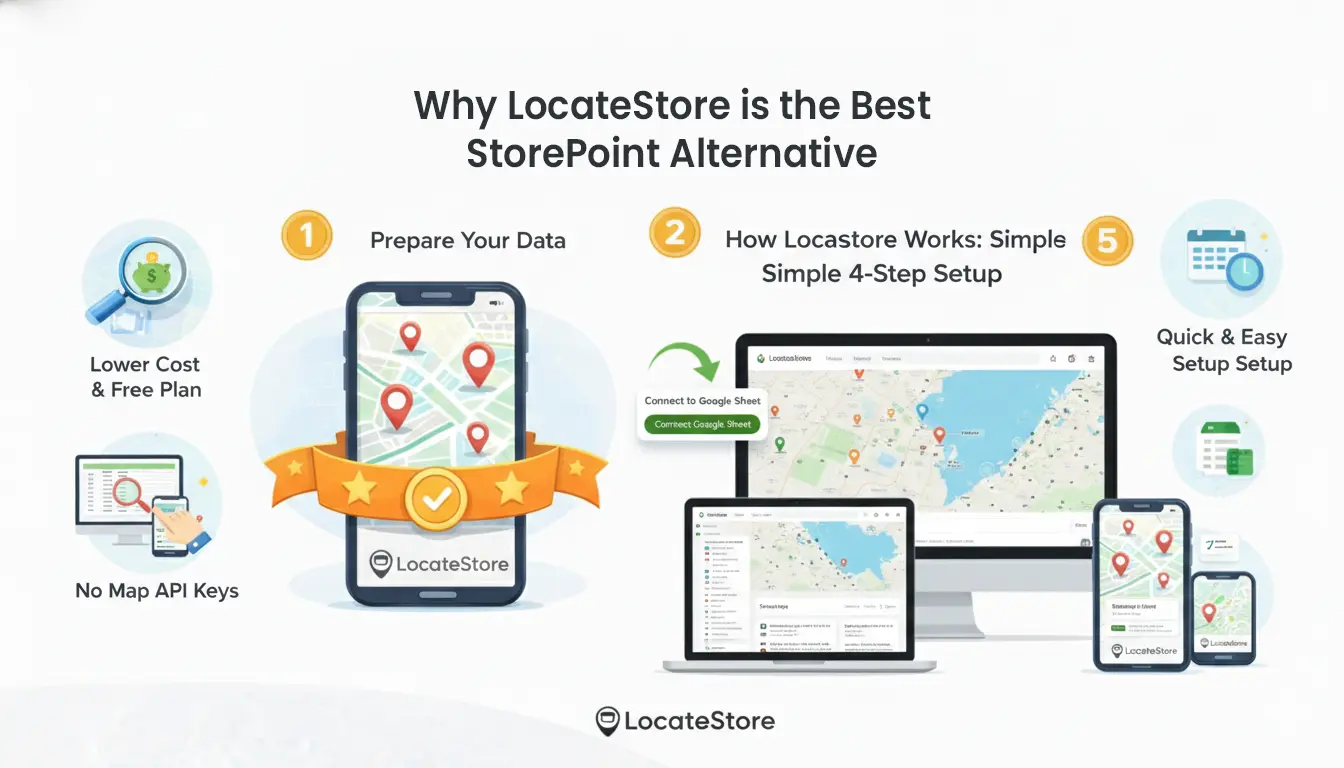
Below, we’ll walk through the practical differences (cost, setup, data workflow, customisation, and scale) so you can quickly decide which fits your project.
Quick summary
Pick LocateStore if you want the fastest, lowest-friction setup, generous free tier, and spreadsheet-driven management.
Pick Storepoint if you need enterprise features out of the box: advanced styling support, deeper analytics/reporting, and built-for-scale admin controls (and if you don’t mind managing map API keys).
Based on the comparison, LocateStore is the best store locator for growing businesses and beginners to explore LocateStore’s top store locator software
Pricing & Total Cost of Ownership: Which One is More Friendly to Small Teams?
LocateStore offers a truly free-forever option (with modest usage limits), and its paid tiers start at lower monthly rates when billed monthly or yearly, making it easy to start small and grow. If you’re cost-sensitive, that free tier + low entry price dramatically lowers your time-to-trial and risk.
Storepoint uses a 7-day free trial model, and the entry plan starts at a paid tier ($25+/mo), with higher-tier pricing for more locations and users. Also note: Storepoint expects you to provide and manage a Google Maps or Mapbox account (so you may incur separate map API costs). If you want to avoid extra vendor accounts or hidden map fees, that’s an important difference that makes LocateStore the best alternative for Storepoint.
Setup & Maintenance
LocateStore’s primary data workflow is intentionally simple: your locations live in a Google Sheet (one row = one location) and edits sync instantly. That means non-technical team members can add or change stores without a dashboard learning curve. LocateStore also handles the map API layer for you, removing the need to manage keys. That’s ideal for stores, agencies, or small brands that want to move fast.
Storepoint also supports Google Sheets and CSV import, and offers a full dashboard for location management (with advanced import and history features). That dashboard approach is built for teams that want in-app controls, role management, or programmatic syncing, but it’s slightly heavier to operate.
LocateStore is built around Google Sheets
The key highlight of LocateStore when considering Storepoint alternatives is its ease of use with the Google Sheets option. Simply add, edit, or remove locations on a single row with the necessary details. The added details are synced instantly and reflected on the website, making LocateStore a simple and seamless choice. Customers can easily find by location names or ZIP codes for easy navigation.
Branding & customisation
LocateStore provides easy visual customisation and embeddability across major site builders (Shopify, Webflow, Wix, WordPress, etc.) so your locator can match your site quickly. It emphasises a clean, map-first UI (they use Mapbox for visuals).
Storepoint pitches stronger designer/developer controls: full design settings, CSS editing, custom map styles and marker pins, and brand styling support (including paid help to match your site precisely). If pixel-perfect integration and bespoke UX are critical, Storepoint can be worth the extra setup.
Scale, Analytics & Enterprise Features
Storepoint ships with a richer analytics set (analytics dashboard, GA events, custom reports) and admin features like user roles, import history, duplicate handling, and optional integrations. That makes it a solid fit for large retailers or brands that plan to run heavy analysis on store search behavior.
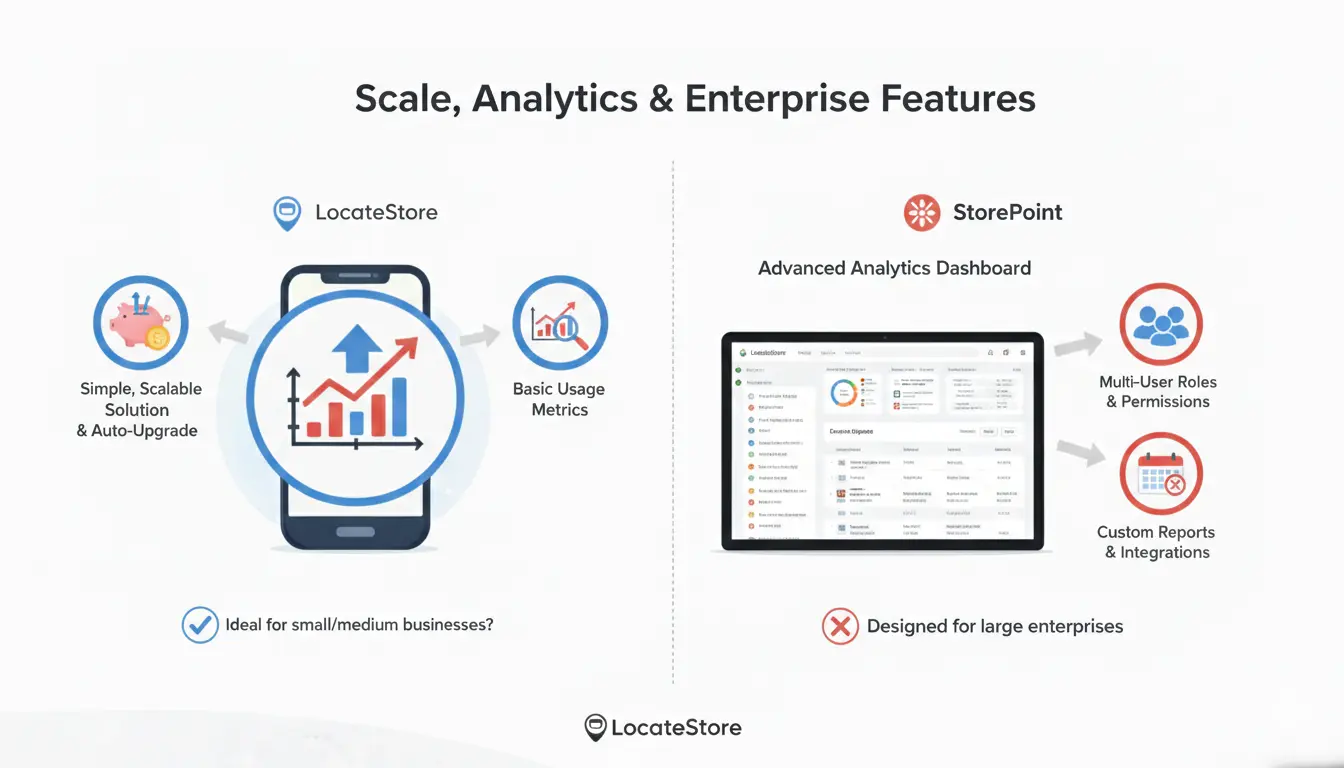
LocateStore gives you clean usage metrics and a simple, scalable solution (including an “Auto Upgrade” that helps during traffic spikes), it’s optimised for straightforward operations rather than deep, built-in reporting. For most SMBs and agencies, this is enough; for deep behavioural insights, you may prefer Storepoint’s tooling.
Where LocateStore Shines (Use Cases)
- You need a fast proof-of-concept or MVP store locator with minimal cost.
- Non-technical staff (store managers, ops teams) must be able to update locations via Google Sheets.
- You want no map API keys to manage and predictable billing (LocateStore handles map API fees).
- You want broad platform compatibility (Shopify, WordPress, Webflow, Wix, Squarespace, Elementor, etc.) and easy embed.
Where Storepoint May Be The Better Fit
- You’re a mid-to-large brand needing advanced analytics, multi-user admin roles, or custom integrations.
- You want full control over map API keys (for unlimited views or corporate billing).
- You require pixel-perfect design and optional brand styling services.
Final Verdict: Is LocateStore the Best StorePoint Alternative?
In conclusion, if you’re experimenting or you’re a small/medium business, start with LocateStore’s free plan to validate the locator on your live site and confirm the Google Sheets workflow works for your team. It's low-risk and quick to implement. If you need deeper reporting, stricter access controls, or custom branding from day one, evaluate Storepoint’s trial and compare the extra cost against the value of their analytics and support.
Frequently Asked Questions
What is the best alternative to StorePoint?
The best alternative to Storepoint is LocateStore. It is simple to use, low-cost, and has a free plan. You do not need to set up any map API or technical tools.
What is the key difference between LocateStore and StorePoint?
The main difference is setup, cost, and plans. LocateStore is simple, low-cost, has a free plan, and handles the map API for you. Storepoint has more advanced features but costs more and needs you to set up your own map API.
Why choose LocateStore over other store locator tools?
Choose LocateStore because it is easy to set up, low cost, and simple to manage. It has a free plan, works with Google Sheets, and does not require any map API setup. It is a great choice for small and growing businesses that want a simple and fast store locator solution.
Can I customize the design in StorePoint and LocateStore?
StorePoint offers more advanced design and styling options. LocateStore offers simple and clean customization that is easy to manage.