


Webflow is a modern, no-code, and easy-to-use website-building platform. It is widely used to create all types of websites, including business websites, portfolios, and e-commerce stores. While Webflow is excellent for building a strong online presence, many businesses still ask an important question:
How can a Webflow website help bring customers into physical stores?
Today, many customers prefer to browse products online first. They may check prices, availability, or product details on your website, but still want to visit the store to see or try the product before buying. This is exactly where a Webflow store locator app becomes essential.
A store locator app helps connect your online website with your offline stores, making it easy for customers to find the nearest location and visit it with confidence.
Why a Store Locator for Your Webflow Website Is Important
Today, most customers search online to find the nearest restaurant, service center, clinic, car showroom, supermarket, or retail store. Their main goal is simple: They want to save time, travel less, and reach a nearby place quickly.
Many people also search online to find stores that sell a specific product near them. This helps them visit the store, see the product in person, or try it before buying.
If your business has multiple locations, such as restaurants, retail stores, salons, clinics, service centers, or franchise outlets, having a store locator on your Webflow website is no longer optional. It is now a basic business need.
A Webflow store locator helps visitors quickly find the nearest branch based on their location. In a large country like the United States, where people often travel long distances, a store locator plays an important role in connecting online searches with real store visits.
By adding a store locator to your Webflow website, you guide customers smoothly from browsing online to visiting your physical store. This improves the customer experience, increases store visits, and boosts conversions, turning website visitors into real customers.
How LocateStore Works on a Webflow Website
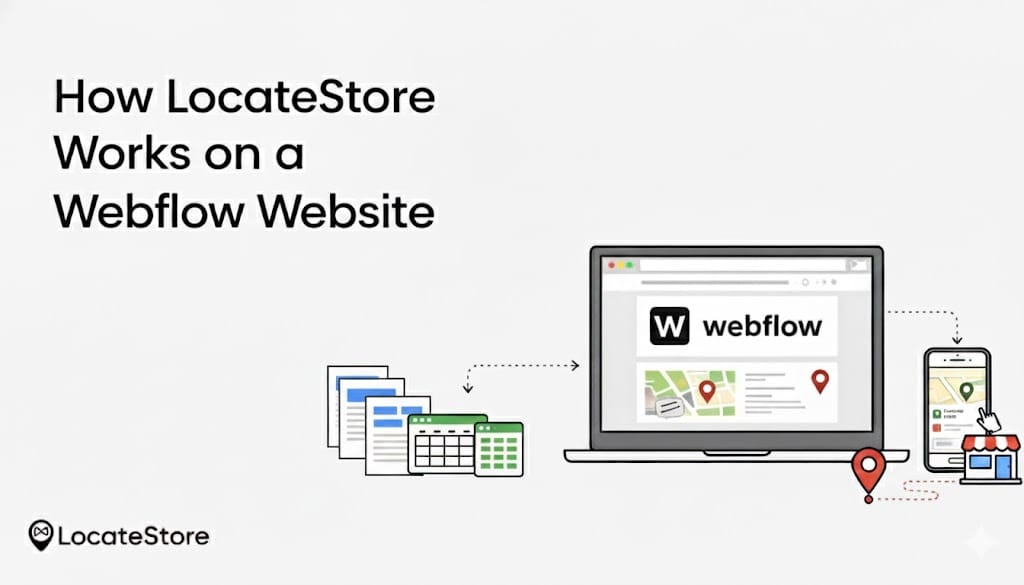
How LocateStore Works on a Webflow Website
LocateStore works as a no-code store locator that you can easily add to your Webflow website using a simple embed code. There is no need for plugins or custom development.
All your store locations are managed through Google Sheets. You can add new locations, edit addresses, update business hours, or remove stores, and the changes appear instantly on your Webflow site in real time.
When visitors open the store locator page, LocateStore allows them to search by city, ZIP code, or their current location. It displays nearby stores on a fast, interactive Mapbox-powered map, showing distances, store details, and directions.
This makes LocateStore a simple, scalable, and user-friendly solution for Webflow websites that want to guide online visitors directly to physical stores.
Who Uses It?
Anyone who needs to create custom, complex websites without coding can use it. Designers get abundant creative freedom and control, while marketers can create optimized landing pages and websites swiftly. Developers use it for making prototypes quickly or when they want to include a custom function without writing too much code.
The Webflow Difference
Webflow strikes a balance between basic builders like Wix and deep coding, offering more design control, a powerful CMS, and excellent code quality, making it perfect for tailored and scalable web experiences.
What A Store Locator Does
We live in an extremely competitive world, and the digital environment is no different. Helping your customers find your store that is nearest to their location swiftly and without hassles can make the difference between a sale and an opportunity lost.
When your website is made with Webflow, a Webflow store locator is what can help you direct your customers to your branch, outlet, service center, or store. It is embedded on your Webflow site and guides shoppers by showing them the location and address along with directions to get there.
Whether you operate a retail chain, a restaurant, chain, salons, apparel, fashion, or accessories chain, a service center network, or a multistate franchise, adding a Webflow location finder enhances customer experience, increases conversions, and boosts offline engagement.
Let us explore the benefits of store locator tools and why multi-location businesses in the U.S. choose tools like LocateStore.
What Is a Webflow Store Locator?
It is an interactive map tool that guides website visitors to find your store locations depending on their current location, radius, ZIP code, city, or state. It differs from a basic map that simply displays a single point or location pin, as it provides:
- A searchable location list
- Driving directions
- Contact information
- Business hours
- Distance calculations in real time
The best part is that all of this can be easily embedded on a Webflow site.
Benefits of a Store Locator for Webflow Sites
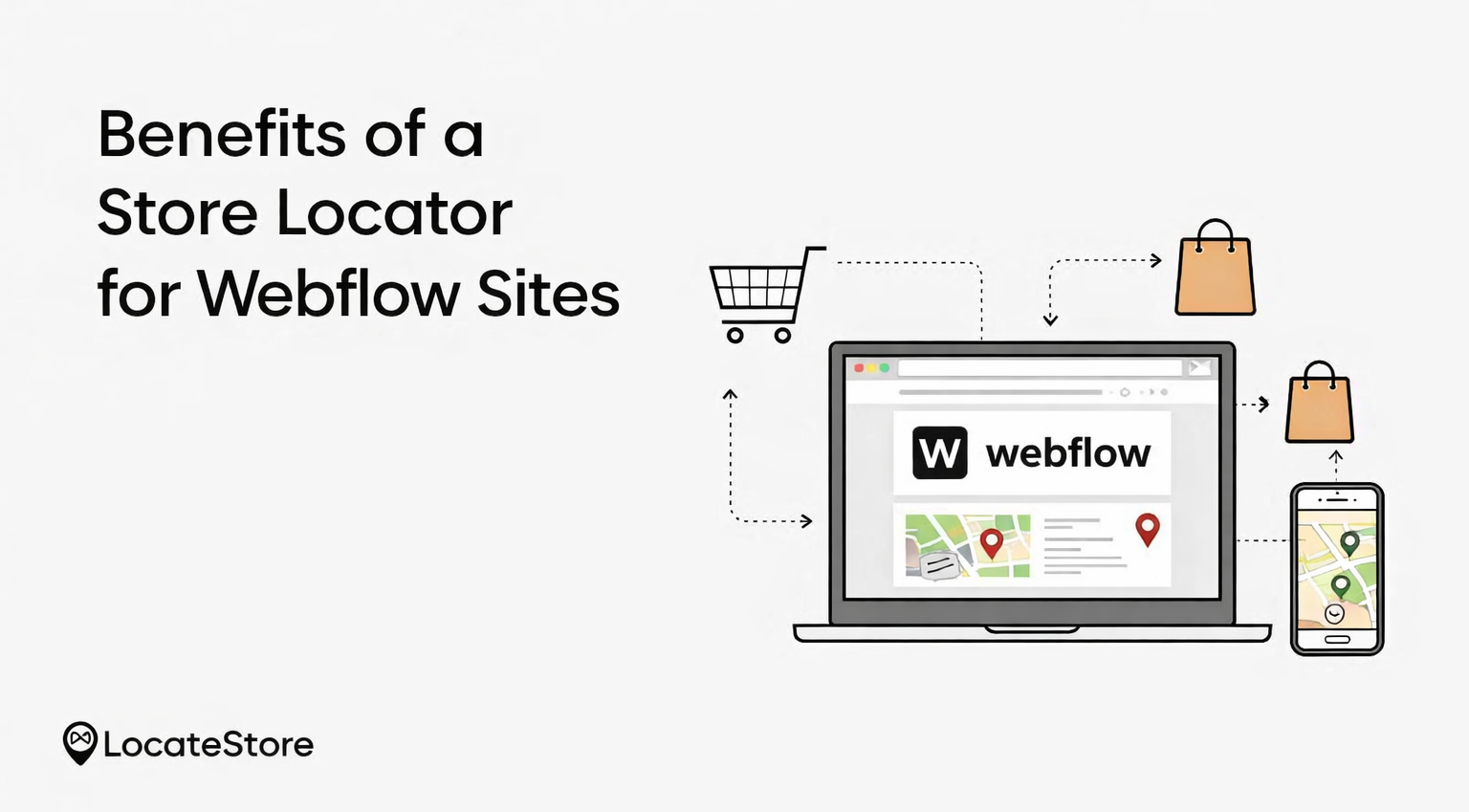
A store locator app provides several benefits for your Webflow site.
Improves Customer Experience And Boosts Foot Traffic
As per Google, 76% of people who search for businesses using the “near me” phrase, visit the store within 24 hours of the online search, with 28% of them buy a product in that visit.
A locator app converts your online traffic into actual store visits, which is crucial for U.S. retailers seeking to convert online browsing into actual purchases.
Empowers Mobile Users
More than 70% of location and ‘near me’ searches come from mobile devices. When you have a responsive Webflow location finder like LocateStore, you can ensure that shoppers on the go can find your locations quickly, getting directions and other important information, even if they are browsing on tablets or mobiles.
Inbuilt Updates via Google Sheets in Real Time
One of the best features of store locator tool LocateStore is that you can control all store information just by using Google Sheets. You can add or remove location, change the contact information, update hours of operation, or anything else, and the store locator tool reflects the changes immediately, without requiring any complex coding.
As a business with multiple locations across the US, and having to make frequent changes, this tool is invaluable.
No Coding Required
Most effective store locator apps for Webflow, like LocateStore, are designed to be implemented without necessitating coding. You can easily set it up and maintain it yourself without the help of a tech professional.
If you are a business focused on minimizing overhead, this can reduce time and cost substantially.
Improved Local SEO and Visibility
Generic maps usually just display a single location pin, but a store locator page offers structured location data. This data can be crawled and indexed by search engine bots, helping to boost local SEO and drive traffic organically to stores, on the basis of near me and city-specific searches.
Scales with Your Business
Regardless of the number of locations you have, an effective store locator is built to scale with your business. LocateStore supports limitless locations. This allows you to grow your business without paying more to upgrade or reconfigure your system.
Key Features of a Webflow Store Locator
Ideally, a store locator on your Webflow site should include:
Interactive Search
Shoppers can search by GPS location (automatically detected), city, or ZIP code to find the store closest to them instantly.
Dynamic Maps with Navigation
Mapbox is fast, customizable, and intuitive, and it offers smooth, contemporary features like routing. Mapbox greatly enhances the user experience while navigating.
Unlimited Locations
A store locator like LocateStore can effortlessly handle any number of locations smoothly, which is ideal for US brands that have regional hubs, franchises, nationwide outlets or vast service networks.
Real-Time Sync via Google Sheets
The integration with Google Sheets makes multi-location management easily accessible to all of your team members, ensuring that all updates are immediate and collaborative.
Custom Styling to Align with Branding
To make sure that the store locator looks like an integral part of your brand experience, you can customize icons, pins, layout, and colors without any fuss.
Directions And Distances
The chances that a website visit and browsing is converted into a visit to the physical store, can be increased by incorporating user-friendly features like distance calculations and driving directions.
Why Multi-Location Businesses Prefer Webflow With a Store Locator
Shortens The Path to Purchase
Conversion opportunities are greatly increased, as customers browsing online can visit an actual store in minutes, especially if they are in the vicinity.
Reduces Support Queries
The burden on customer support staff is reduced as they will not have to field queries regarding where their store locations are, what the operating hours are, or whether certain products are available. All these answers are provided by a Webflow store locator, saving time and increasing customer satisfaction.
Detailed Analytics for Growth
Businesses can easily target local marketing and make expansion plans with insights from location search data. They can see where demand is high, and plan their inventory, moving it to where it’s needed the most.
Aligns with Omnichannel Strategies
Modern retail business in the US is a combination of physical stores and e-commerce. A store locator helps to bridge the gap between the two channels, enhancing the overall omnichannel experience for customers and improving performance for the business.
Which Webflow Store Locator Should You Choose?
If you run a business with multiple locations and your website is built on Webflow, choosing the right store locator is very important.
A good store locator should be:
- Easy to set up
- Mobile-friendly
- Customizable
- Scalable as your business grows
Below are the top Webflow store locator options, what they offer, and who they are best for.
Top Webflow Store Locator Solutions
LocateStore
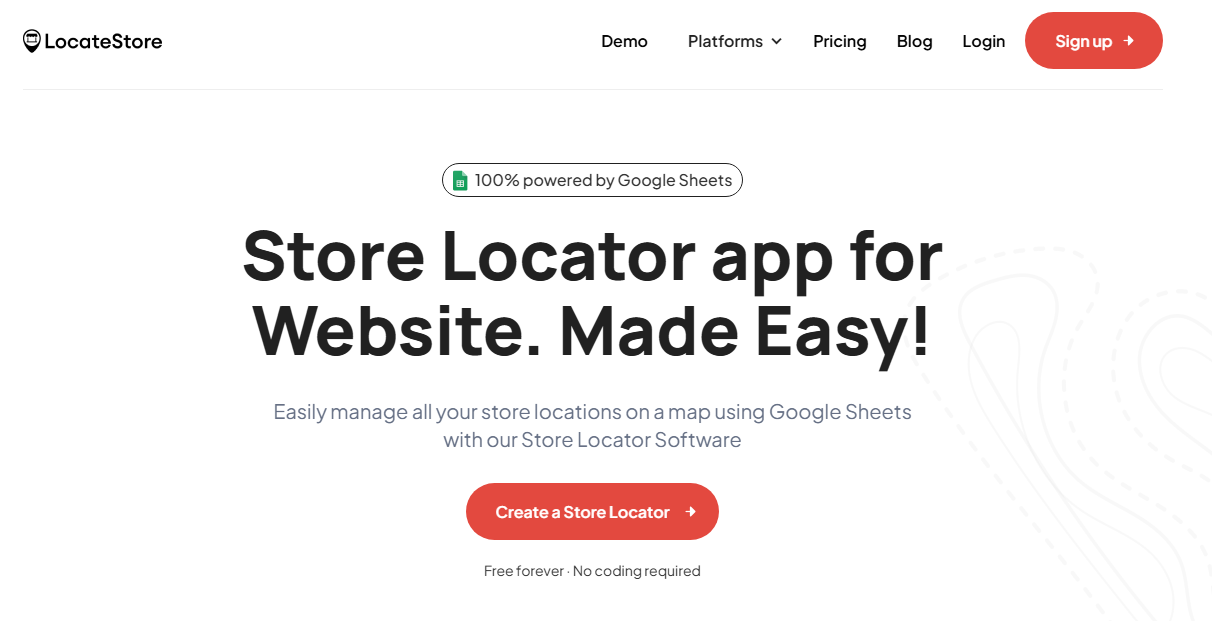
LocateStore is a no-code store locator made for Webflow. It is easy to embed and simple to manage. It uses Google Sheets for real-time updates, supports unlimited locations, works smoothly on mobile devices, and uses fast Mapbox maps. This makes it a scalable and stress-free solution for businesses of all sizes.
Storemapper
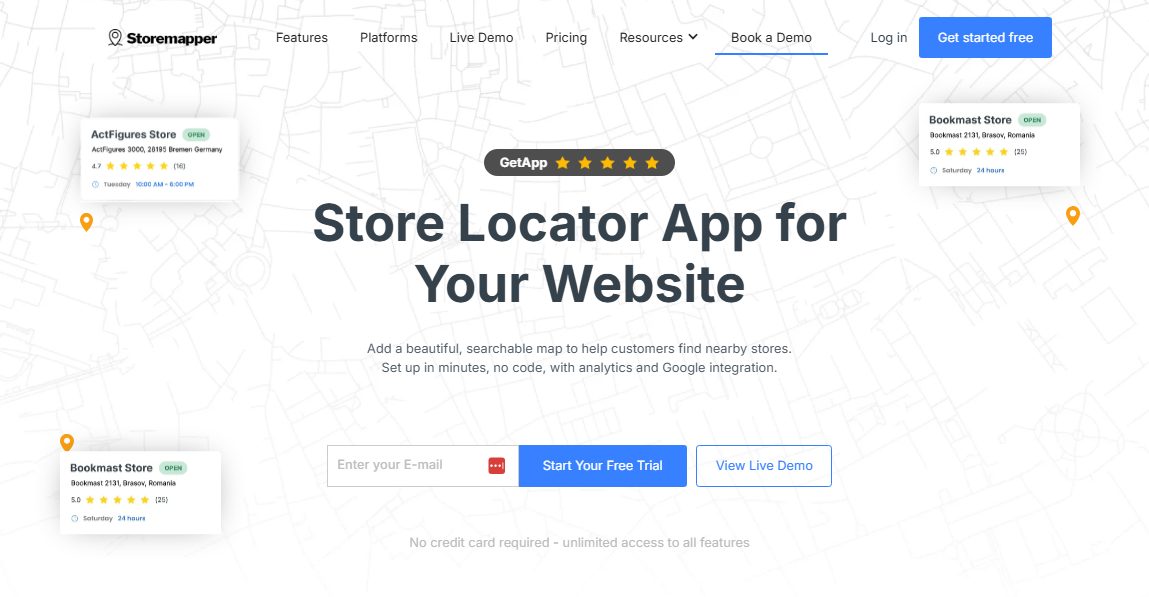
Storemapper is a popular map-based store locator that can be embedded into Webflow websites. It offers basic features like location search, filters, and limited customization. This option is best for businesses that already use Storemapper and want a simple embedded solution.
Elfsight
Elfsight Store Locator is a no-code widget for Webflow that displays business locations on an interactive map. It helps customers quickly find nearby stores, see details like addresses and opening hours, and can be easily customized and embedded using a simple code snippet.
Also read: How to Add a Store Locator in Webflow
Conclusion
In an era where customers demand convenience, speed, and smooth experiences, including a Webflow Store Locator or store locator app on your website is no longer optional; it is a pressing need.
Businesses in the US, regardless of size, can unleash the many benefits of store locators quickly and with no technical hurdles by choosing a tool like LocateStore: one of the best store locators for Webflow available today.
Frequently Asked Questions
Can I add multiple store locations to Webflow without custom coding?
Yes, you can. By installing a Webflow Store Locator like LocateStore, you can add any number of store locations without having to write custom code. You can manage the information through Google Sheets. All changes are updated immediately and reflect automatically on your website.
What is the difference between a basic Webflow map and a store locator?
A basic or generic map usually shows just one static location pin. A store locator lets users search, use filters, get driving directions, and find the nearest store or outlet based on their location or query, making it very user-friendly.
What is the best store locator solution for Webflow?
There are several tools available, but businesses prefer solutions like LocateStore as it is built entirely on Google Sheets and is powered by Mapbox for navigation. It offers real-time syncing of data, easy setup and management, smooth scaling, fast loading, customization, and no-code operation.
Why do multi-location businesses prefer Webflow with a store locator?
A store locator can substantially increase walk-ins to your store, support your omnichannel strategies, and offer invaluable search insights without spending much time and effort in setup and maintenance.