


If you run a business with multiple locations, helping customers find your stores quickly is essential. You may have come across two common terms: WordPress store locator and store finder.
While these terms are often used interchangeably and offer similar functionality, there are slight differences in how they are used depending on the platform, audience, and context.
Today’s customers usually search online before visiting a nearby store, which makes store locator tools essential for improving customer experience and increasing foot traffic. Store locator software helps businesses guide customers to the right location quickly and efficiently.
So, are these two really different? Here’s the answer.
What Is a WordPress Store Locator?
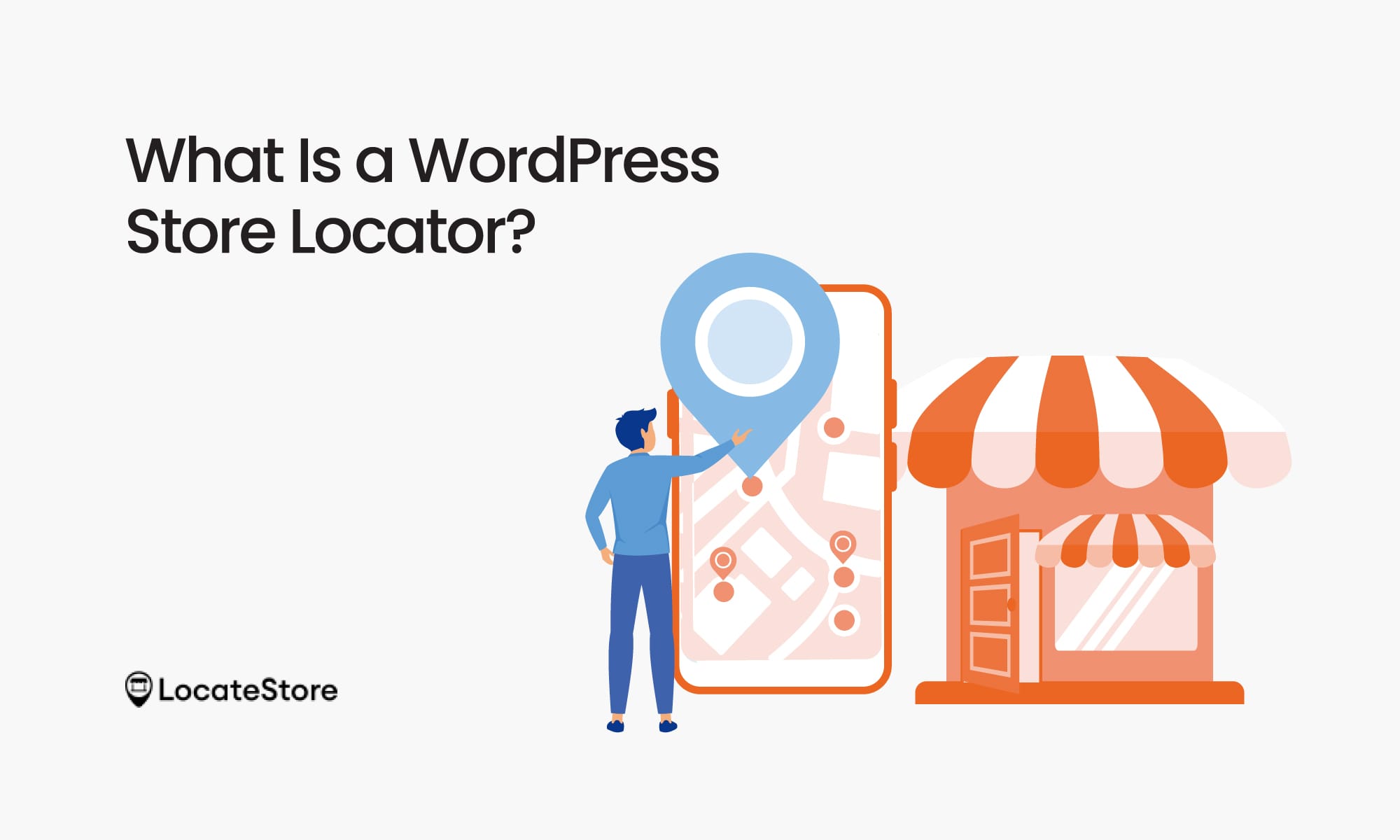
As the name suggests, a WordPress store locator is a tool, widget, or plugin that is especially designed for websites built on WordPress. What it does essentially is that it allows users to find stores, service centers, distribution points, or outlets close to them instantly.
Key Features
A typical store locator plugin for WordPress offers the following:
- Interactive maps powered by Google Maps or Mapbox
- Searching by location, ZIP code, city, or address
- Detecting the geolocation of the user
- Driving directions to reach the store
- Store information details like complete address, working hours, phone number, and email.
- Filters and categories
- Product availability
- Responsive design for users on the go
Why Is It Important?
- 88% of shoppers who look for a nearby store on their mobiles tend to visit the store within 24 hours; they are searching because they have the intent to buy.
- With store locator tools, businesses often experience a higher percentage of conversions, leading to higher revenues.
What Is a Store Finder?
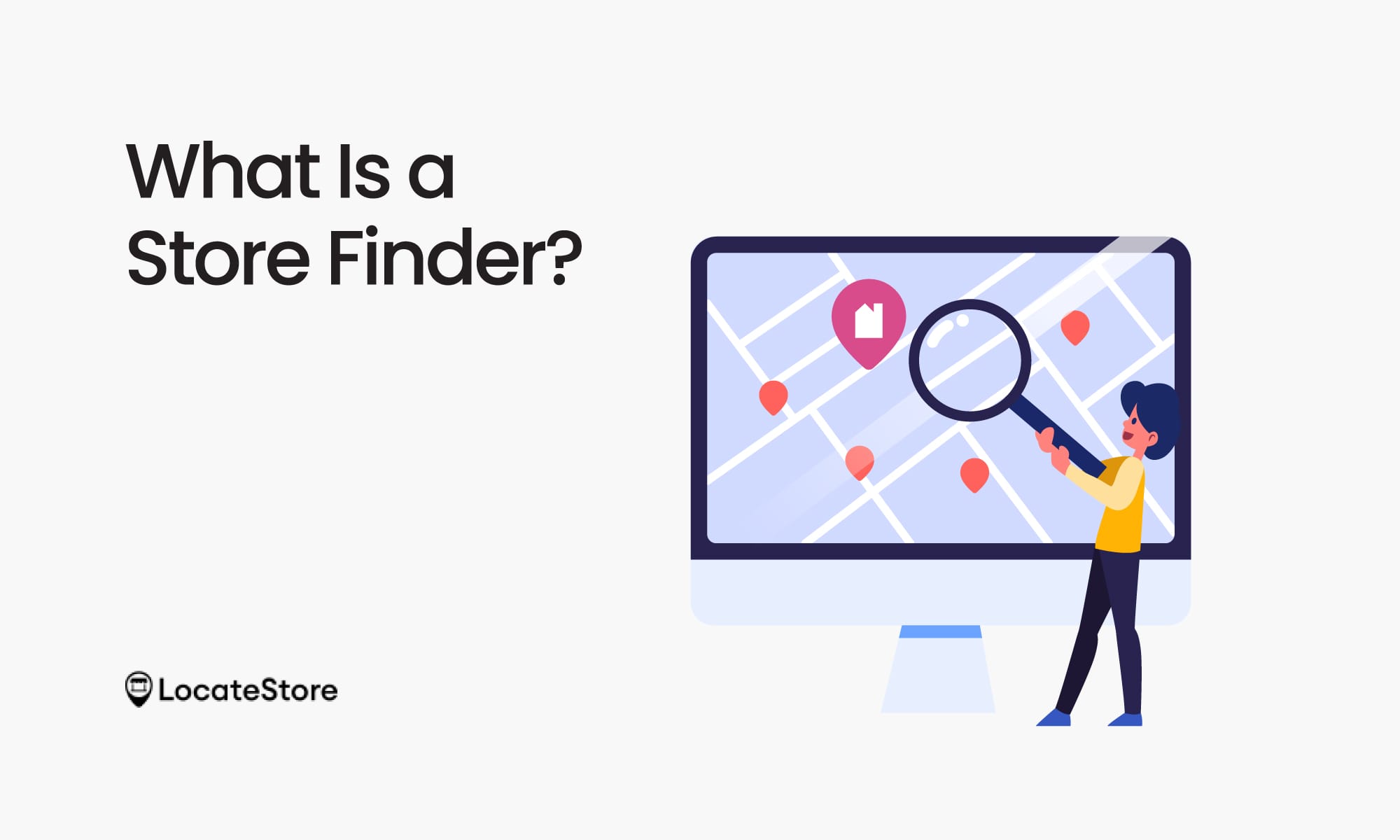
A store finder is a term that is more generalized and encompasses a broader scope. It can be any feature, tool, or widget that helps visitors find stores, outlets, service centers, or distribution points, no matter which platform they are on.
You may see this term on:
- Retail websites that have “Find a Store” pages
- Mobile apps
- SaaS platforms
- Websites not based on WordPress
At its core, a store finder is not so much about the technology it is based on, but the user intent and experience.
Let’s look at these examples:
- A Shopify website is likely to call it a “Store Finder.”
- On a WordPress site, it may be referred to as a “Store Locator.”
While the names or terms vary, they basically perform similar functions.
A Side-by-Side Comparison of WordPress Store Locator vs Store Finder
Are They Really Different?
Based on the comparison, they are not really different. They are essentially the same tool with different names, both helping customers find your store locations.
To be honest, store locator is more of a technical term, while store finder is simpler, and the one that shoppers use and prefer.
In fact, you could say that:
- Developers and website owners use the term store locator
- Customers use the term store finder
When Should You Use Each Term?
Depending on the type of business you run, we recommend the following:
Remember This Simple Rule
- Say “store locator” when you are talking about the tool, especially with peers or vendors
- Say “store finder” when mentioning the feature to your customers
Key Features You Need
The name is actually not as important as ensuring that you finalize the right tool for your business. The following features are no-compromise features, the must-haves:
1. Easy Store Information Management
If you can
- Upload locations in bulk using CSV or Google Sheets
- Get updates in real time
- Have multiple team members collaborating simultaneously
Then it is a good tool to have. When you have dozens of locations, you can save precious man-hours and effort of manual data entry by switching to automation.
2. Fast and Accurate Search
- Search based on location, like radius, distance, ZIP code, city, or GPS coordinates.
- Auto-suggestions
- Delivering results instantly
Speed is vital. Studies have repeatedly shown that shoppers today are not the most patient. If your site takes over 3 seconds to load, chances are they will move on to the next available seller. Surveys tell us 53% of users are unwilling to wait more.
3. Customizable Maps
- Map styles
- Custom markers or pins
- Fonts and Colours
- Branding options
You need to deliver a consistent brand experience across your site to customers, and this includes your store locator tool. By customizing the map, you can ensure a consistent brand identity.
4. Mobile Optimization
- Responsive design
- Tap-to-call button
- Easy driving directions
- Fast loading on mobile devices
Why is this important? Well, more than 60% of local searches originate from mobile devices; it is a huge market that must be tapped into.
5. SEO-Friendly Location Pages
- Each store must have its own unique URL
- Schema markup
- Ensure you have indexed pages on Google
These will certainly help your business to be seen in searches that feature the “near me” phrase.
6. Integration with Page Builders
- It should ideally be compatible with Elementor, Divi, Gutenberg, etc.
- Embedding must be simple, using shortcodes or widgets
Such integration allows you to save time and eliminates the need for complex coding or technical know-how.
7. Analytics and Insights
- Track user searches
- Identify popular locations
- Observe patterns of customer behavior
Such data and analysis can not only help you increase conversions by 20–30%, it can also help you frame your marketing strategies and inventory planning.
Local SEO Benefits
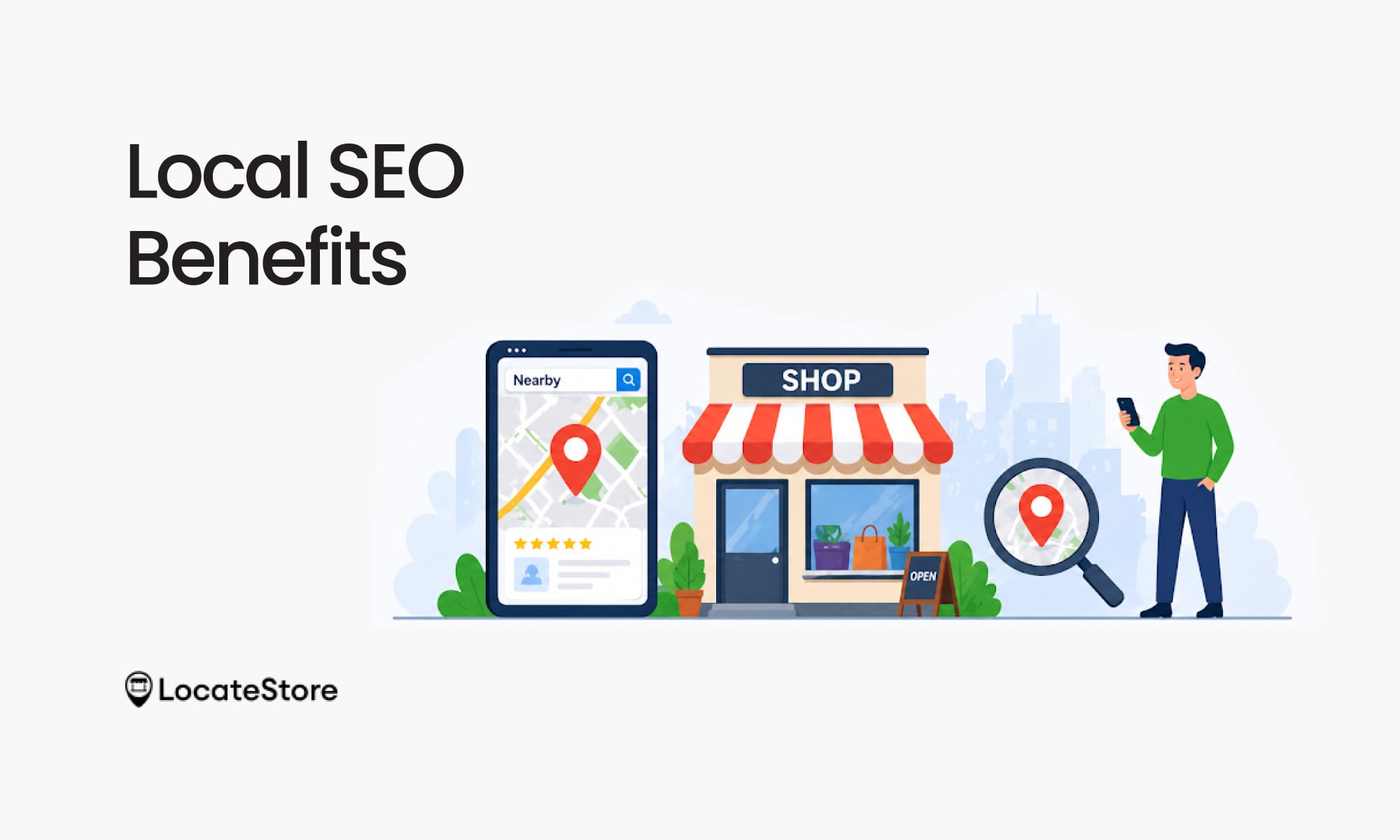
From the above, it is obvious that a store locator or store finder is a powerful asset that boosts SEO and drives organic traffic, and is not simply a tool that’s nice to have.
Key Benefits of Store Locators
- By boosting local SEO, they ensure higher visibility in local searches
- Helps your website rank higher for “near me” searches
- Brings organic traffic to location pages, and consequently, to your stores
Statistics That Show the Picture
- 46% of all Google searches have local intent, meaning the user has the intention to buy locally
- “Near me” searches have increased by 500%+ in the past few years
- Businesses that have store finders or location pages get more click-through rates
It’s a smart move to build separate pages for each individual location with details like addresses, working hours, reviews, and other content specific to the store, like product availability, offers, and more.
All these help to push up the ranking of your website.
Also Read: Why a WordPress Store Locator Is Essential for Your Store
Final Thoughts
Finally, we need to understand that there are no REAL differences between a WordPress store locator and a store finder with regard to functionality. It’s just a different terminology. What is really important for your business is speed, ease of use, SEO-friendliness, and responsive design and performance on mobile.
Verify these factors before finalizing your store locator or finder to get the maximum benefits for your business. If you are a business with plans for expansion and a hunger to succeed, LocateStore is the ideal tool for you.
FAQs
1. Is a store locator the same as a store finder?
Yes. Basically, both terms refer to tools or apps that businesses can implement on their websites to help their customers find their physical stores when they search online. The main difference is that a locator is technical and a finder is generic.
2. What features does a WordPress store locator plugin have?
A typical plugin includes:
- Interactive maps
- Location search options
- Pages with detailed store information
- Filters and categories
- Mobile -friendly features
- SEO optimization
- Analytics
3. Locatestore vs WP Store Locator: Which is better in 2026?
Both tools offer a number of advantages.
Locatestore
- Built on Google Sheets, making location management simple and scalable
- Supports bulk updates and real-time changes through the sheet
- Uses Mapbox for fast performance and better customization
- No coding required, making it easy for non-technical users
WP Store Locator
- Traditional WordPress plugin setup
- Uses Google Maps for location display and navigation
- Offers standard features like search, filters, and store details
- Requires plugin installation and configuration
In 2026, business has become more competitive than ever. Locatestore is growing in popularity as it offers faster performance and simplified data management.
4. Do WordPress store finder plugins work with Elementor and Divi?
Yes, most modern plugins support these page builders. They usually offer options to embed widgets or shortcodes, which simplifies integration and eliminates the need for coding.