


Confused about dealer locator software, store locators, product locators, and "where to buy" pages? You are not alone. The four labels are used all the time interchangeably. But each one answers a different customer question, and picking the wrong one means building a map that looks busy but answers nothing.
Here is the short version before we dive in:
- A store locator finds locations you own.
- A dealer locator finds independent businesses authorized to sell your brand.
- A product locator finds a specific product in stock near the shopper.
- A where to buy tool shows every way to buy, online, local, direct, or through partners.
This guide explains each tool, the key differences, and how to choose. It also shows how to build one fast with LocateStore, a locator that runs on Google Sheets. Getting it wrong costs more than a confusing page. A shopper who drives to a business that is not authorized to sell your product, or to an empty shelf, leaves with a bad impression. So the first step is not choosing a tool. It is naming the question your customer is actually asking.
What is a store locator?
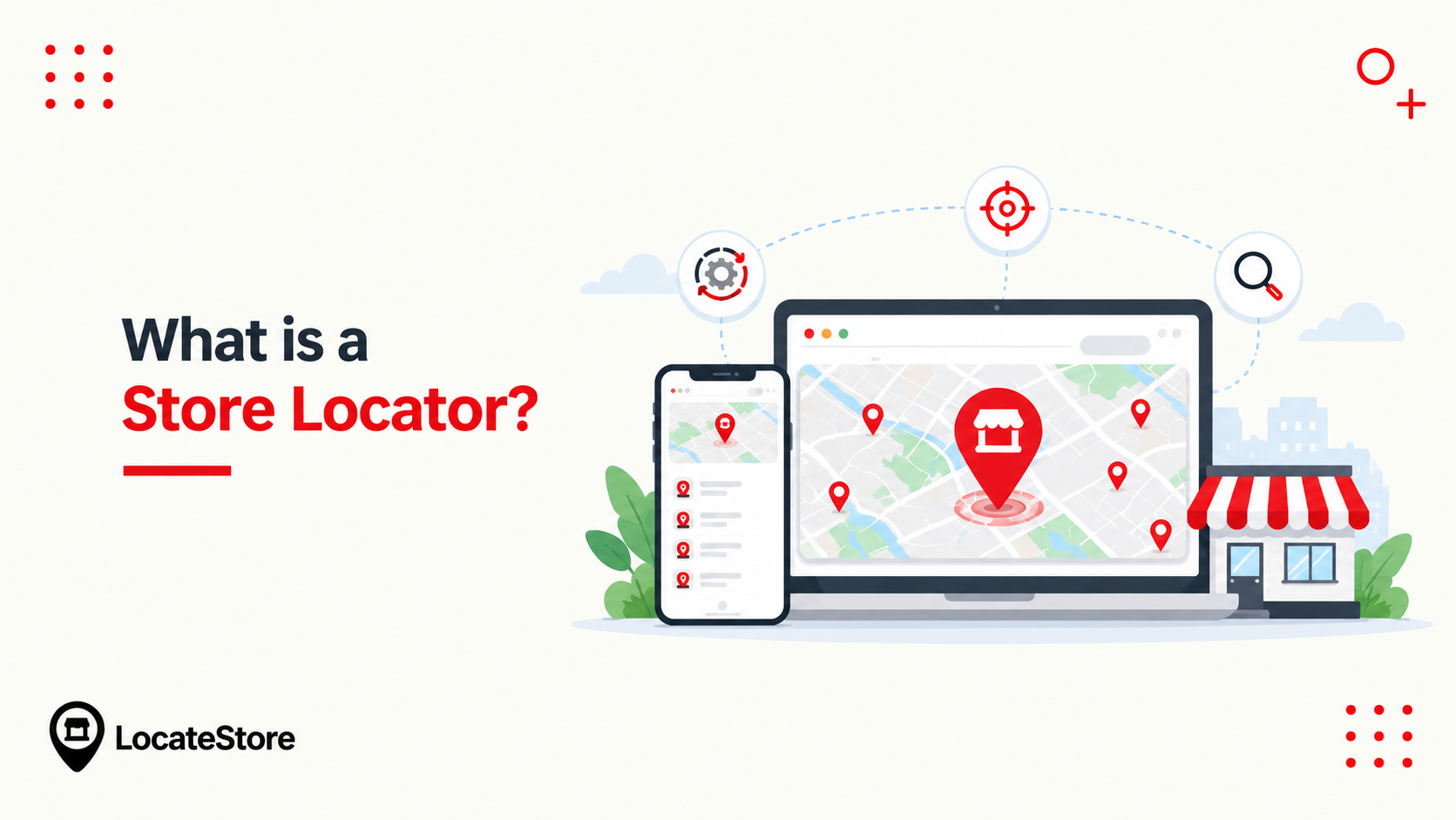
A store locator is a search tool on your website. A customer types a ZIP code or city, or shares their location. The tool shows your nearest stores on a map, sorted by distance.
Each result shows the address, hours, phone number, and a "get directions" link. The defining feature is ownership. Every pin on the map is a location your company owns or directly operates.
Store locators fit retail chains, restaurant groups, banks, gyms, and healthcare clinics. Starbucks, Apple, and Target all use them because they own every location on their maps. Typical results show the store name, full address, hours, phone, and a directions link. Many also add services, storefront photos, and, when inventory data is fresh, live stock levels. StoreRocket notes that Starbucks alone operates more than 35,000 stores worldwide, the exact footprint that needs a store locator.
What is a dealer locator?
A dealer locator is for brands that sell through independent businesses. These are authorized dealers, resellers, distributors, installers, or service centers. You do not own them; you approve them. The customer's question is: "Which authorized business near me sells this brand?"
Dealer locators are common for cars, tractors, HVAC systems, appliances, electronics, and industrial equipment. John Deere, Carrier, and most car brands use them. A good dealer locator does more than find the nearest partner. It should show whether that dealer carries your product, serves consumers or trade buyers, and is authorized for the right territory.
For brands, a dealer locator is also a data-governance job. Shoppers only see the final map, but its quality depends on accurate partner records, who is authorized, which territory they cover, and which products they stock. Out-of-date dealer data sends shoppers to the wrong business.
What is a product locator?
A product locator starts with the product, not the location. The customer asks: "Who has this exact model, size, color, or variant near me?" It connects your product catalog to each seller's stock. It can show which nearby stores have the item in stock, or link to the product page online.
This matters when your catalog is broad and not every dealer carries everything. Home improvement and hardware stores lean on this, with options like "check in-store availability." A product locator needs reliable product data, exact identifiers such as GTIN, MPN, model numbers, or SKUs. StoreRocket's product locator vs. store locator guide puts it simply: a product locator helps shoppers find third-party retailers that carry your products.
Results come with different confidence levels. A link to the product's online page is high confidence. A list of stores known to carry the brand is medium. Store-level "in stock" status is only as good as the inventory feed behind it, and that is the hardest data to keep fresh.
Key differences: dealer locator software vs. store locator vs. product locator
The names overlap, but the intent behind them does not. Omacro's dealer vs. store vs. product locator breakdown frames all four around one question each, which is the cleanest way to decide. A well-optimized locator can also support local SEO by providing location-specific pages, accurate business information, relevant metadata, and structured data. This helps search engines understand individual locations and can improve visibility for local and “near me” searches.
The data requirements are where the decision actually gets made:
Dealer locator software and store locators are both "find a place" tools. The difference is ownership: you run a store locator's locations, and you merely authorize a dealer locator's partners.
Product locators and where-to-buy tools add a second layer: the product or the channel. That is where they differ from plain location search.
The distinction matters beyond the map. When each location or dealer has its own crawlable page with accurate, location-specific content, search engines can surface those pages for local queries. A locator is not just a widget; it is the front door to that local content.
How to choose, and when to add a second model
Start with the customer’s question, then check whether you can keep the data behind the answer accurate.
- You sell through your own locations: a store locator, from day one.
- You sell through approved partners: a dealer locator, as soon as the partner list outgrows a static page.
- Different locations carry different products, and shoppers need to find the right seller: a product locator.
- You sell direct, through retail, and through distribution: a where-to-buy page that keeps those routes separate.
A worked example. A farm equipment maker sells only through independent dealers. A store locator would be wrong, because it presents partner businesses as if the maker owned them, and it has nowhere to record territory or authorization. A dealer locator is correct, and adding dealer type lets a hobby buyer and a commercial operator filter to different partners.
Many brands need two. A manufacturer might run a dealer locator for trade partners and a where to buy page for retail shoppers. Add the second only when a genuinely new customer question appears, not because the first one felt incomplete.
What makes a store or dealer locator effective?
A locator's job is simple: get the shopper to the right door, fast. The difference between a good one and a bad one comes down to a handful of features. Here is what to check before you build or buy.
Fast search and location detection
Results in one or two taps. Search by ZIP, city, or state, and detect location automatically when the shopper allows it. Every result should show name, address, phone, hours, and a directions link without a second click.
A layout that works on a phone
Many locator searches happen on phones, often shortly before a visit. The map and the result list have to work on a small screen without pinching or hunting. A locator that only behaves on desktop loses the shoppers who are closest to buying.
One source of truth for location data
A map is only as good as the records behind it. Wrong addresses and old hours send people to the wrong door, and they do not come back. Keep one authoritative source, update it in one place, and make sure the map reads from that same source rather than a copy.
Filters that match your model
Filters are where a generic map becomes a dealer or product locator. Narrowing by dealer type, service, product line, or region turns a wall of pins into a short, relevant list.
An interactive map
Shoppers should be able to tap a pin for details, zoom into a neighborhood, and hand off to turn-by-turn directions. A list with no map wastes the point of the tool.
When you need each one
Here is how the timing usually works in practice.
- Opening a chain of owned stores: add a store locator on day one.
- Expanding into new territories through dealers: add a dealer locator so shoppers can find authorized sellers.
- Uneven inventory across locations: add a product locator so shoppers do not drive to an empty shelf.
- Selling direct-to-consumer and through retailers: add a where-to-buy page to catch every channel.
How to set up a store locator with LocateStore
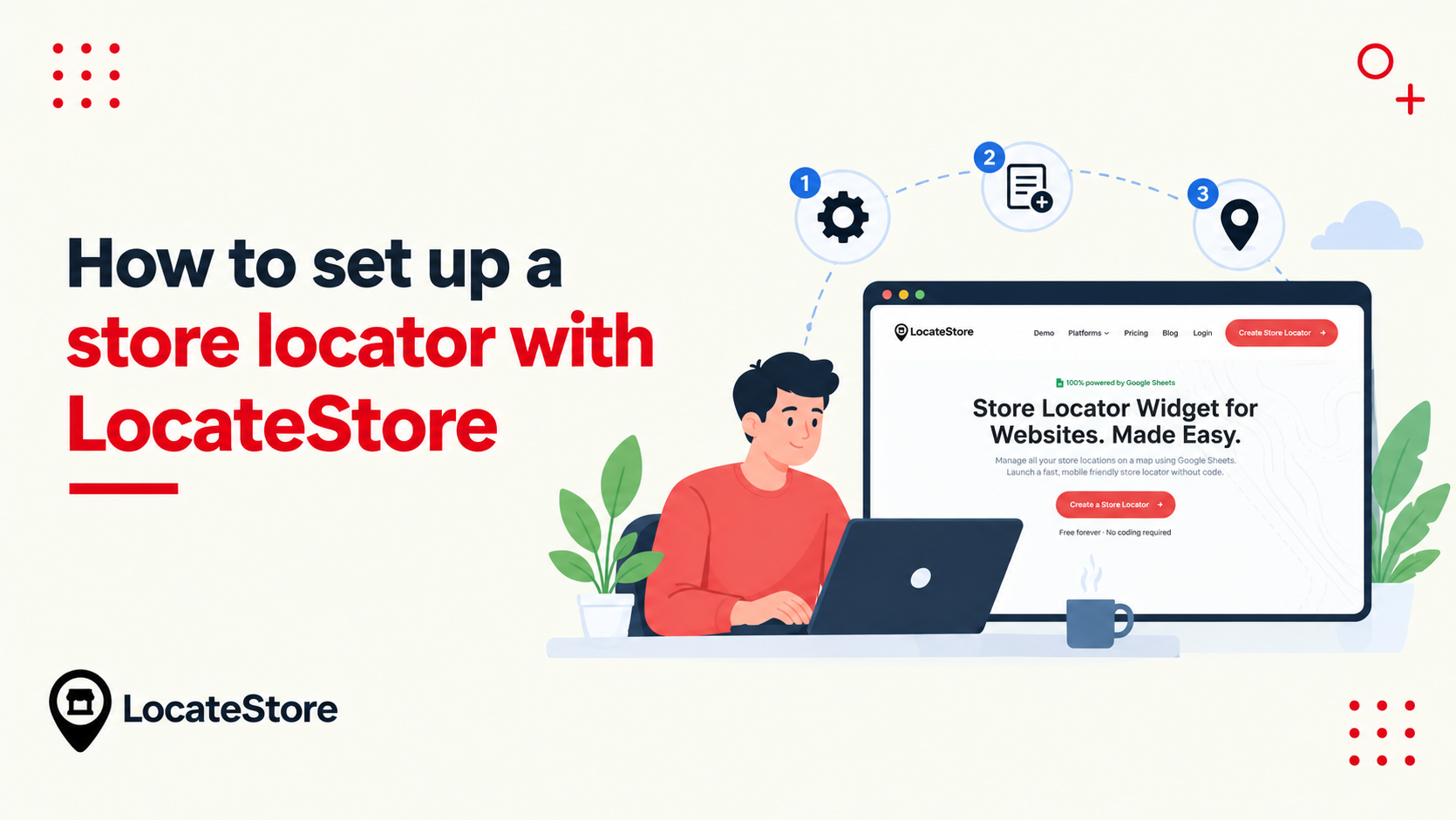
LocateStore turns a Google Sheet into a store locator widget. There is no coding involved.
The setup takes minutes:
- List your locations in a Google Sheet, one row per location. Add columns for name, address, city, state, ZIP code, phone, hours, and category.
- Paste the embed code into your site. It works on WordPress, Shopify, Squarespace, Wix, Webflow, and more.
- Customize the design to match your branding.
- Publish. Any change you make in the sheet syncs to the widget instantly.
The Google Sheet is the highlight. There is no new dashboard to learn; if your team can edit a spreadsheet, they can manage your locations. LocateStore runs on Mapbox, not Google Maps. Each location still links out to Google Maps for turn-by-turn directions. The widget includes search, filters, directions, unlimited locations, translation, and a mobile-friendly layout. You can try it on the demo or see pricing.
LocateStore is not limited to owned stores. Here is how one widget maps to each model:
- Store locator: list your owned branches as rows.
- Dealer locator: list authorized partners and add a category column to separate dealer types.
- Product locator: use filters so shoppers can narrow by product type or any column you add.
- Where to buy: add online retailers as rows and link each one to its store page.
You can list dealers, retailers, or distributors in the same sheet, which makes LocateStore work for every model above.
The numbers show real use: LocateStore powers 5,000+ businesses, with 700,000+ map searches, 450,000+ locations plotted, and 1,000,000+ map views.
The bottom line
The four labels sound alike, but they solve four different problems. A store locator finds the locations you own. A dealer locator finds the independent partners you authorize. A product locator finds a specific item in stock near the shopper. A where-to-buy page routes every possible path to purchase into one place.
That single question is the whole decision. Match the tool to it, and the map does the selling for you. Pick the wrong one, and you get a busy page that answers nothing, and a shopper who drives to the wrong door. Many brands end up using two of these at once. A manufacturer might run a dealer locator for its trade partners and a where-to-buy page for everyday shoppers. Start with one, then add a second only when a new customer question appears.
Whatever model you choose, LocateStore handles it the same way: one Google Sheet, one embed, no coding. Your locations live on an interactive Mapbox map, with search, filters, and directions included, and every change you make in the sheet syncs to the widget instantly.
Name the question, then build the answer. Ready to start? Create a store locator for free.
Frequently asked questions
Do I need both a product locator and a store locator?
Only if you answer two different questions. If you own the stores and shoppers need to find a specific item, a combined tool makes sense. If your inventory is even and your locations are owned, a plain store locator is enough.
Is a dealer locator the same as a product locator?
No. A dealer locator finds authorized businesses that sell your brand. A product locator finds a specific product at those sellers. The dealer locator is about "who sells my brand," and the product locator is about "who has this exact item."
Can I show online retailers in my product locator?
Yes. A product locator can show online sellers next to local ones. Many brands show a "buy online" link beside nearby stores, so the shopper picks whichever is faster.
Can customers filter by specific products?
Yes, if the tool supports it. LocateStore lets you use filters and categories, so a customer can narrow results by product type, location type, or any column you add to your sheet.