You can view the keywords your customers are searching for inside the store locator. This information will be visible in the dashboard home page.
Here, you are able to view the most searched keywords, how many times the keywords were used and the total number of searches made by your users.
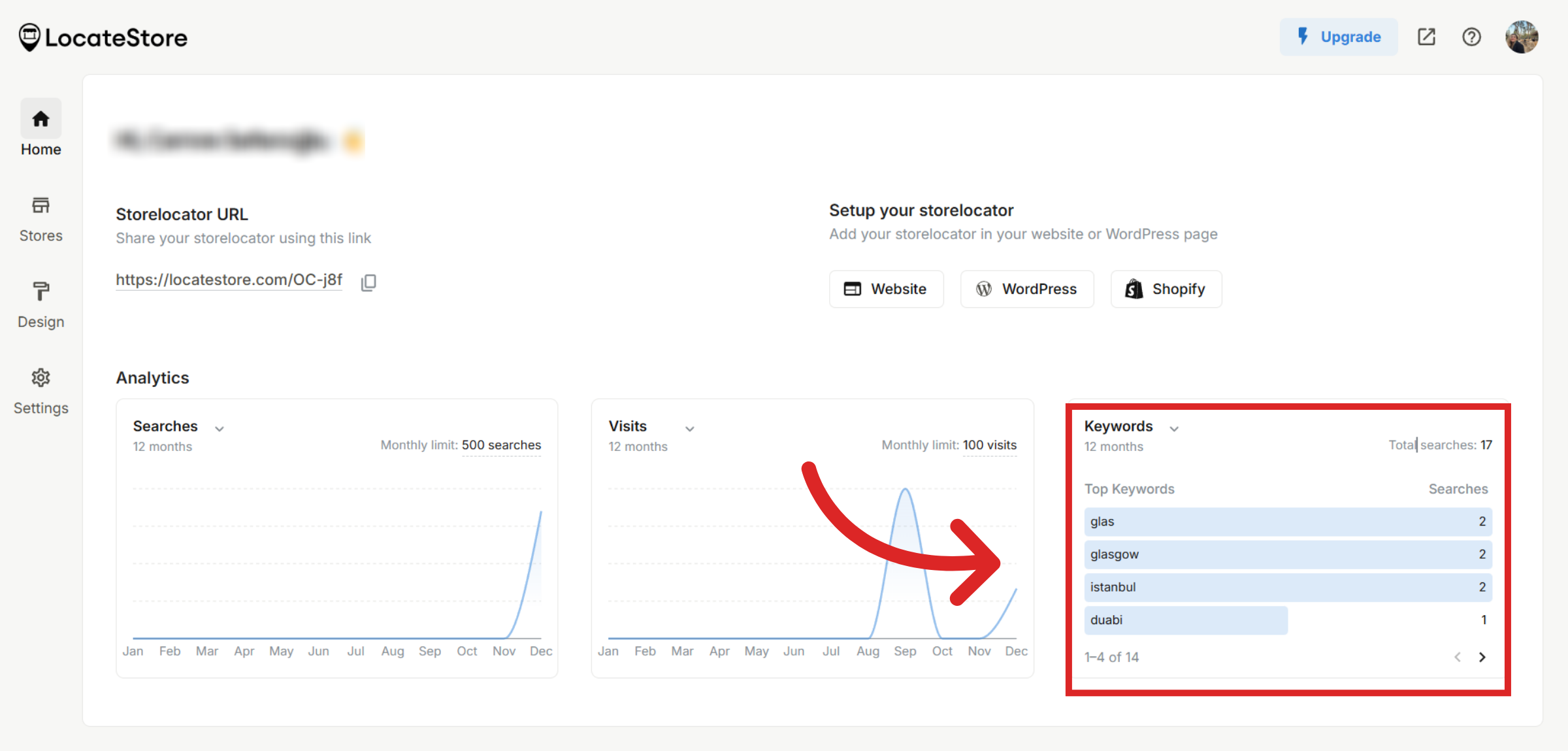
You can also use the time filter to see search keywords from specific time periods.
Was this article helpful?
Still need help?
Contact us