


A store locator widget is the fastest way to turn a multi-location coffee shop website into a real customer magnet. Instead of asking visitors to hunt through a list of addresses, the widget drops an interactive map on your site. Customers search, filter, and find the nearest café in seconds.
In this guide, we'll explain what a coffee shop finder app is, how it works, and how to build one with Locatestore, a store locator widget powered by Google Sheets and Mapbox maps.
What Is a Coffee Shop Locator?
A coffee shop locator is an interactive map on your website that helps customers find your cafés. Instead of a text list of addresses, visitors see a map with a pin for each location. They can search by city, neighborhood, or zip code, tap a pin, and see the address, phone number, and hours. For a coffee business, this matters. Most people want the closest café right now. A locator answers that instantly. A coffee shop locator is simply one use of a store locator widget. The same tool that plots retail stores, dealerships, or clinics works just as well for cafés, roasters, and drive-through locations.
How Does a Coffee Shop Finder App Work?
A coffee shop finder app works in three simple steps.
- First, you store your locations in a spreadsheet. Each row is one café. Columns hold the name, street address, city, state, zip code, phone number, and opening hours.
- Second, the app reads that spreadsheet and places a pin on a map for every row. It uses geocoding to turn each street address into a map coordinate automatically.
- Third, your customer opens the map on your website. They type a city or zip code, or use their current location. The map shows the nearest cafés and offers directions.
- Good finders also let customers filter. Someone might want only locations that are open now, or only drive-through spots. Filters narrow the map to what matters, so the customer finds the right café faster.
With Locatestore, the map itself runs on Mapbox. Each location also links out to Google Maps for turn-by-turn navigation, so customers get directions from wherever they are standing.
How to Create a Coffee Shop Locator With Locatestore
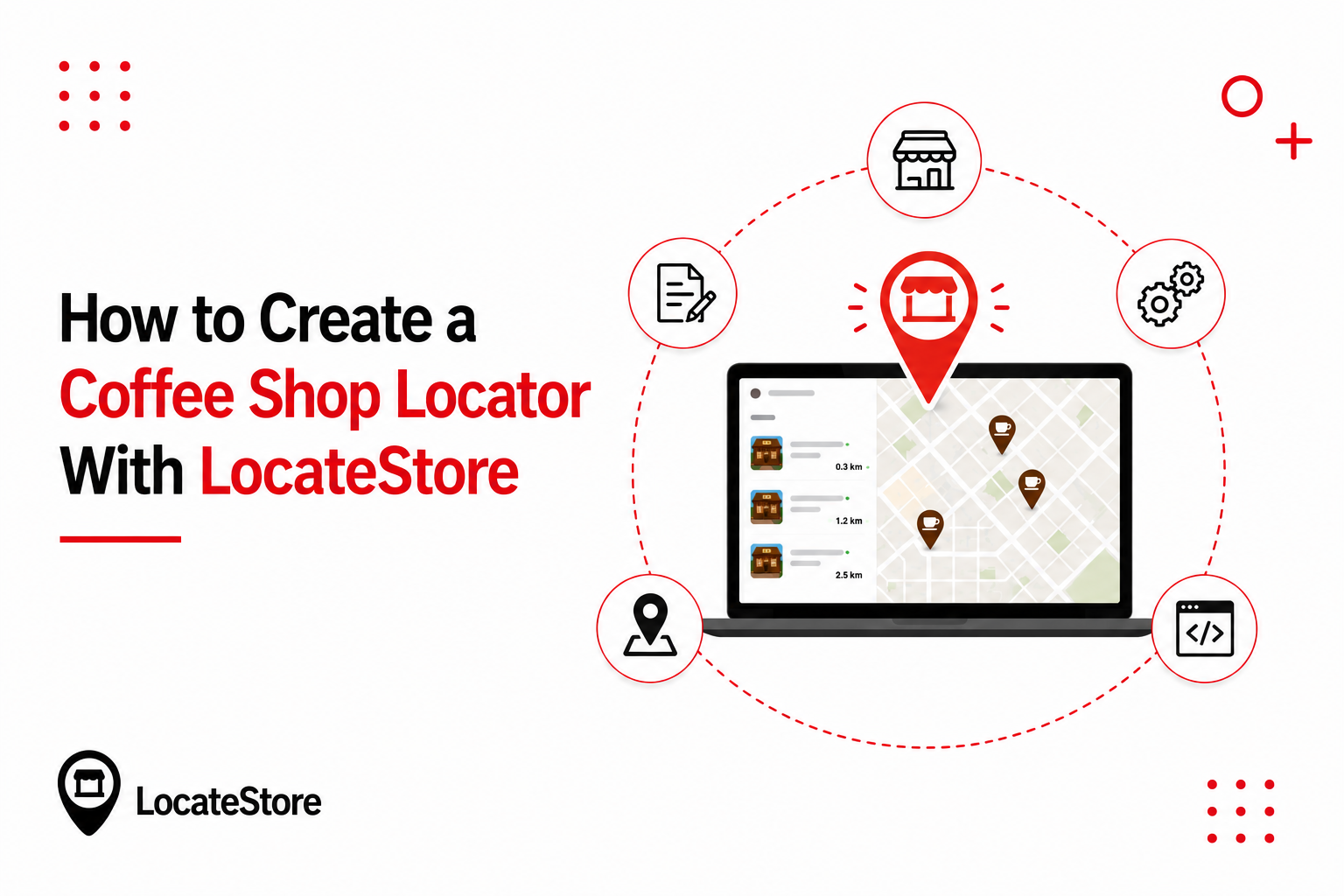
No developer required.
- Build your sheet. One row per café. Columns for name, street address, city, state, zip code, phone, hours, and any filter categories you want.
- Connect it to Locatestore. The tool reads your data and plots every location on the map.
- Style it to your brand. Fonts, colors, border radius, map style, and custom pins are all adjustable, so the locator looks like part of your site rather than a widget dropped onto it.
- Add it to your site. Locatestore has dedicated apps for WordPress and Shopify. Everywhere else, you paste an embed code, which covers Squarespace, Wix, Webflow, and any other platform that accepts custom code.
- Update by editing the sheet. New café, new row. Changed hours, changed cell. The map reflects it without a republish.
One practical tip: make sure every address includes city, state, and zip. Complete addresses resolve to the right coordinates on the first try, which saves you from nudging pins later.
Why the spreadsheet matters
Most store locator software asks you to learn a dashboard. Locatestore uses the spreadsheet as the dashboard, which changes who can maintain it. A store manager can correct hours from their phone while a marketing lead adjusts the map styling, and neither needs an account in a tool they use twice a year.
Why Mapbox, not Google Maps
Locatestore renders the map with Mapbox. Mapbox maps load quickly and are straightforward to style to your brand. More importantly, the mapping is bundled into Locatestore, so there is no Google Maps API key to generate, no billing account to attach, and no usage charge to monitor. Each pin still links out to Google Maps for turn-by-turn directions, so customers navigate with the app already on their phone.
What Is the Best Coffee Shop Finder App for Businesses?
Locatestore is a strong choice for businesses looking for a simple and scalable coffee shop finder app. Here is why.
It runs entirely on Google Sheets. You already know how to use a spreadsheet, so there is no new tool to learn. Add a row, and the map updates. It uses Mapbox for fast, clean maps. There are no Google Maps API keys to configure and no extra map fees to worry about. Supports unlimited locations, even on the free plan. Whether you have three cafés or thirty, every pin shows up. On top of that, Locatestore is mobile-friendly and easy to embed. Customers on their phones get the same smooth experience they expect.
Locatestore is trusted by more than 5,000 businesses and has powered over 700,000 map searches.
On cost, Locatestore offers a free forever plan with unlimited locations, 100 monthly visits, and 500 monthly searches. Paid plans start at $24 per month, or $19 per month billed yearly, and scale up as your traffic grows.
Locatestore at a glance
How Locatestore Compares to Other Store Locator Apps
Locatestore is not the only store locator on the market. Here is how it stacks up against three popular alternatives.
Pricing checked August 2026.
Elfsight is the odd one out, and it is worth understanding why before you compare the numbers. Elfsight charges by widget views rather than location count, so its limit is a traffic ceiling, not a location ceiling. Its free tier covers roughly 200 views per month with Elfsight branding on the widget, and paid tiers step up from there by view volume. For a café group with real website traffic, 200 views is a weekend.
On mapping, Storepoint supports both Google Maps and Mapbox; Storemapper supports both as well, and Elfsight’s widget is built around its own map integration. Locatestore is the only one of the four where a spreadsheet is the entire management surface.
Why a Store Locator Widget Beats a Plain Address List
A plain list of addresses makes your customers work. They have to copy the address, open a map app, and paste it. Most people give up before the second step.
A store locator widget removes that friction. The map is already there. The customer sees every location at a glance, taps the nearest one, and gets directions. For coffee shops, speed is the whole game. Someone who wants coffee now will not copy an address. They will close your site and search elsewhere. A locator keeps them on your page and moving toward your door.
Benefits of a Store Locator, and the Cost of Not Having One
A store locator widget is not just a nice extra. For a multi-location coffee shop, it changes how easily customers can reach you.
The benefits of a store locator
- Customers find you in seconds: The map shows every café at a glance, so nobody has to read through a list of addresses.
- Fewer steps to the door: Search, tap, get directions. Every step you remove is a customer who stays on your site instead of leaving.
- One tap to navigate: Directions open straight from the pin, so customers are on their way before they second-guess the trip.
- Every location is visible: A new café appears the moment you add it to your sheet. No missed pins, no forgotten branches.
- Fewer "where are you?" messages: The map answers the most common question a coffee shop gets, so your inbox and phone stay quieter.
- You look professional: A fast, branded map signals a business that is easy to visit.
The drawbacks of not having one
- Customers do the work themselves: With only a text list, they must copy your address, open a map app, and paste it. Most stop at the first step.
- You lose walk-in traffic: Someone who wants coffee now will not copy an address. They will close your page and choose whichever café was easier to find.
- Support gets clogged: Every address question a map could have answered becomes an email, a call, or a chat message your team has to handle.
- New locations add confusion: Every branch you open makes a plain list longer and harder to scan, not more useful.
- You fall behind competitors: When the café down the street has a locator, and you do not, customers feel the difference instantly.
A store locator is now table stakes for any coffee business with more than one location. The cost of not having one is silent but real: every friction point is a customer who quietly chooses someone else. Locatestore is the better choice because it removes all three usual barriers at once: you manage locations in a Google Sheet you already understand, the map runs on Mapbox with no API key to set up, and you can start on a free forever plan with unlimited locations.
Google Sheets: The Engine Behind Locatestore
Locatestore is built on top of Google Sheets. This is the standout feature that sets it apart from other tools. Most store locator software asks you to learn a new dashboard. Locatestore does not. Your spreadsheet is the dashboard. One row equals one café.
Because your data lives in a sheet, you can bulk upload locations, edit hours in one place, and share the file with your team. When someone updates the sheet, the map on your website updates automatically. No API keys. No coding. No separate login to remember. If you can edit a spreadsheet, you can manage your coffee shop finder.
This also makes Locatestore easy to hand off. A store manager can update hours while a marketing lead tweaks the map design. Everyone works in tools they already understand, so nothing stalls.
Mapbox, Not Google Maps, and Why It Matters
Locatestore uses Mapbox, not Google Maps, for the map itself. That is a deliberate choice.
Mapbox maps load fast and look clean. They are easy to customize to match your brand, so your locator does not look like a generic widget. You also avoid the confusing Google Maps API key setup. With Locatestore, there are no API keys and no surprise usage charges. Each location still links to Google Maps for directions, so customers get the navigation they already know.
Coffee Shop Data That Shows Why Finders Matter
Coffee is big business in the United States. According to Statista, the U.S. is the world's largest coffee market, with revenue above 84 billion U.S. dollars. The National Coffee Association values the U.S. coffee industry at 343 billion dollars. also reports that the average American drinks just under two cups of coffee per day. That is a lot of daily trips to a café, a drive-through, or a local roaster.
When a customer wants that next cup, they search for what is nearby. Locatestore's own numbers back this up. The platform has powered more than 700,000 map searches and 1,000,000 map views. People look for locations; your job is to make yours the easiest to find.
How Locatestore Helps Multi-Location Coffee Shops
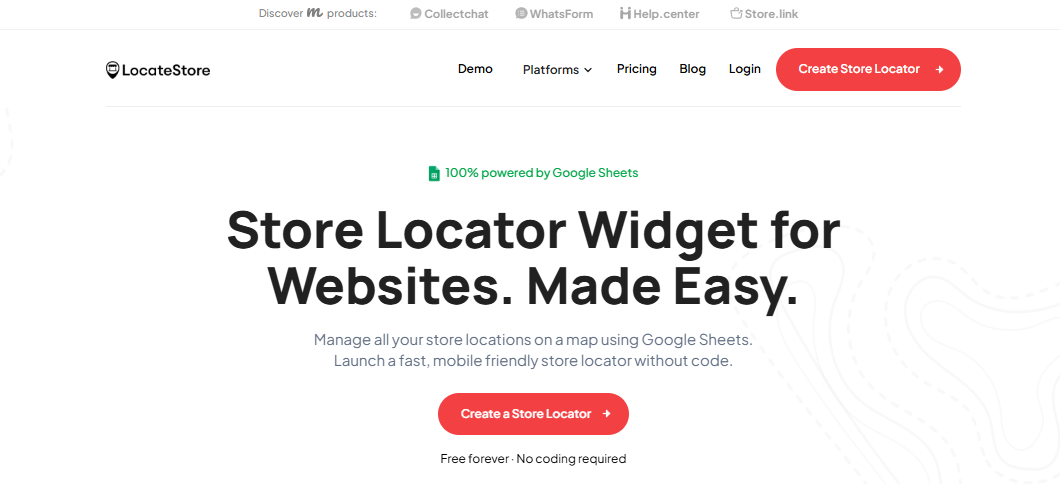
Locatestore gives your coffee business everything you need in one store locator widget.
- Product availability: Customers can find nearby locations that carry the products they are looking for, helping connect online product searches with in-store purchases.
- Search and filters: Customers search by name, city, or zip code to find the right café.
- Directions: One tap opens turn-by-turn navigation.
- Unlimited locations: Every café gets a pin, even on the free plan.
- Mobile-friendly: The map works smoothly on any screen size.
- Translation: Build the locator in the language your customers speak.
- Embed anywhere: It works on WordPress, Shopify, Wix, Webflow, Squarespace, and Notion.
If your website runs on a specific platform, Locatestore has dedicated versions for WordPress, Shopify, and Squarespace.
Put Your Coffee Shops on the Map Today
Choosing the best coffee shop finder app comes down to three things: how easy it is to manage locations, how good the map feels to your customers, and what it costs. Locatestore wins on all three. You manage every café in a Google Sheet; add a row and the map updates itself. The map runs on Mapbox, so there is no API key to configure and no surprise map fees. And you can start free with unlimited locations, then move to a paid plan only as your traffic grows.
Whether you run two cafés or twenty, a store locator widget turns "where is the nearest location?" into "it's right here, one tap away." That single change keeps customers on your site and moving toward your door.
Create your store locator widget today, free forever, no coding required.
FAQs
Can I add a coffee shop finder to my website?
Yes. You can copy an embed code or use a shareable link and paste it into your site. Locatestore works on WordPress, Shopify, Wix, Webflow, Squarespace, and more; no coding required.
How do I choose the best coffee shop finder app?
Look for three things: how you manage locations, how the map looks and performs, and what it costs. Locatestore scores on all three: you manage locations in Google Sheets, the map runs on Mapbox, and there is a free forever plan.
How do I add a café finder to my website?
With Locatestore, you keep your locations in a Google Sheet and connect it to the tool. WordPress and Shopify have dedicated apps. On Squarespace, Wix, Webflow, and other platforms, you paste an embed code. No coding required.
Can a coffee shop locator show multiple locations?
Yes. Locatestore supports unlimited locations, including on the free plan. Each row in your Google Sheet becomes a pin.