


Local SEO and store locator software sound like two separate projects, but for any business with physical locations, they work on the same problem from opposite ends. Local SEO decides whether nearby shoppers find you at all. A store locator decides whether the ones who do find you can work out which branch to drive to. Get both right, and a search for something nearby leads the customer to your door rather than a competitor’s.
This guide explains, in plain English, what local SEO means and why it matters, what a store locator does and what it does not do what a store locator does and what it does not do, how the two connect through Google Business Profile, and how to launch a working locator from a single Google Sheet: no coding, no jargon, nothing you can’t act on today.
Table of Contents
- What is local SEO?
- Why is local SEO important?
- How do you do local SEO?
- What is a store locator?
- Why does a store locator improve local SEO?
- What does each location page need?
- How are a store locator and Google Business Profile connected?
- How do store locators help customers find nearby locations?
- What are the most common store locator SEO mistakes?
- What can LocateStore do here?
- Where to start with store locator software
- Conclusion
- FAQs
What is local SEO?
Local SEO means optimizing your online presence so your business can appear when people nearby search for the products or services you offer. Think "hardware store open now" or "coffee near me."
It is different from regular SEO in one important way: the searcher's location changes the results. Two people typing the same words in Dallas and Denver see two different sets of businesses.
Local SEO covers three surfaces at once: the map pack at the top of Google, the organic blue links below it, and increasingly the AI-generated answer above everything.
Why is local SEO important?
Because the store is still where the money is, U.S. retail e-commerce was 17.1% of total retail sales in Q2 2026, according to the Census Bureau. The other roughly 83%, out of $1,986.5 billion in total quarterly retail sales, happened in physical locations.
In simple terms, local SEO means helping people in a specific area discover your business when they search for nearby products or services. Those in-store purchases are researched online. Someone checks hours, checks whether the item is in stock, checks the drive, and then goes.
If your nearest branch doesn't appear in that check, the visit goes to whoever did appear. Local search is not a marketing channel sitting next to your stores. It is the front door to them. Understanding what local SEO is and why it matters is important for any business that depends on customers finding physical locations nearby.
Trust signals matter too. BrightLocal's 2026 Local Consumer Review Survey found 97% of consumers read reviews for local businesses, and notes that AI tools like ChatGPT have climbed into third place as a source of local business recommendations.
How do you do local SEO?
Once you understand what local SEO means, the next step is making sure your business has the right signals to appear in local search results. Five things, in order of how much they move the needle. Now that you know what local SEO is, the next step is understanding how to put it into practice.
Local SEO tools can also help businesses manage listings, track local rankings, monitor reviews, and identify opportunities to improve their visibility in local search.
1. Claim and complete your Google Business Profile. One per location, verified, with correct address, phone, category, and hours.
2. Keep your name, address, and phone identical everywhere. On your site, on your profile, on directories. Mismatches confuse search engines and customers equally.
3. Give every location its own page. One "Our Stores" page listing 40 addresses is one page. Forty location pages are forty chances to rank.
4. Add LocalBusiness structured data to those pages. Google's own structured data documentation explains the format: name, address, geo coordinates, opening hours, phone.
5. Earn reviews and reply to them. Google states plainly in its local ranking guidance that local results are based on relevance, distance, and prominence, and that more reviews and positive ratings can help your ranking.
Local SEO tools can make it easier to monitor your business listings and keep location information consistent across different platforms.
What is a store locator?
A store locator is the tool on your website that shows customers where your locations are and which one is closest to them. At minimum, it has a map, a search box, and a list of addresses with hours and directions. Better ones add filters, services offered, open now, drive-through, in-stock brands.
Store locator software is simply the system that powers it: you keep your location data in one place, and the software renders it as a fast, searchable, mobile-friendly map on your site.
Why does a store locator improve local SEO?
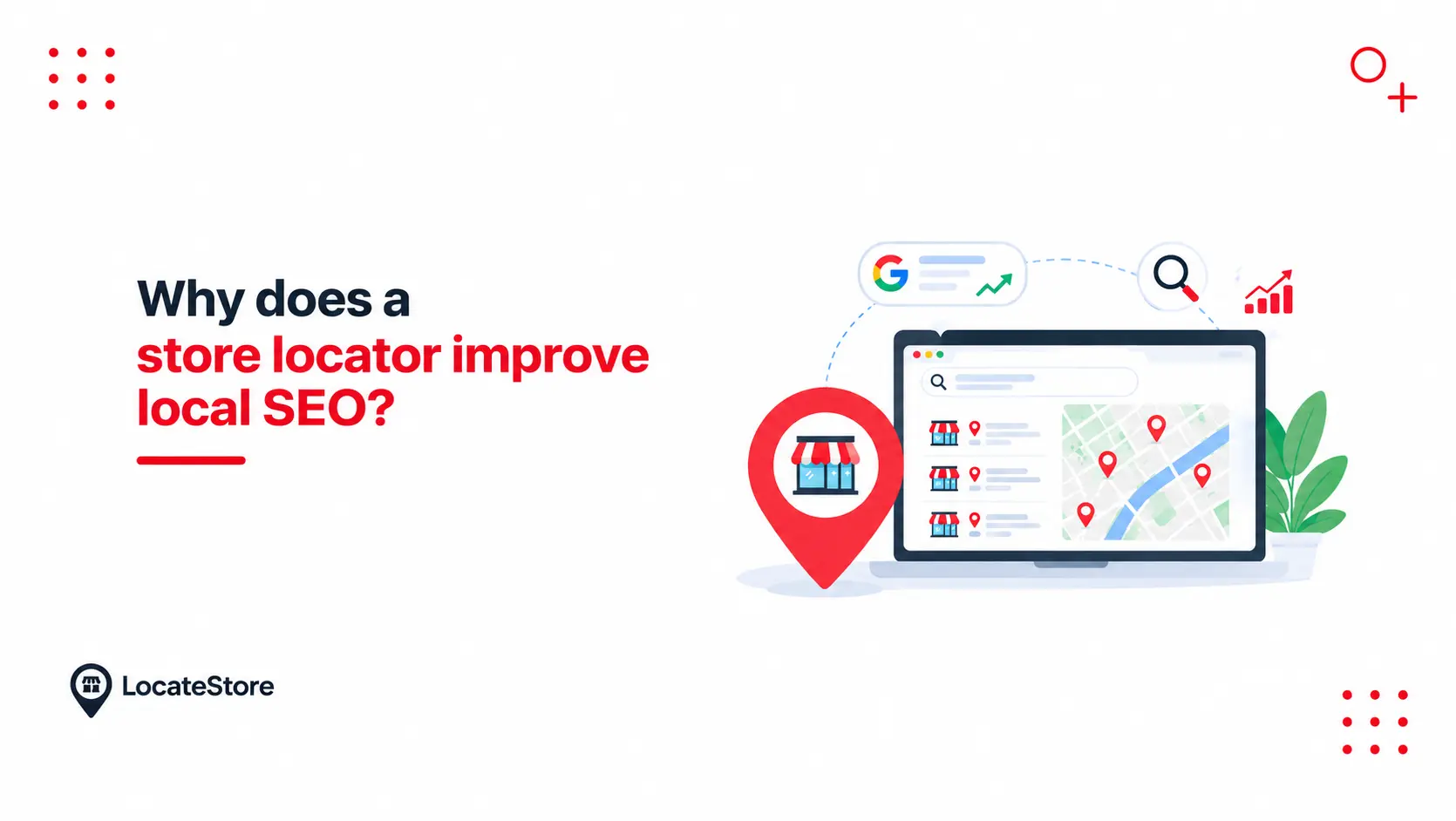
A store locator improves the customer journey immediately. When it is paired with crawlable, unique pages for each location, it can also support local organic visibility. Those are two different jobs, and most articles on this topic blur them together. Once you understand what local SEO is, it becomes easier to see why location pages and store locators can support a local search strategy.
Here is the distinction. A locator embedded on a single “Find a Store” page is one URL. Search engines see one page, whatever the map contains. Forty location pages are forty URLs that can each rank for searches in their own area, carry their own structured data, and be linked internally.
So the locator handles the experience, and the pages handle the indexing. Used together, they help in four specific ways.
- Geographic relevance: Your location pages contain city names, neighborhoods, postal codes, and coordinates that search engines can read and match to nearby queries.
- Indexable location pages: A page per store gives each branch something that can rank in its own area.
- A home for structured data: Location pages are the natural place for LocalBusiness markup, which makes your address, hours, and phone machine-readable.
- A better on-site experience: A visitor who finds their nearest store in three seconds gets what they came for. One who cannot leaves.
One caution worth saying out loud: a locator does not automatically rank you. If important location details are missing from the rendered HTML, blocked from crawling, or only appear after a user interacts with the map, search engines may not index them reliably. The build quality decides the outcome.
What does each location page need?
If you want those URLs to earn anything, each one needs the following. Most guides on this topic stop at the first three.
- A unique URL and title tag
- Store name, address, phone, and hours in visible HTML, not locked inside a script
- An embedded locator or map for that branch
- The services or products available at that specific location
- Directions, parking notes, and nearby landmarks
- Unique local images or testimonials
- LocalBusiness structured data
- Internal links from your main locations directory
- Inclusion in your XML sitemap
- A canonical tag pointing to itself
Points 7 through 10 are CMS work rather than locator work. Plan for them accordingly.
How are a store locator and Google Business Profile connected?
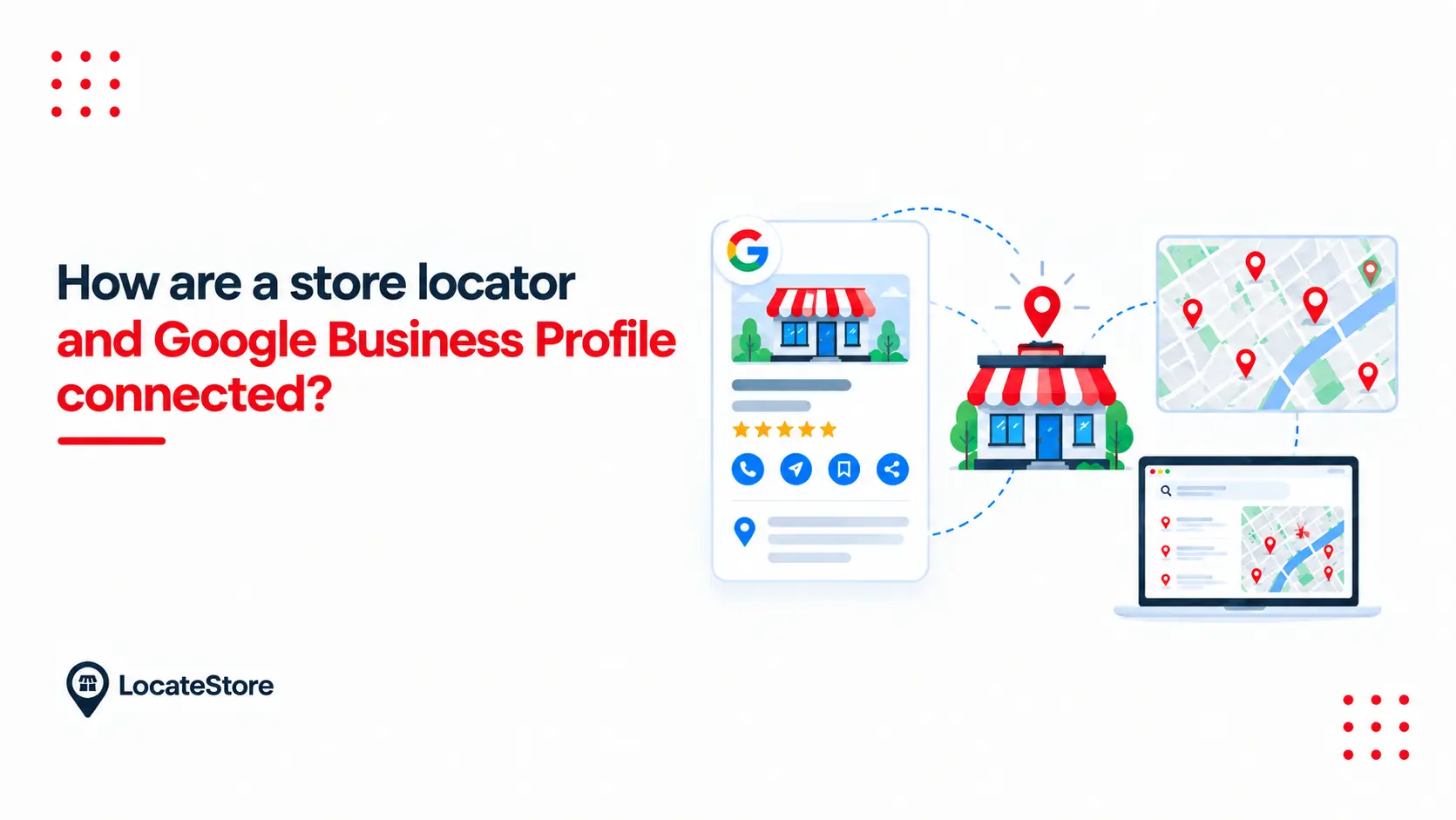
A key part of understanding what local SEO is involves knowing how your website, location pages, and Google Business Profile work together.
Your Google Business Profile owns the map pack, the boxed results with pins at the top of a local search. Your store locator owns the results below it, on your own domain.
The connection is consistency. Google cross-references what your profile says against what your website says. When your locator page for the Austin store shows the same address, the same phone number, and the same hours as the Austin profile, both get stronger. When they disagree, Google has to pick, and that uncertainty costs you. Practical rule: your store locator should be the single source of truth your profiles are built from, not a copy that quietly drifts out of date.
How do store locators help customers find nearby locations?
By removing steps. Every step you remove is a customer you keep.
- Search by ZIP, city, or current location. The shopper types five digits or taps once, and sees the closest options ranked by distance.
- Filters that match intent. Open now. Curbside pickup. Service center. Filters let a customer rule out the wrong stores instantly.
- Directions in one tap. Each result should hand off cleanly to navigation. In LocateStore, every location links to Google Maps for turn-by-turn directions.
- Mobile-first behavior. Near-me searches skew heavily to phones, often from someone already in the car. A locator that needs pinch-zooming has failed.
None of this is a ranking mechanism. It is what happens after a customer has already found you, and it is worth doing well on its own terms.
What are the most common store locator SEO mistakes?
- Treating the locator as the SEO strategy. The widget is the experience. The pages are the search asset.
- One page for forty addresses. It is a single URL competing for every city you operate in.
- Thin location pages. Address, map, done. Nothing distinguishes one branch page from another, so nothing ranks.
- Content a crawler cannot reach. Check what a crawler actually sees, not what the browser renders.
- Profiles and website out of sync. Different hours in two places is a data problem before it is a search problem.
- Location data with no owner. Hours change, branches relocate, seasonal sites open. If updating them requires a developer ticket, they will go stale.
What can LocateStore do here?
LocateStore is store locator software built on top of Google Sheets, and that single design choice removes most of the reasons locators go stale.
- Your spreadsheet is the control panel
One row equals one store location. Add a row, and the new store appears on your map. Change the hours, and they sync. No CMS training, no developer ticket, no waiting.
- Bulk upload works the way you expect
Paste 400 addresses into the sheet. That is the whole migration.
- Maps are powered by Mapbox, not Google Maps
You do not need to create a Google Maps API key, manage billing for it, or worry about usage spikes. There are no additional map API fees on any plan.
- It embeds anywhere
Copy, paste, done - whether you're using WordPress, Shopify, Squarespace, Wix, Webflow, Elementor, or Notion. Add a WordPress store locator, Shopify store locator, or Squarespace store locator with ease, and generate a shareable branded link.
- Unlimited locations on every plan, including the free one
The free plan costs $0 and covers unlimited stores with 100 monthly map visits and 500 searches. Lite is $24/month ($19 billed yearly), Standard is $49/month ($39 billed yearly) with unlimited searches.
More than 5,000 businesses use LocateStore, which has served over 700,000 map searches, 450,000 locations plotted, and 1,000,000 map views. You can try it on the live demo before signing up.
Where to start with store locator software
Do these four things this week, in this order.
- Audit your location data. One spreadsheet, one row per store, correct hours and phone numbers.
- Claim or update every Google Business Profile so it matches that sheet exactly.
- Put a working locator on your site. With LocateStore, the sheet you just built is the setup.
- Add LocalBusiness structured data to your location pages, then confirm Google can render them.
None of it is complicated. It is mostly discipline about one spreadsheet, which is exactly why building your locator on a Google Sheet in the first place keeps the whole system honest.
Ready to try it? Create your store locator for free: unlimited locations, no coding, no map API keys.
Conclusion
Local SEO and store locator software are not two separate projects. They are two halves of one system: local SEO makes your business visible to the shoppers searching near you, and a store locator makes that visibility useful by getting them to the right door.
The habit that holds the whole system together is your data. One spreadsheet, one row per store, kept accurate and mirrored exactly in your Google Business Profiles. Most businesses drift because their address lists and profiles quietly fall out of sync, and that is the failure LocateStore is designed around by making the spreadsheet itself the locator.
Start with what you already have: your locations, your hours, one honest sheet. From there, the profiles, the location pages, and the local rankings all follow. Ready to try it? Create your store locator for free: 779 unlimited locations, no coding, no map API keys.
FAQs
Does a store locator replace traditional SEO?
No. It extends it.
Traditional SEO builds your site's overall authority, content, links, technical health, and speed. A store locator converts that authority into location-level visibility. Without site authority, your location pages start from nothing. Without a locator, your authority never reaches local searchers. You need both.
Does a store locator also improve the main website's SEO?
Yes, indirectly, and the effect is real.
A locator adds genuinely useful pages to your site, gives your internal linking a clean geographic structure, and holds visitors on the domain instead of sending them to a directory. It also captures a type of query your homepage and product pages will never rank for: branded location searches like "[your brand] store Phoenix." That traffic is high intent and cheap to win.
Do store locator pages help with local search?
Yes, when they are built to be found. Three conditions have to hold.
They must be crawlable: If the locator renders entirely in JavaScript that search engines cannot execute, the content effectively does not exist to them. Check what a crawler actually sees.
They must be distinct: Each location page needs something of its own, the address, local landmarks, the services that branch offers, parking notes.
They must match your profile data: Same name, same address, same phone, same hours.
Get those right, and location pages compete for the organic results underneath the map pack, which is territory your Business Profile alone cannot claim.
Is a store locator useful for businesses with multiple locations?
It is most valuable there, but useful well below that threshold. With two to five locations, a locator prevents the most common and expensive error: a customer assuming you are not near them and buying elsewhere. With 20 or more, manual management stops working. Hours change, a branch relocates, a seasonal site opens. A spreadsheet-driven system like LocateStore means whoever owns the data can update it directly, without touching the website.
Franchises, dealer networks, stockist lists, and service areas all follow the same logic. If a customer needs to know which one is near them, you need store locator software.