


If you have a WooCommerce store, you know that it is not just about selling your services or products online anymore. You must be able to help customers find your pickup points, branches, distributors, or outlets located near them immediately. This is why you need a WooCommerce store locator.
Potential customers will be able to look for and find locations of physical stores near them when you install a store locator widget on your website. Customers can find centers or stores nearby if they use search filters like distance, ZIP code, or city name. Whether you have a few locations in the city or multiple locations across the United States, this one feature makes it easy and convenient for customers, helping to build trust and consequently increase sales.
A store locator plugin is one of the smartest additions you can make to your WooCommerce site in 2026. The ideal store locator is user-friendly, fast, and affordable.
Obviously, there are several plugins available in the market, but we recommend LocateStore as the best WooCommerce store locator Plugin in 2026. LocateStore is built entirely on Google Sheets, and this makes it easy to set up and manage. The navigation is driven by Mapbox, a powerful and affordable solution that small businesses on the growth path will appreciate.
In this guide, we will have a detailed discussion on what a tool is, what its importance is, and how to determine which is the best WordPress store finder plugin for your business.
Table of Contents
- What is a WooCommerce Store Locator?
- Why Store Locator Tools Are Essential in 2026
- Key Features to Look for in a WooCommerce Store Locator Plugin
- Why LocateStore Is One of the Best Free WooCommerce Store Locator Plugins in 2026
- LocateStore Features Explained
- Benefits for WooCommerce Businesses in the United States
- How to Add a Store Locator to Your WooCommerce Website
- FAQs
What is a WooCommerce Store Locator?
To put it simply, a WooCommerce store locator is a plugin or tool that helps shoppers to find physical stores or service locations that are closest to their location, straight from your website.
It is displayed as a store locator widget or interactive map, and users can:
- Search for stores filtering by radius, distance, city, or ZIP code
- See the locations of the nearest stores selling the products they want
- Get navigation directions to reach the stores
- Check the working hours of the store, contact details, and stock availability.
As this kind of WordPress store finder plugin links your store database to an interactive map, customers can find what they are looking for almost instantly.
Even if you have over 300 stores all over the United States, potential customers will be able to find an outlet closest to them in seconds.
Why Are Store Locator Tools Crucial in 2026?
The penetration of mobile internet and social media has served to transform customer expectations in the past few years. The modern customer wants information before deciding on a purchase, but does not want to wait for that information; they want it instantly.
These statistics will help you understand why store locator tools are so important today:
30% of mobile searches are about location.
78% of location-based searches tend to culminate in a purchase in a store within 24 hours.
If your website runs on WooCommerce, you must ensure that you do something to help potential customers find your stores without effort or delays.
Here’s what a store locator app on your website can do:
- Increase the number of visitors to your physical stores organically
- Improve local SEO or local search visibility
- Provide an engaging and pleasant shopping experience to customers
- Reduce the number of customer inquiries, easing the burden on support staff
- Build a robust bridge between online and offline, and boost sales and revenue.
If you don’t have a store locator, shoppers may not be able to see your nearby stores. They may almost certainly go to a competing business whose outlets they CAN find easily.
Key Features to Look for in a WooCommerce Store Locator Plugin
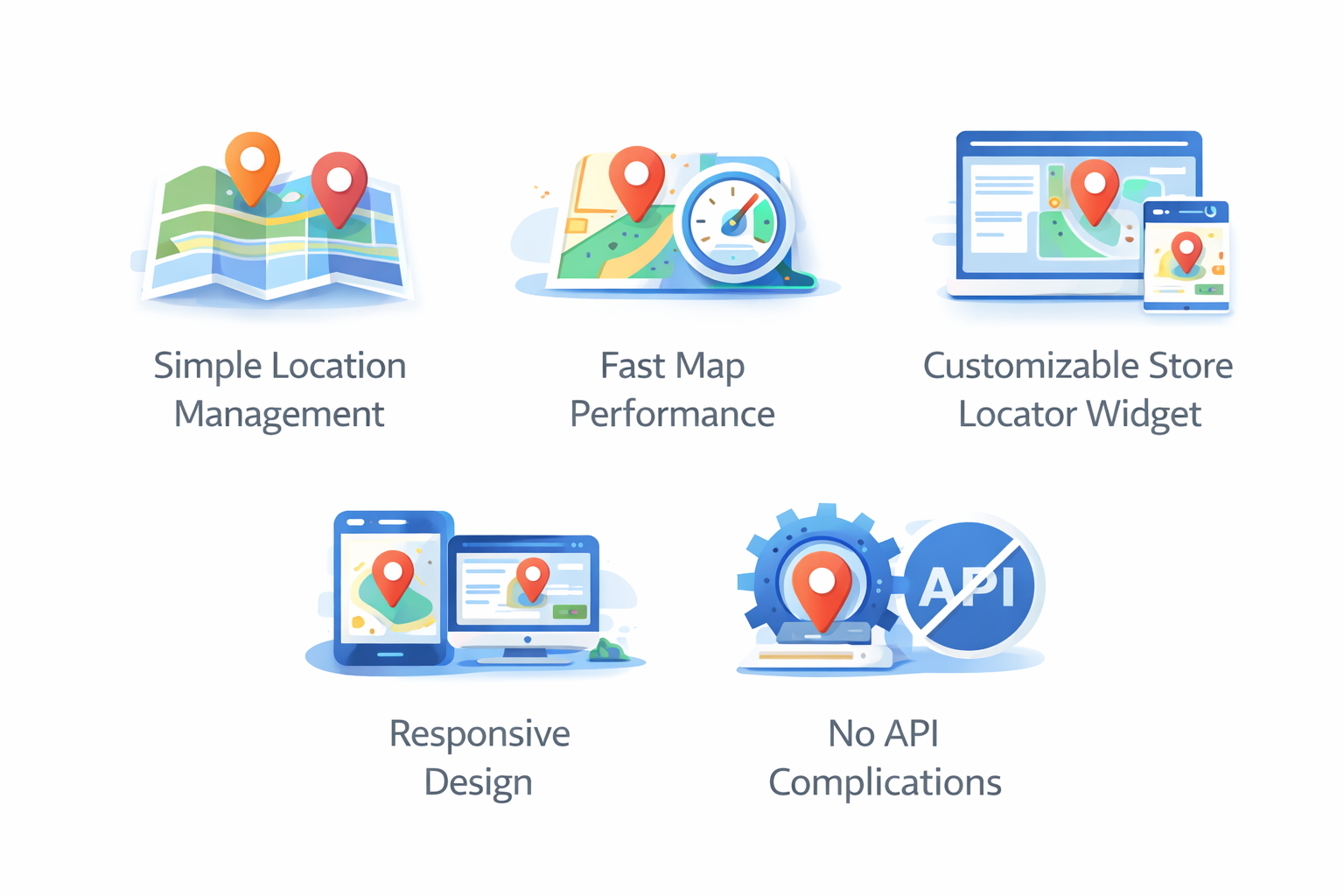
When choosing the best WooCommerce store locator plugin in 2026, several features matter.
Simple Location Management
You should be able to add or edit store location details quickly and easily, with no hassles. If the plugin allows you to make updates in bulk through the spreadsheets, that is by far the easiest, and hence the most convenient option. Having to enter details manually in the dashboard can be time-consuming and cumbersome.
Fast Map Performance
Store locators that heavily depend on Google Maps APIs often find that the website becomes sluggish. Additionally, it is a pretty expensive option. Modern tools like LocateStore use alternatives like Mapbox, delivering blazing-fast performances and more flexibility in pricing.
Customizable Store Locator Widget
Imagine a store locator widget that stands out from the rest of your website design. It will not look professional and can create confusion for the user. Your plugin should ideally be customizable to align with your website and brand theme. Check if the store locator tool allows custom colors, markers, and fonts, and if the layout itself can be customized to your preference.
Responsive Design
Over 60% of online searches are made on mobile devices. It is essential that the store locator you choose is mobile-friendly, delivering a smooth and seamless performance on smartphones and tablets.
No API Complications
Businesses often have to deal with complex billing setups and Google Maps API keys, which take time and effort. Look for a simple tool that does not come with these requirements.
Why LocateStore Is One of the Best Free WooCommerce Store Locator Plugins in 2026
LocateStore is very user-friendly, hence it’s no surprise that it is a very popular tool for businesses running WooCommerce sites. Managing store location information is uncomplicated, requiring no coding or complex technical skills. Store locations are directly connected to Google Sheets, offering several benefits:
- Simplified store information management
- Real-time updates
- Greater team collaboration
- Eliminates the need for coding and tech teams
You and your team will be able to handle hundreds of locations without breaking a sweat.
Again, LocateStore navigation is driven by Mapbox instead of Google Maps. This reduces dependence on Google APIs, which are more complicated and expensive.
If you’re looking for fast-loading, fully customizable maps without the high price tag, then LocateStore is ideal.
LocateStore Features Explained
Here are some features that make LocateStore one of the best free WooCommerce store locator plugin options in 2026.
Google Sheets Integration
The biggest advantage of LocateStore is that the store management is based entirely on Google Sheets. This means that you just have to make the necessary changes in a spreadsheet whenever you have to update store information. No more logging into WordPress every time or wrestling with complicated codes.
The changes made in the sheet are automatically reflected on your website in real time as the store locator is integrated with the sheet.
You can post updates in bulk, and you don’t need any technical knowledge to manage the store locator. Teams can collaborate smoothly, and multiple teams can work simultaneously on the sheet.
Do you have hundreds of locations or plan to have them? If yes, then it will save you tons of effort.
Mapbox-Powered Navigation
LocateStore uses Mapbox maps for navigation, and this offers many advantages over Google Maps, like powerful performance, customized maps and markers, lower API costs, quick loading, and so on.
If your business is on the growth curve, these features make LocateStore your ideal WordPress store finder plugin
Easy Installation
You can add the LocateStore store locator widget to any page of your WooCommerce website:
- Store locator page
- Contact page
- Product page
- Dealer page
The tool is simple to set up and embed; you merely have to copy and paste the code.
Clean and Responsive Design
LocateStore was built for use by any device; regardless of screen size, it delivers smooth, flawless performance. Whether customers search on their computers or phones, they get the same delightful experience.
Fast Setup
Most plugins can take hours to set up, but with LocateStore, you just need a few steps:
- Install the plugin
- Connect it to your Google Sheet
- Add store location information
- Embed the locator widget
And you’re done. Within minutes, your store locator tool is up and running on your website.
Benefits for WooCommerce Businesses in the United States
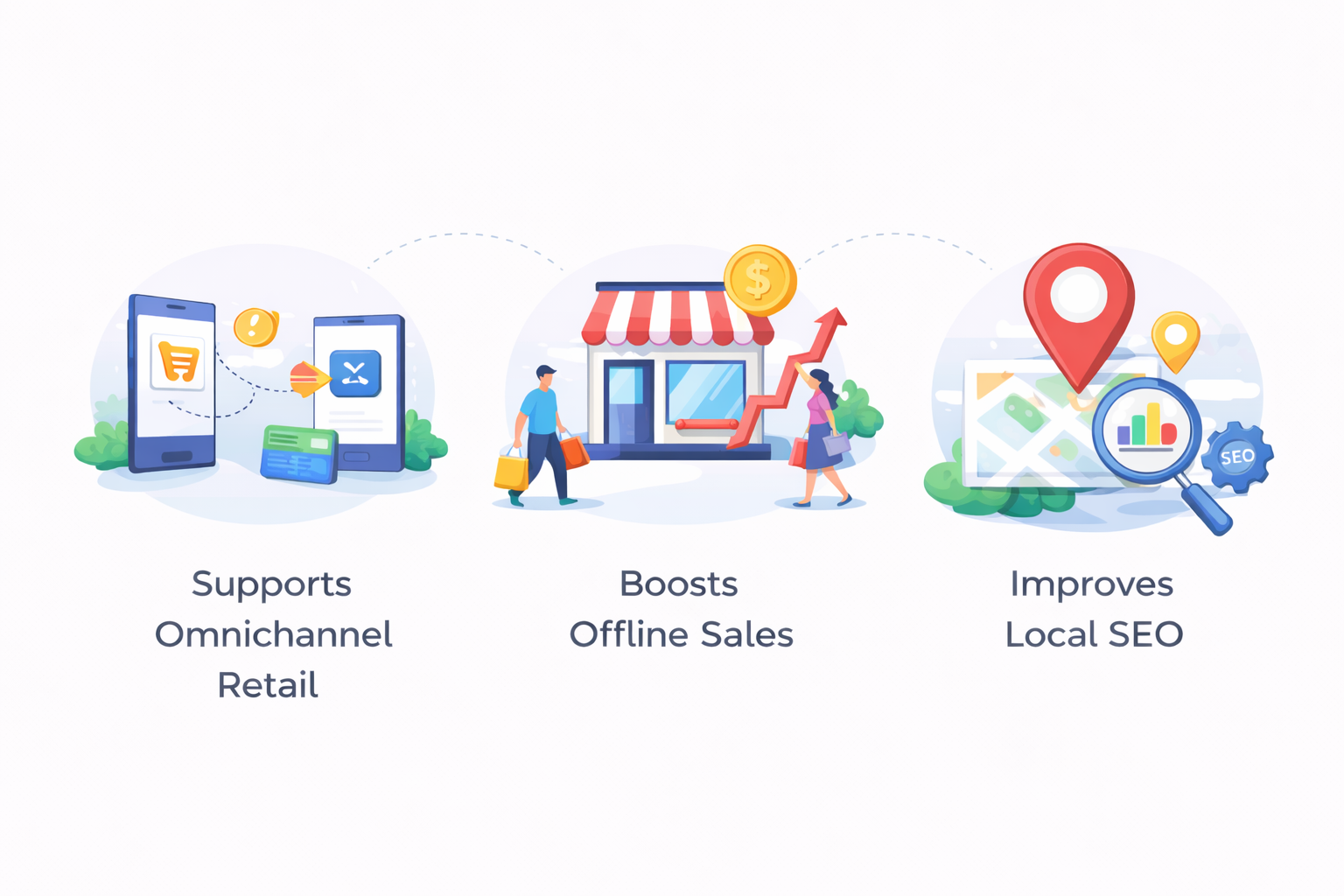
As a business operating in the U.S. with multiple store locations, you can reap rich rewards with a store locator.
Supports Omnichannel Retail
Modern retail business is a combination of online browsing and offline shopping. By embedding a store locator, you can help users find physical stores quickly and close the gap.
Boosts Offline Sales
Research reveals that 88% of shoppers looking for a local business usually visit within a week. When you provide store information easily and instantly, you boost the chances of store visits.
Improves Local SEO
Search engine bots give importance to local searches as they show intent.
By embedding a store locator on your website, it can appear in user searches with phrases like:
- “Stores near me”
- “Best organic food store in Seattle”
Also Read: How to add Store Locator in WooCommerce Website
Conclusion
Installing a store locator is today absolutely essential for any business that has multiple locations. Your customers will be able to find you quickly thanks to better local SEO. Higher foot traffic translates into higher sales.
The ideal store locator solution for WooCommerce businesses in 2026 is one that embodies simplicity, scalability, customization, and economy.
LocateStore ticks all these boxes and is therefore one of the top choices for a store locator tool for WooCommerce stores. It offers the ideal combination of power and simplicity. This makes it the best choice for businesses looking to grow.
FAQs
Which WooCommerce store locator plugin works without a Google Maps API key?
LocateStore does not need a Google Maps API key. It uses Mapbox for navigation: a simpler option than Google Maps.
Is there a WooCommerce store locator plugin with Google Sheets sync?
Yes. LocateStore comes with in-built Google Sheets integration, so that you can manage store locations through a spreadsheet without logging into the WordPress dashboard.
Can I embed a WooCommerce store locator on any page?
Yes. You can embed the widget on any page on the website simply by using shortcodes.
What is the best free WooCommerce store locator plugin in 2026?
LocateStore is a top contender for the best free WooCommerce store locator plugins because of Google Sheets integration, Mapbox navigation, and no-code configuration.