


A list of store addresses may work when you have two locations. It becomes a problem when you have 20, 200, or 2,000.
Customers do not want to scan a long page or drag a map around. They want to enter a city or ZIP code, find the nearest store, and get directions.
That is the main difference between a basic map and a dedicated Shopify Store Locator app. A basic map displays your locations. A store locator app helps customers search, compare, and act.
This guide compares both options across search, mobile experience, location management, customization, and scalability. It will help you choose the right setup for your store today without creating more work as your business grows.
Why Store Discovery Matters
Finding a nearby store is the last step many customers take before making a purchase, and if they can't find what they're looking for on your site, they'll go to your competitor's and make the purchase there instead. This is where Dealer Locator Software can make a significant difference.
For businesses, better store discovery offers several benefits:
- Increases in-store visits
- Reduces customer support questions
- Improves local search visibility
- Builds customer confidence
- Creates a smoother shopping experience
As businesses grow bigger to meet demand, establishing a presence in new cities and states in America by providing accurate information on a customer’s location becomes more essential.
Quick comparison: Shopify store locator app vs basic map
What is a basic store map?
A basic store map is the simplest way to show physical locations on a website. It often takes one of these forms:
- A page with store names and addresses
- A map with a pin for each location
- A list with phone numbers and opening hours
- Links that open each address in a navigation app
This setup can work well for a business with one showroom or a small number of branches. It is quick to build and easy for customers to understand when the list is short.
The problem appears as the business grows. A customer may need to scroll through dozens of addresses or zoom around a crowded map. Your team may also need to edit the website each time a phone number, address, or opening hours change.
When a basic map is enough
A basic map may be the right choice if:
- You have one to three locations.
- Your store details rarely change.
- Customers do not need filters or distance-based results.
- You can update the page without slowing down your team.
- You do not plan to add many locations soon.
If those points describe your business, a store locator app may add features you do not yet need.
What Is a Shopify Store Locator App?
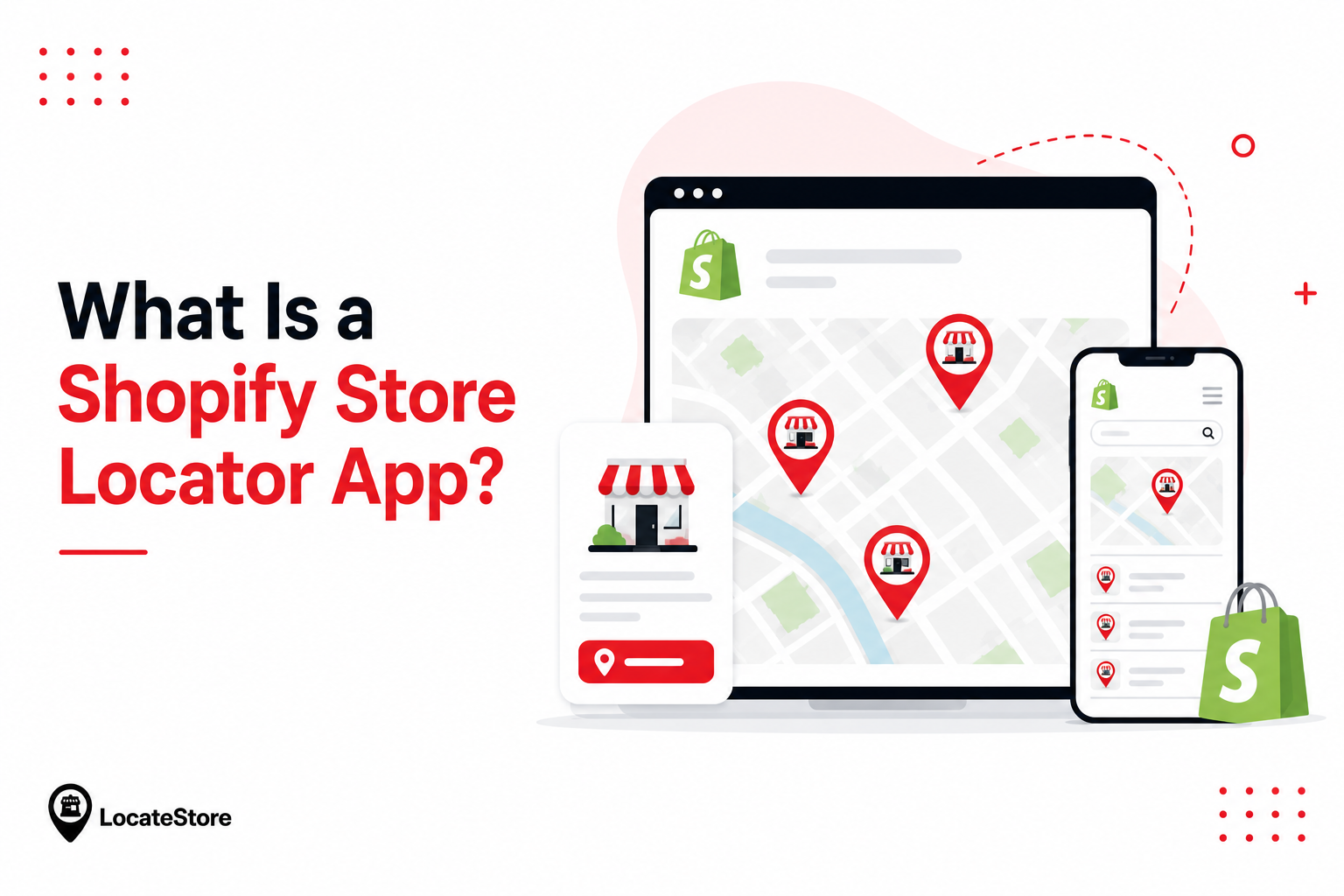
A Shopify store locator app is a tool that adds an interactive store finder to your Shopify website.
Customers can search for a nearby store using a location, city, or ZIP code. They can then view useful details such as:
- Store name and address
- Phone number and contact details
- Opening hours
- Distance from their location
- Directions
- Store type, region, or other filters
The goal is not simply to place stores on a map. It is to shorten the path from “Where can I buy this?” to “Here is the nearest place.”
A good store locator app also makes location data easier to manage. Instead of editing a webpage for every change, your team can update one connected source.
For example, Locatestore’s Shopify store locator uses Google Sheets to manage location data. Add or edit a row, and the store locator reflects the change. The map uses Mapbox, while direction links can open in Google Maps.
Can You Open with a Free Shopify Store Locator?
Yes. Many small businesses begin with a free Shopify store locator to display a handful of locations.
A free solution is often suitable if you:
- Have one or two stores.
- Rarely update store information.
- Need only basic location details.
However, free tools often have limitations.
As your business grows, you may require features like:
- Advanced search filters
- Better mobile experience
- Bulk location management
- SEO-friendly location pages
- Analytics
- Faster map loading
These capabilities become increasingly important as the number of locations increases.
When Does a Basic Store Locator Work Well?
Basic store locators remain useful for businesses that:
- Operate a single location.
- Have very few branches.
- Receive limited location searches.
- Do not frequently update store information.
Because they require minimal setup, they are attractive to small businesses with simple requirements. They also work well for companies that mainly operate online and only have one physical showroom.
Limitations of a Basic Store Locator
Although simple to use, a basic store locator has several limitations.
Manual Searching
Customers often need to zoom into maps or scroll through long lists of locations. This takes more time and increases frustration.
Limited Search Options
Many basic tools cannot search by ZIP code, current location, or distance. Instead, customers must locate the correct store themselves.
Poor Scalability
Managing five locations is easy. Managing 500 locations is much more difficult. As brands extend, handling each venue update manually becomes time-consuming.
Limited SEO Benefits
Many basic store locators display every location on a single page. This makes it harder for individual stores to appear in local search results. Dedicated location pages generally perform much better for local SEO.
Fewer Customization Options
Basic solutions usually offer limited branding options.
Businesses may not be able to customize:
- Map colors
- Markers
- Search filters
- Categories
- Layout
This makes it harder to create a consistent brand experience across the website.
Why Businesses Are Moving Beyond Basic Store Locators
As businesses grow and expand to multiple locations, a basic store locator often becomes difficult to manage. Customers expect fast search, accurate store information, mobile-friendly maps, and advanced search options. Businesses also need a solution that is easy to update, scalable, and customizable without increasing maintenance.
Locatestore addresses these challenges by combining Google Sheets for simple location management with Mapbox-powered maps for fast performance and flexible customization. Businesses can update store information directly from a familiar spreadsheet without coding, while customers enjoy a smooth, responsive map experience across all devices.
Unlike many traditional store locator solutions that rely on Google Maps, Locatestore uses Mapbox to deliver faster-loading maps, smoother mobile performance, and greater design flexibility. Any updates made in Google Sheets are automatically synced, ensuring customers always have access to accurate and up-to-date store information.
8 key differences between a Shopify locator app and a basic map
1. Customers can search instead of scanning
A basic map often makes the customer do the work. They must scan a list, identify a familiar city, or move around a map.
A Shopify store locator app lets them search directly. Depending on the tool, customers may search by:
- City
- State or region
- ZIP or postal code
- Store name
- Current location
This matters more with every location you add. A ten-store list is manageable. A 500-store list is not.
2. Nearby results reduce friction
Customers usually want the closest useful location, not a full company directory.
A store locator app can return relevant nearby stores and show key details in one place. The customer can compare distance, opening hours, and contact information before choosing where to go.
A basic map often gives every location equal weight. That may be fine for two branches, but it creates extra work for customers when you serve many areas.
3. Mobile customers get a faster path to directions
Many store searches happen while customers are away from a desktop. A mobile-friendly locator should make three actions easy:
- Search for a nearby store.
- Review its details.
- Open directions.
Small tap targets, crowded pins, and long address lists create friction on a phone. A responsive Shopify store locator app is built around this shorter path.
Locatestore uses responsive maps and links each location to Google Maps for directions. Customers can move from your Shopify store to navigation without copying an address.
4. Store information is easier to update
Location data changes often. Stores move. Holiday hours change. Phone numbers get replaced. New branches open.
With a basic map, those updates may require a developer or a manual edit inside Shopify. If the same location appears in several places, outdated details can remain online.
A store locator app gives your team a single place to manage the data. Locatestore uses a simple rule: one Google Sheet row equals one store. Teams can add, update, or remove locations in a tool they already know.
That makes bulk changes easier and reduces the risk of inconsistent information.
5. Advanced locators support filters
The nearest store is not always the right store.
A customer may need a dealer that carries a certain product, a branch with a specific service, or a location in a chosen region. Search filters help narrow the results.
Basic maps usually show addresses and pins only. Store locator apps can organize stores using categories and filters, depending on the app and plan.
Before choosing a tool, list the questions customers ask before visiting. Those questions should shape your filters.
6. Branding and customization are stronger
A generic map can look disconnected from the rest of your Shopify theme.
Store locator apps usually offer more control over:
- Brand colors
- Map appearance
- Pin or marker styles
- Search settings
- Zoom level
- Language
- Store information shown
Locatestore lets merchants set a primary color, adjust map settings, and translate the locator. Its Mapbox-powered maps can fit the visual style of the store without a custom map build.
7. Analytics show how customers use the locator
A basic map rarely tells you what customers searched for.
Some Shopify store locator apps track useful activity. Locatestore records locator visits and searches in its dashboard. This can help you spot:
- Monthly changes in locator visits
- Monthly changes in searches
- Search activity after a campaign
- The gap between locator visits and completed searches
These numbers do not prove that someone visited a store. They do show demand and customer intent that a static map cannot capture.
8. A Shopify locator app is built to scale
The right store locator should still work when your location count grows tenfold.
A basic map becomes harder to browse and maintain as locations increase. A scalable locator app keeps the search experience simple while giving your team a faster way to manage data in bulk.
Locatestore supports unlimited location pins. Merchants can keep adding rows to the connected Google Sheet, from a small dealer network to thousands of locations.
Is a free Shopify store locator app enough?
A free Shopify store locator app can be enough for a new or low-traffic store. The important question is not whether the plan is free. It is whether its limits match your needs.
Check the following before installing:
- Number of locations allowed
- Monthly map visits or searches
- Search and filter options
- Branding or customization limits
- Access to analytics
- Support for bulk updates
Why Businesses Choose Locatestore
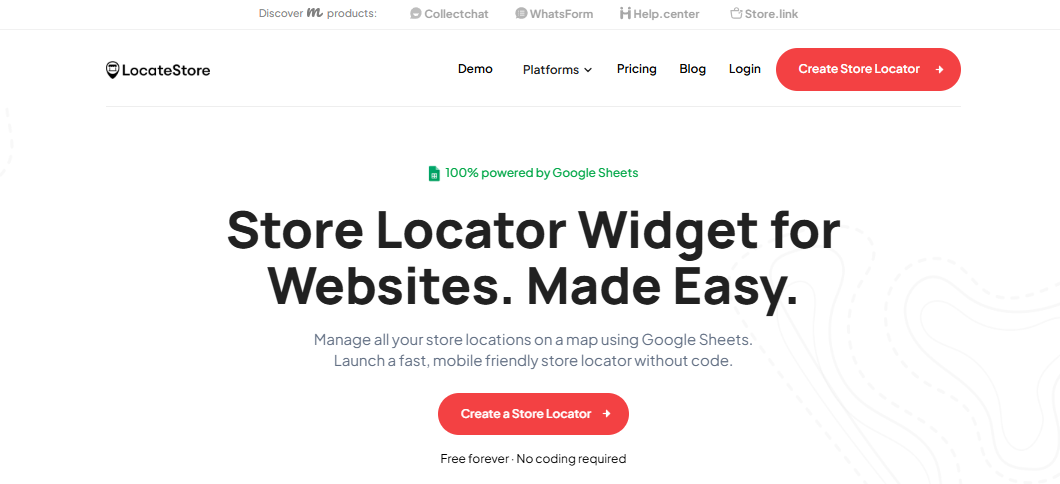
Locatestore is built on Google Sheets and powered by Mapbox, combining simple location management with fast, highly customizable maps. Businesses can manage store information from a familiar Google Sheet while delivering a fast and seamless map experience to customers. This combination makes Locatestore an ideal solution for Shopify merchants looking for simplicity, flexibility, and scalability.
Some of its key advantages include:
- Uses Mapbox instead of Google Maps.
- Built on Google Sheets for simple location management.
- Fast setup with minimal technical knowledge.
- Supports businesses with one or hundreds of locations.
- Mobile-friendly design.
- Better local search visibility.
- Flexible customization options.
- Easy updates without manual coding.
Locatestore is built on Google Sheets and powered by Mapbox, making it one of the fastest and easiest Shopify store locator solutions for businesses of all sizes.
Instead of spending time maintaining store data, businesses can focus on serving customers and expanding their retail presence.
Conclusion
Both Shopify store locators and basic store locators serve the same purpose of helping customers find stores. Yet, they differ in terms of complexity and scalability. It is best to opt for a basic option for small-scale businesses with limited locations.
A Shopify store locator, however, offers a variety of features allowing companies to provide customers with a better search experience, separate pages for each store, improved SEO, and enhanced scalability. It also makes the management of physical locations easier while helping businesses keep up with the growing expectations of customers. Locatestore combines fast Mapbox-powered maps, simple Google Sheets-based location management, unlimited scalability, and an easy Shopify integration to help businesses create a seamless connection between online browsing and in-store shopping. Whether you have a few locations or thousands, it provides the flexibility and performance needed to support your business as it grows.
FAQs
Which option is better for growing businesses?
A Shopify store locator is generally the better choice because it can support multiple locations, advanced search, better SEO, and easier store management.
Which store locator is easier to set up?
Basic store locators are suitable for businesses with only a few locations. Locatestore makes it easy to set up an advanced Shopify store locator without complex configuration.
Which store locator is better for SEO?
A Shopify store locator is stronger for SEO because you can build a location fine-tuned to local searches.
Is a Shopify store locator suitable for businesses with multiple brands?
Modern store locator software is usually designed to operate multiple brands and locations. This is a necessity for franchised businesses and multiple brands seeking to widen their distribution across several markets.