


If you run a business with multiple locations, every visit you lose often comes down to one thing: a customer could not find your nearest branch fast enough and went elsewhere instead. A WordPress store locator plugin solves that directly. Instead of forcing visitors to scroll through address lists or dig through multiple pages, it lets them search by city, zip code, or current location and reach the right branch in a few clicks.
Retail stores, clinics, dealerships, restaurants, and franchise networks all benefit from this. The faster a customer can locate and navigate to your store, the more likely they are to show up. Most standard store location finder plugins cover the basics. But if you manage dozens or hundreds of locations, the difference between a basic plugin and the right solution becomes significant, both for your customers and for the team maintaining the data.
What Is a WordPress Store Locator Plugin?
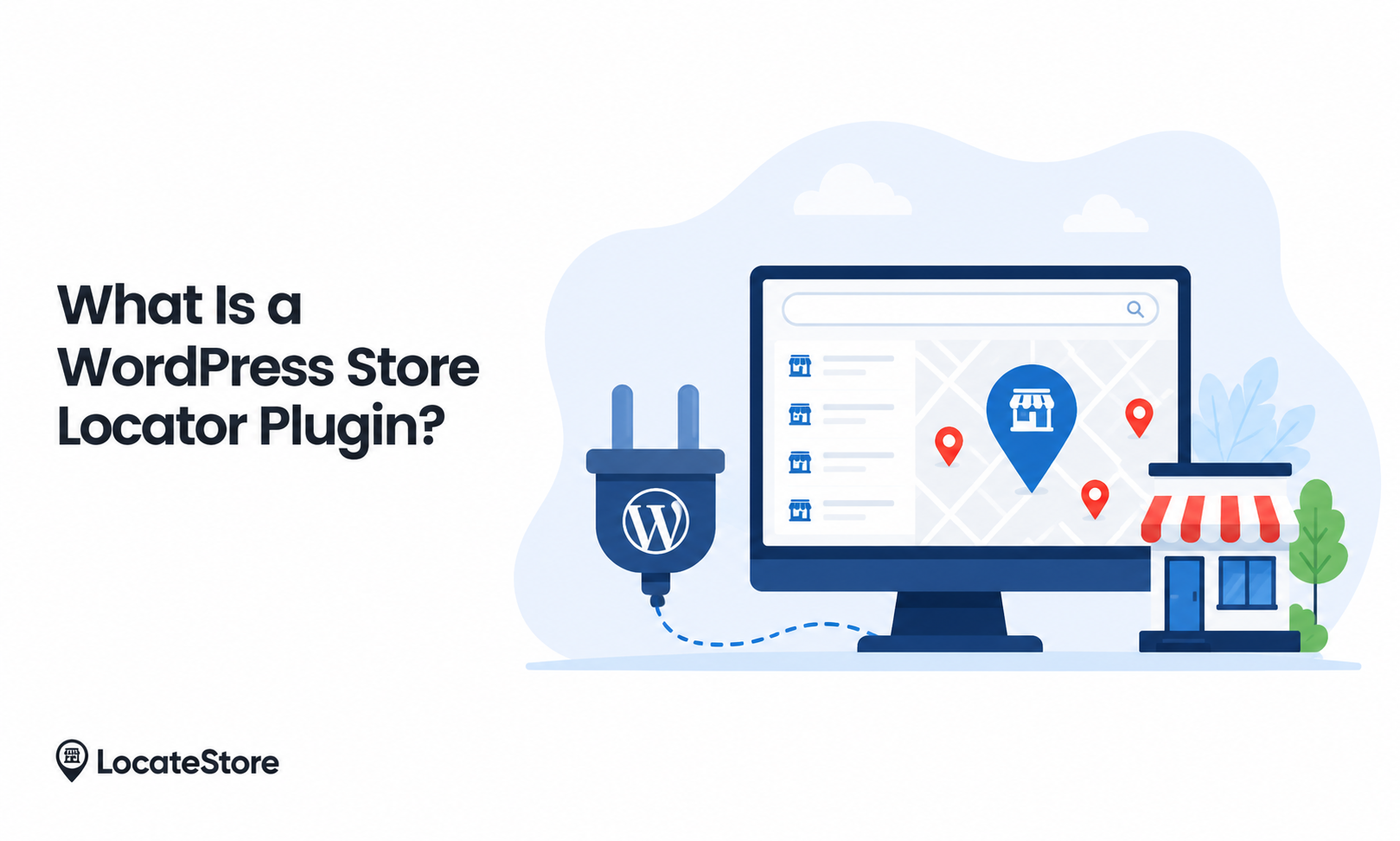
A WordPress store locator plugin adds a searchable map and store directory to your website. Visitors can search by city, zip code, or current location, view contact details and business hours, and get directions on a map. Instead of static address lists, it gives customers an interactive way to find the most relevant branch, without needing to call, email, or hunt through pages.
Why Businesses Need a Store Locator
Most customers search online before visiting a physical location. They want quick answers, accurate information, and a smooth experience on mobile. Without a proper store locator, users hit friction at the exact moment they should be converting:
- They cannot find the nearest branch quickly
- They see outdated addresses or missing details
- They leave and choose a competitor who made it easier
A multi-location business WordPress plugin removes that friction and keeps customers moving toward a visit instead of away from it.
Businesses that benefit most include:
- Retail chains
- Restaurants
- Clinics and healthcare providers
- Auto dealerships
- Fitness centers
- Education and training centers
- Franchise businesses
Benefits of Using a WordPress Store Locator Plugin
Better User Experience
Visitors search once and find the right location. No manual browsing, no outdated address pages, no dead ends.
More In-Store Visits
When customers can find the nearest location and get directions in seconds, the gap between online search and physical visit gets much smaller.
Improved Local SEO
Dedicated location pages and searchable store data help businesses rank for location-based searches such as "store near me," "[service] in [city]," and "nearest [brand] location." Plugins that generate LocalBusiness schema markup go further by giving Google structured data for each location, which can improve how your stores appear in local search results.
Fewer Support Requests
When store hours, phone numbers, addresses, and directions are easy to find, customers stop calling support for basic questions.
Easier Multi-Location Management
For businesses with dozens or hundreds of locations, the right store locator for WordPress keeps updates efficient and location data consistent across the board.
Key Features to Look for
Not every WordPress store locator plugin offers the same experience. The best solutions include:
- Interactive maps for quick visual browsing
- Geolocation detection to surface nearby stores automatically
- Distance-based search to sort by proximity
- Store details, including address, phone, hours, and services
- Directions and route planning for easy navigation
- Mobile responsiveness across all devices
- Bulk location management for large networks
- Custom filters by category, service, or amenities
- Fast map performance so results load without delay
- LocalBusiness schema support so search engines can index and display your locations accurately
How a WordPress Store Locator Works
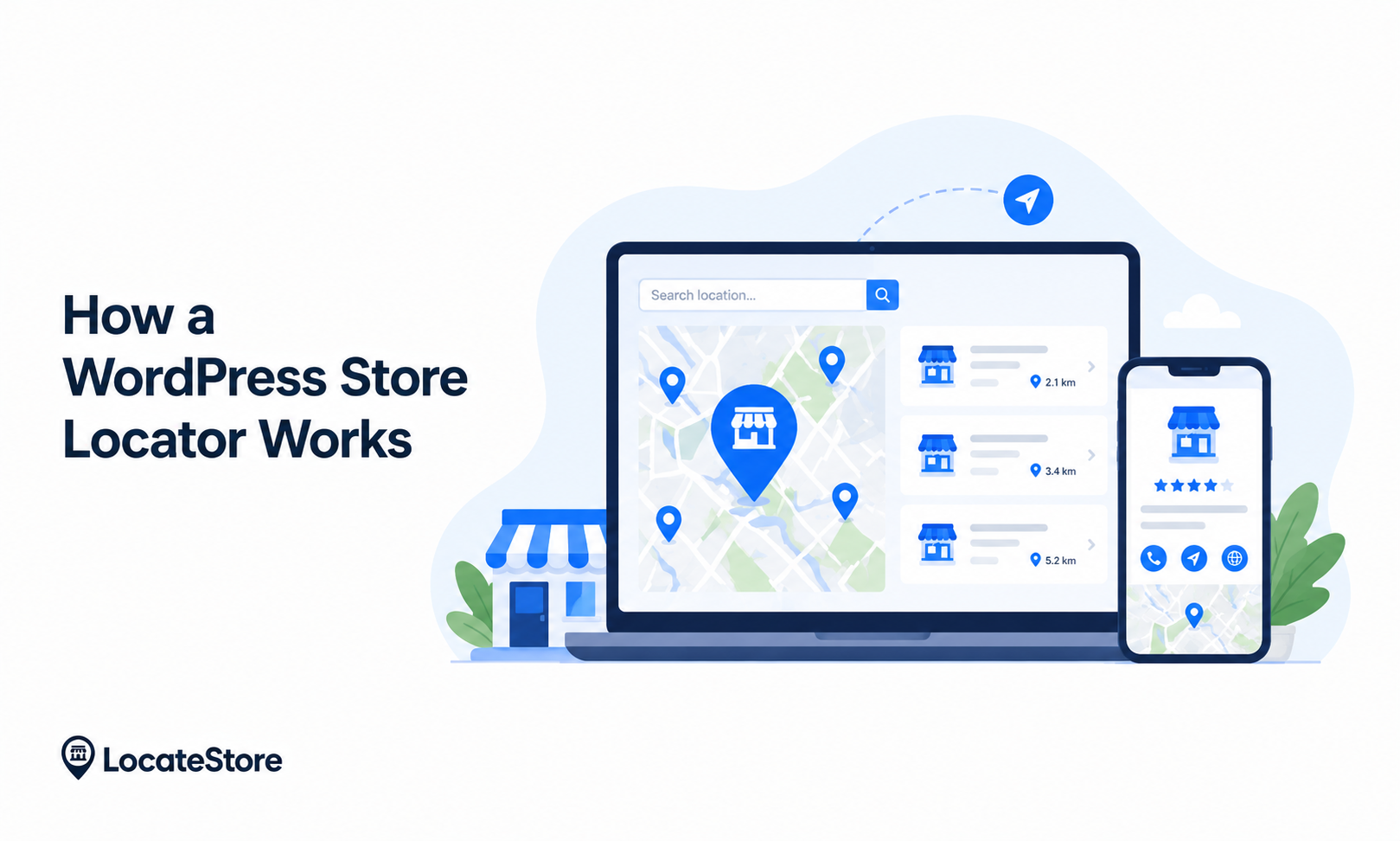
The flow is straightforward.
Step 1: The user searches. They enter a city, zip code, or allow location access on their device.
Step 2: The locator matches nearby stores. The system queries your location database and returns the closest relevant results.
Step 3: Results appear on a map and a list. Customers see both a visual map and a list view for quick comparison.
Step 4: The customer takes action. They view store details, call the location, get directions, or visit in person.
The entire process takes seconds. That speed is what separates a well-implemented store locator from a static address page.
What Sets Locatestore Apart
Most WordPress store locators work the same way: you add locations manually through a plugin dashboard, tie the map to Google Maps, and update records one by one when anything changes.
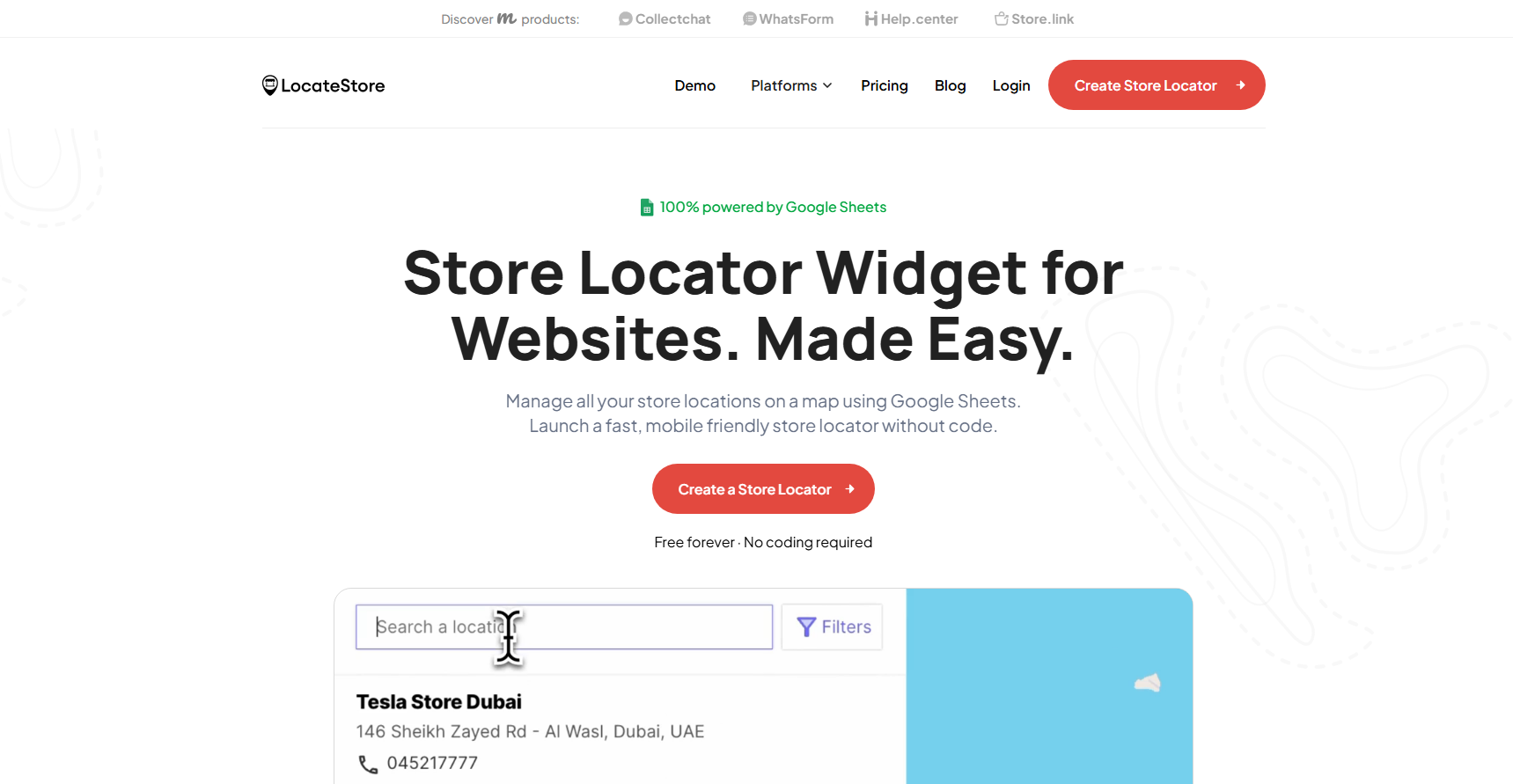
Locatestore takes a different approach. It is built around two decisions that make a real difference for multi-location businesses: Google Sheets for location management, and Mapbox for mapping.
Google Sheets-Based Location Management
With Locatestore, your store data lives in Google Sheets. That means your team can add new locations, update business hours, and edit contact details without touching WordPress admin at all. Changes reflect on the live locator automatically.
For businesses managing hundreds of locations, this is far more practical than editing records inside a plugin dashboard. Most teams already use spreadsheets; Locatestore fits into that workflow rather than replacing it.
Mapbox-Powered Maps
Locatestore uses Mapbox instead of Google Maps. That gives you faster map performance, better visual customization, and full control over map styling. It also removes the dependency on a Google Maps API key, which simplifies setup and eliminates a common cost variable as traffic scales.
Simple WordPress Integration
Locatestore integrates cleanly with WordPress and is designed for teams that want a professional location experience without a complicated setup or bloated plugin overhead.
How Locatestore Compares
When a Basic Plugin Is Not Enough
A free or entry-level plugin works fine for businesses with a handful of locations and no plans to scale. But there are clear signals that you need more. Why a WordPress Store Locator Is Essential becomes clear when businesses begin facing these challenges:
You manage a large location network, and updating records one by one is slow. Customers need to filter by service, department, or product availability. Your map looks like a generic plugin add-on instead of part of your brand. Heavy map scripts are slowing your page load times. Your team wants to update locations without logging into WordPress at all
If any of those apply, a more capable store locator for WordPress will pay for itself quickly in time saved and customer experience improved.
Also Read: Benefits of Store Locator in WordPress
Conclusion
A WordPress store locator plugin closes the gap between online search and in-store visit. It removes the friction that costs multi-location businesses real foot traffic, and it gives search engines the location data they need to surface your stores in local results.
Most plugins solve the basic problem. Locatestore is built for businesses that need more: easier location management through Google Sheets, faster and more flexible maps through Mapbox, and a setup that scales without adding operational overhead. If you want a faster way to add and manage store locations on WordPress, try Locatestore.
FAQs
How does a store locator improve website navigation?
It gives visitors a single, fast way to find the nearest branch using search, maps, and directions. Instead of browsing multiple pages or calling for an address, customers get to the right location in seconds.
What is the best WordPress store locator plugin?
It depends on your scale and needs. For small businesses with a few locations, a basic plugin is often enough. For multi-location businesses, look for fast performance, mobile responsiveness, bulk location management, and schema support. Locatestore is built specifically for teams managing multiple locations, with Google Sheets integration that makes ongoing updates straightforward.
Are WordPress store locator tools mobile-friendly?
Most modern options are, and mobile optimization matters because many location searches happen on phones. Any plugin you choose should be tested on mobile before going live.
Can I add a store locator without using Google Maps?
Yes. Locatestore uses Mapbox instead of Google Maps, which means no Google API key, strong customization options, and fast performance without the cost overhead that comes with high Google Maps API usage.
Is Locatestore suitable for businesses with many locations?
Yes. It is especially well-suited to large location networks because all store data is managed through Google Sheets. Adding, editing, or removing locations does not require anyone to log into WordPress