


If you are comparing Webflow and WordPress for a store locator, the underlying CMS matters less than how each platform handles the actual job: installing the locator, managing locations at scale, matching the map to your brand, keeping mobile performance fast, and supporting local SEO.
A reliable store locator app should be fast, easy to manage, mobile-friendly, and help customers quickly find nearby locations. Many businesses are also moving away from Google Maps in favor of more flexible mapping solutions. Locatestore is a Mapbox-powered Store locator widget that integrates with Google Sheets, making it easy to manage store locations on both Webflow and WordPress websites.
Interpreting Webflow and WordPress
Understanding Webflow and WordPress: Two of the most popular website-building platforms. The main fundamental difference is their intended use. WordPress, in operation since 2003, is one of the most powerful CMS systems. It was created by thousands of developers who actively release new plugins for it since it occupies more than 43% of the world’s web.
Webflow is a comparatively fresh website tool that launched in 2012. It is a visual website builder that merges CMS, hosting, design, and publishing solutions into one platform. Webflow is used by designers and developers to build products in a collaborative environment where no plugins are required.
What Is WordPress?
What is WordPress? It is an open-source CMS that enables firms to operate their sites on their own. It is valued for its flexibility, allowing users to manage and customize their websites the way they want. With the wide variety of available themes and plugins, developers can enable numerous features and functions, including eCommerce, appointment scheduling, membership areas, and WordPress Store Locator Plugins that help customers quickly find nearby business locations.
WordPress’s open-source nature allows companies to modify any part of their website and design it according to their specific needs.
At the same time, businesses may face some challenges when maintaining and updating their WordPress sites, including managing the variety of plugins, implementing updates, and improving the system’s security.
What Is Webflow?
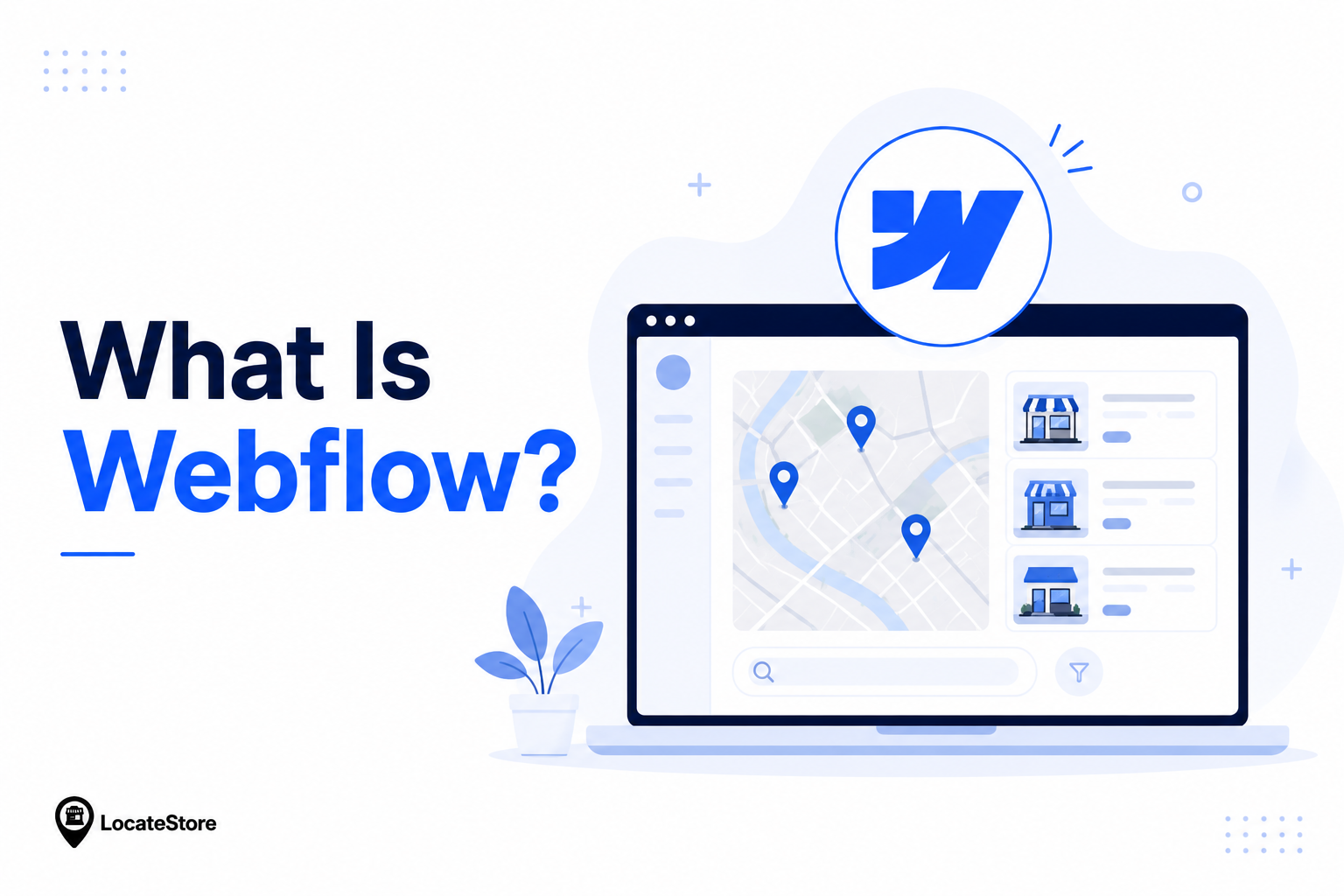
What is Webflow? It is a website design platform that provides cloud-based design software and a CMS. It stands out by enabling designers to build responsive websites and manage content without the coding typically required by other CMS platforms. With its flexible design capabilities, businesses can also integrate a Webflow Store Locator to help customers easily find nearby locations and enhance the overall user experience.
It enables businesses to reduce time spent on updates and changes to sites as they do not require developers’ intervention. Moreover, Webflow CMS gives you complete control over the content.
Webflow vs WordPress Store Locator Comparison
Neither of the two is universally better. It depends on the specific circumstances of the business.
Ease of Installation
WordPress and Webflow handle store locator installation differently.
On WordPress, Locatestore works through a dedicated plugin. You install the plugin from your WordPress dashboard, connect your Google Sheet, configure the locator, and publish it on the page you want.
 Ziyad – AI & Mapping Technology Expert
On Webflow, Locatestore is added through an embed code snippet. Webflow does not have a plugin system like WordPress, so the locator is placed inside a Webflow embed block. This gives Webflow users the same interactive map experience without needing a native plugin.
Neither setup requires you to manage Google Maps API keys. Locatestore runs on Mapbox, which gives you more control over map styling and avoids the usual Google Maps setup work.
What About Store Locators?
Regardless of the software, companies also need a store locator that fits their website’s branding. Locatestore allows businesses to make the map’s colors, icons, arrangements, and designs customizable, as it is not dependent on Google Maps. Locatestore is compatible with Webflow and WordPress, meaning that companies do not have to change their preferred CMS in favor of a store locator plugin.
Speed and Mobile Performance

Store locators are often used on mobile. Someone is nearby, searching for the closest store, branch, dealer, clinic, or pickup point. If the map is slow or hard to use, they leave.
WordPress performance depends on your hosting, theme, plugins, caching, image optimization, and security setup. A well-optimized WordPress site can be fast. A plugin-heavy WordPress site on weak hosting can become slow.
Webflow performance is more managed by default. Hosting, CDN, SSL, and responsive delivery are built into the platform, so there is less manual performance work for most teams.
For the locator itself, Locatestore keeps the experience lightweight by using Mapbox and an optimized embed/plugin setup. That helps visitors load the map quickly and find nearby locations on both desktop and mobile.
AI Capabilities
AI capabilities are becoming an important part of website creation.
From content creation to personalization and analysing data, companies are taking advantage of artificial intelligence to make their work easier and improve client experience.
WordPress
WordPress allows users to add AI functions through thousands of plugins.
One can add AI-powered tools such as writers, SEO, chatbots, image generators, personalization tools, and automation software, among others. While this flexibility is remarkable, every added plugin adds to the complexity and requires constant maintenance and updates.
Webflow
Webflow is taking a different approach by building native AI features.
From editing content, generating pages, automating workflows, and optimizing the process, Webflow is making the publishing process easier by reducing reliance on third-party plugins.
What About Store Management?
While AI can help create content and automate website tasks, managing store locations still requires accurate and up-to-date information.
Locatestore simplifies store management by using Google Sheets as the backend. You can easily update store addresses, business hours, phone numbers, categories, and other location details from a familiar spreadsheet. There's no need to learn a separate dashboard, making it easier for teams to manage locations as the business grows.
Whether you choose Webflow or WordPress, Locatestore provides a simple and efficient way to manage store locations without adding unnecessary complexity.
Long-Term Maintenance Cost
The real cost of a store locator is not only the price of the website platform. It is the cost of keeping everything working over time.
WordPress itself is free, but businesses often pay for:
- Hosting
- Premium themes
- Premium plugins
- Security tools
- Backups
- Developer support
- Performance optimization
- Plugin conflict fixes
Webflow has a recurring subscription, but hosting, security, CMS, and publishing are bundled into the platform. For marketing teams that update pages often, that lower maintenance overhead can be worth the subscription cost.
For the store locator specifically, the hidden cost is usually location management. If every address change needs a developer, or if the team has to learn a complicated dashboard, the operational cost adds up quickly.
Locatestore reduces that cost by letting teams manage store data directly in Google Sheets, whether the website runs on Webflow or WordPress.
The Hidden Cost of Store Locator Management
unaware of tMany companies are focused only on the cost associated with websites and remain he expenses related to the maintenance of store information. Updating hundreds of locations or trying to organize them in a complex dashboard or database may be resource-intensive in terms of both money and time.
With Locatestore, you can save significantly on such expenditures due to the use of Google Sheets as a dashboard. Marketing managers can update the information directly in Locatestore, without spending time and effort on learning new software or waiting for the developers to make changes.
Why Locatestore Works with Both Platforms
Consider using Locatestore for your store locator needs, whether you’re using Webflow or WordPress.
Unlike traditional CMSs, Locatestore offers a fast way to build your store locator. Using our intuitive interface makes it possible for anyone to install a locator on their Webflow or WordPress site.
Additionally, unlike many other providers, Locatestore does not force you to use Google Maps. Instead, we use Mapbox, offering more flexibility in terms of design and eliminating the hassle of managing multiple API accounts.
This makes it easy to:
- Add new locations
- Update business hours
- Change phone numbers
- Edit addresses
- Manage hundreds of stores from one place
Webflow vs WordPress: Which Platform Should You Opt For?
Opt for Webflow if you:
- All-in-one website platform.
- Prefer visual website design with less maintenance.
- Need managed hosting and built-in security.
- Want your marketing team to publish content independently.
Opt for WordPress if you:
- Need extensive customization.
- Rely on specialized plugins.
- Have developer support available.
- Want complete control over your website environment.
Locatestore is optimized for both, meaning you can use the Content Management System (CMS) solution of your choice without sacrificing features and performance.
Why Businesses Choose Locatestore
While your CMS will play a role in how you operate on the web, the right store locator will determine how well you serve your customers.
Locatestore was built to empower businesses by making it easy to launch and manage store locators.
Key benefits are:
- Powered by Mapbox, not Google Maps
- Built on Google Sheets for simple location management
- Compatible with Webflow and WordPress
- Fast, mobile-friendly maps
- Custom branding and map styling
- Bulk location updates
- Easy implementation without complicated API management
- Scalable for businesses with one location or thousands
Whether you have a retail network, restaurant chains focused on Restaurant Store Locator, healthcare platforms leveraging Healthcare Store Locator, or other organizations that require store locators, Locatestore will help you drive customer discovery and keep your location data effortlessly up to date.
Conclusion
There is no doubt that both Webflow and WordPress have their benefits and shortcomings, but every company has a priority. WordPress is one of the most flexible content management systems that offers multiple solutions for any business. It is an open-source platform enabling website owners to customize their preferred hosting and plugins for their needs.
Meanwhile, Webflow CMS is a good alternative for those who want to enjoy the publishing process, take advantage of hosting services, and reduce the number of necessary plugins. Either way, your company’s store locator is expected to be manageable, quick, convenient, and easy to navigate.
FAQs
Which Is Better for a Store Locator: Webflow or WordPress?
Both Webflow and WordPress are great CMSs for developing professional store locators. If you have an experienced team that can take care of the site, Webflow will deliver modern design and hosting. However, WordPress provides more opportunities for customization using plugins. The Locatestore WordPress plugin for store locator is compatible with all CMS systems; thus, it is not essential to choose between Webflow vs. WordPress. Developers can use any tool and take advantage of all the features offered by the Locatestore WordPress plugin.
Does Webflow Support Store Locator Functionality?
Yes. WordPress supports store locator functionality through plugins. Locatestore offers a WordPress plugin that lets you add a store locator, connect your Google Sheet, and manage locations without building a custom system.
Which Platform Is More Cost-Effective for a Store Locator?
It depends on the user’s intentions in the end. First of all, WordPress seems to be cheaper to build, but later costs can add up due to the necessity to pay for hosting, additional plugins, and advanced security options. Meanwhile, Webflow has an annual cost because all expenses, including hosting, are covered by the customers. Regardless of the selected platform, using Locatestore will make your operations cheaper since your employees will manage the Google Sheets file instead of interacting with a separate application.
Is Webflow Faster Than WordPress for Store Locator Websites?
Webflow often performs well by default because hosting, CDN, SSL, and responsive delivery are managed by the platform. WordPress can also be fast with good hosting, caching, and optimization. Locatestore keeps the locator lightweight on both platforms by using Mapbox and an optimized setup.