


A WordPress store locator is one of the most practical tools for any business with multiple physical locations. If you're looking for the best store locator plugin WordPress users can rely on, the right solution can help customers find your nearest shop, office, or service center without leaving your website. A store locator tool helps customers quickly find your nearest shop, office, or service center without leaving your website.
We looked at short-term performance (how quickly the page loads) and long-term value (how well it handles updates and customizations). We evaluated free and paid options, checked their support history, and measured ease of use for people who are not technical. The right Store locator widget turns a generic visitor into someone who spends more time on your site and eventually walks through your door. Let’s explore the top options in 2026 so you can pick a tool that fits your locations, your skills, and your budget.
What is a WP store locator plugin?
A WordPress Store Locator Plugin displays physical store locations on an interactive map embedded directly on your website. Whether you have retail stores, service centers, or multiple branch locations, these tools show customers where to find you.
Store locator plugins connect your inventory of locations with a mapping service. The best solutions let users search by city, zip code, or address and filter by category. A Store locator plugin also provides turn-by-turn driving directions. These tools reduce friction in the checkout journey and help drive foot traffic to physical locations. Locatestore leads the category with its zero-code, spreadsheet-based approach. Visit Locatestore to see how their widget helps businesses manage hundreds of store locations simply.
How store locator plugins help local SEO
Store locator plugins don't magically improve rankings, but they contribute to broader SEO goals. When users find your physical locations through search, they're more likely to visit in person. That connection between online discovery and offline visits can strengthen your local SEO over time.
For example, someone searching "coffee shops near me" might see your brick-and-mortar locations in the search results. Clicking to view store details gives behavior signals around physical store visits and engagement. These interactions help search engines understand there's genuine demand for your services in specific areas.
How does a WordPress store locator plugin work?
WordPress Store Locator Plugins connect two pieces: your store location inventory and a mapping service that renders them visually. A store locator tool connects your store location data with a mapping service and displays it through an interactive map on your WordPress website.
Here’s how they function:
Data setup: Enter location details (address, phone, hours, photos) through the plugin’s interface or a spreadsheet.
Mapping integration: The plugin sends that data to Google Maps, Mapbox, or another mapping provider to create an interactive map with markers or pins.
Frontend display: A map widget appears on your site, typically on a dedicated page. Visitors see all your locations at once.
User interaction: Users filter by category, search by location, click markers to see store details, and use directions to navigate.
Updates: When you add or remove a store, changes sync automatically. This matters especially for spreadsheet-based setups.
Locatestore is built around this last point. It’s a native WordPress plugin, but instead of managing locations from inside the WordPress admin, it connects to a Google Sheet: you manage stores like a spreadsheet of inventory, rows and columns of data, with no separate database to learn. Many of the alternatives below manage locations directly inside the WordPress admin instead, while hosted tools like Storepoint and Store Locator Plus’s SaaS edition use their own dashboards outside WordPress.
Can I add unlimited store locations in WordPress?
Many people wonder if there’s a hard limit on how many stores you can add.
The short answer depends on the plugin and plan. Free plugins often cap the number of locations or the monthly searches/views included. Premium tiers raise or remove those caps.
Locatestore doesn’t cap the number of locations on any plan. Each spreadsheet row is one location, so you can track thousands of stores. The tradeoff is usage: free and lower-tier plans do limit monthly visits and searches, so a high-traffic locator will need to move up a tier even though the location count itself stays unlimited. Worth confirming your expected traffic against current plan limits before committing.
Agile Store Locator, WP Multi Store Locator, and WP Go Maps also support unlimited markers on their premium plans, typically managed through the WordPress admin or CSV import rather than a spreadsheet.
Do WordPress store locator plugins improve local SEO?
Store locators don't guarantee higher rankings. But they support local SEO through offline-to-online visibility and better user experience. When customers find your stores through search, the interaction sends signals to search engines. They show genuine demand for your services in specific areas and that users visit your site for offline-related queries.
Take "coffee shops near me" as an example. If someone sees your locations in results, clicks to view details, then navigates to your address, that behavior data supports your local SEO. Store locator pages also give you chances to rank for location-specific queries. A plugin that lets you customize each location page with hours, reviews, distance, or special offers turns a generic page into an opportunity to rank for phrases like "coffee shop (Location)." A store locator works best when combined with broader local SEO foundations: quality content, backlinks, mobile site performance, and structured data.
What features should I look for in a WP store locator plugin?
Focus on features that save time and improve user experience beyond basic map display. Focus on features that save time and improve user experience beyond basic map display. When choosing a store locator tool, look for features such as bulk location management, search and filtering, customization, directions, and mobile optimization.
Key capabilities to prioritize
1. Google Sheets Integration: A spreadsheet backend makes managing many locations much faster if you don't want to update a separate database. Locatestore uses this model to manage locations with Google Sheets.
2. Bulk Import/Export: CSV files or spreadsheets let you import locations in bulk, speeding setup and updates.
3. Customization Options: Match your brand with map styling, marker icons, color schemes, and layout options.
4. Search and Filtering: Geolocation lets users automatically discover stores near them. Look for advanced filters by category, distance, or attributes.
5. Directions and Store Details: Each location should show address, phone, hours, and photos. Built-in directions integration gives users turn-by-turn navigation from the page.
6. Mobile Optimization: Store locators often get accessed on mobile by people on the go. Responsive design and touch-friendly controls matter.
7. Fix focus keyword placement error in title and headings: The title currently says "10 Best WP Store Locator Plugins in 2026," which meets the requirement of including "WordPress Store Locator" and keeping it concise. You can include the focus keyword explicitly in the title like this:
Best WordPress Store locator plugins in 2026
1. Locatestore
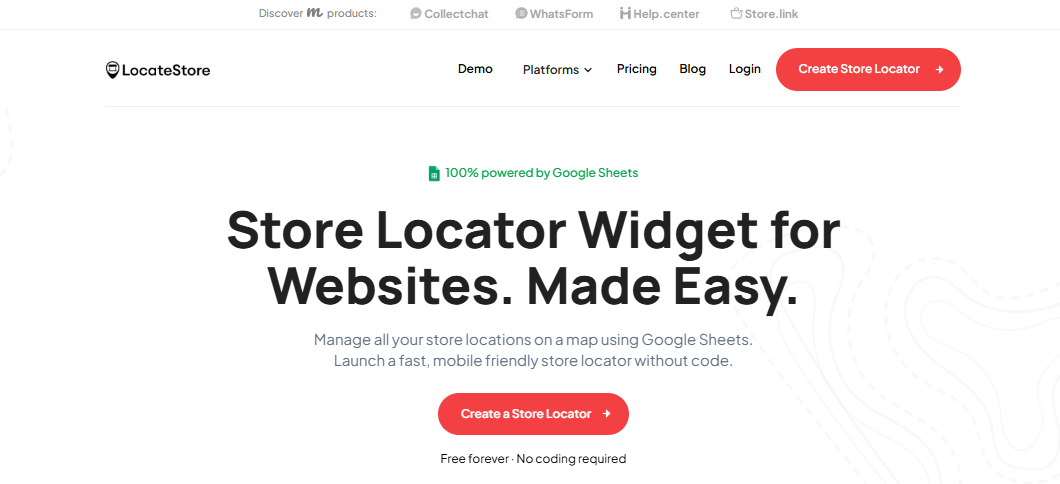
Best for: Zero-code setup with spreadsheet management
Drawback: Free and lower-tier plans limit monthly visits and searches, even though location count is unlimited
Key features: Google Sheets backend, Mapbox maps, unlimited locations, per-location images, custom map pins, floating widget, Smart Search, category filters, directions, analytics, multi-language support
Starting price: Free
Locatestore uses a Google Sheets backend, so you manage locations the way you’d manage any spreadsheet, with no separate database or coding required. It runs on Mapbox rather than the Google Maps API.
Why Locatestore stands out:
Mapbox maps: No Google Maps API key to manage, with a range of map style options.
Zero-coding setup: Manage locations directly in Google Sheets.
Flexible pricing: Free tier available; Lite and Standard tiers scale with traffic.
Mobile-first: Fully responsive widget that adapts to phones, tablets, and desktops.
Customizable: Theme, color, map style, and marker changes to match your brand.
2. Agile Store Locator
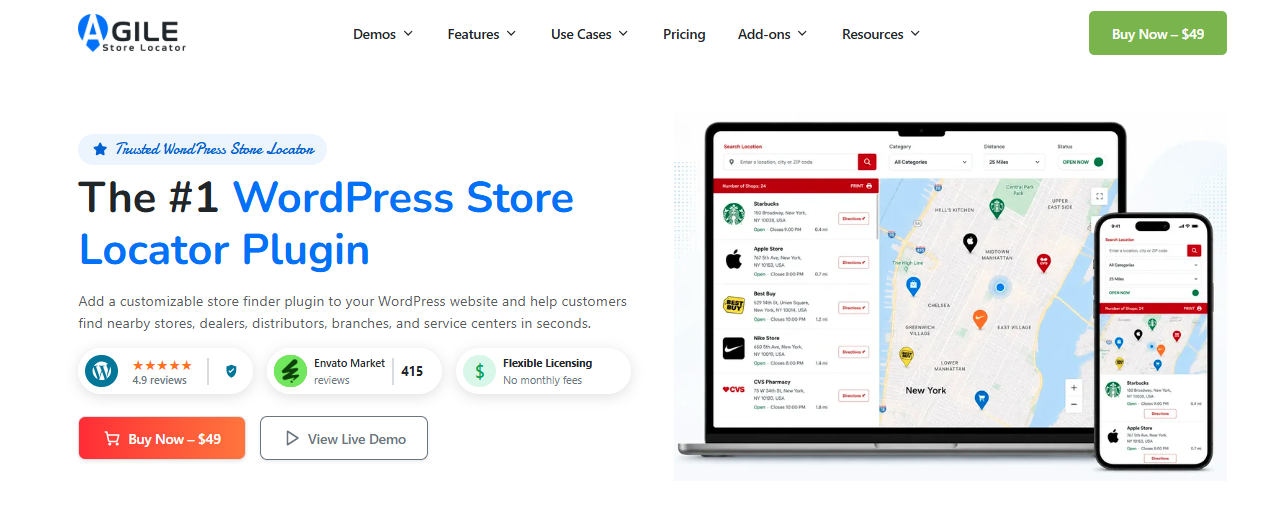
Best for: Multiple layouts, detailed analytics, and flexibility
Drawback: Higher learning curve; runs on the Google Maps API only, which means a billing-enabled API key as traffic grows
Key features: Frontend widget editor, location profiles, analytics dashboard, AJAX-powered search, bulk import/export, mobile-responsive design, internationalization support
Starting price: Free; Pro from $49/year
Agile offers multiple layout options so you can customize how your store locator appears, and the free version covers the core locator features for smaller setups. It’s well-suited for businesses with multiple branch locations that want detailed analytics once they move to Pro.
3. WP Multi Store Locator

Best for: Multiple category maps and Excel import/export
Drawback: Google Maps only; Pro features sit behind a paid license
Key features: Multiple maps per category, geolocation, distance range slider, Excel import/export, unlimited markers and clusters, Snazzy map styles, Gutenberg block support
Starting price: Free version available; Pro from $89.99/year
WP Multi Store Locator lets you build separate maps for different categories, which works well for chains with distinct store types. The Excel import tool handles large lists, and Pro plans add store insights and search tracking.
4. WP Store Locator
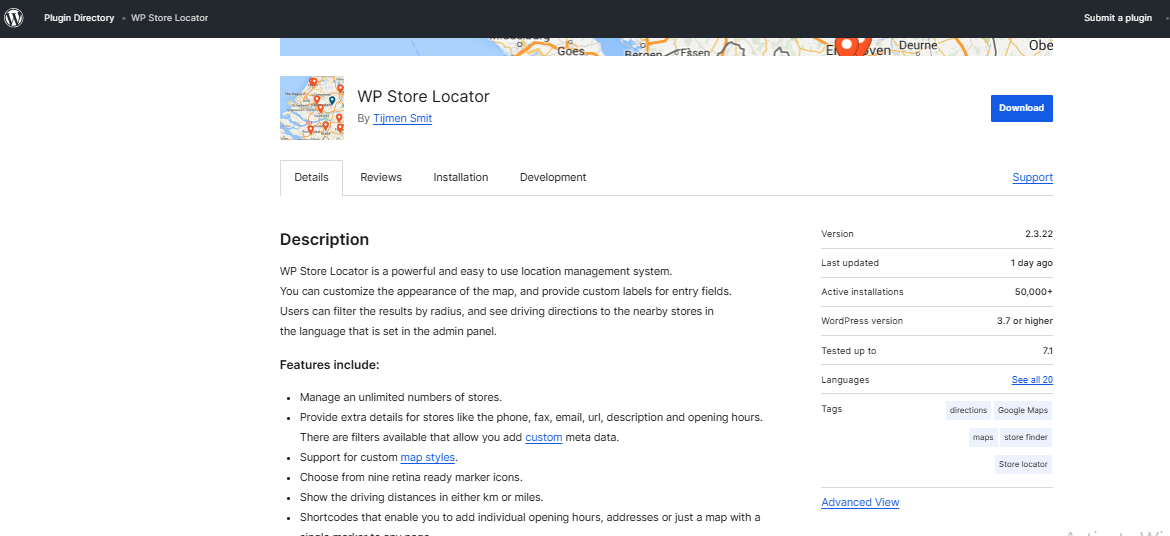
Best for: Free, open-source solution with multilingual support
Drawback: Limited modern features and less frequent updates
Key features: Customizable markers, multilingual support, WooCommerce compatibility, customizable map styles, Google Maps integration, geolocation, detailed profiles, search presets
Starting price: Free
WP Store Locator is completely free and open-source. It’s a solid choice for businesses on a strict budget who don’t need advanced analytics or modern features, though it relies on the Google Maps API.
5. WP Go Maps
Best for: A full mapping plugin with a built-in store locator and zero-cost map options
Drawback: The store locator is one feature within a broader mapping plugin, so it includes more than most businesses need for a single-purpose locator
Key features: Built-in store locator with proximity search and geolocation, category filtering, seven map engines including zero-API-key options, custom markers, WPML compatibility, CSV import
Starting price: Free version available; Pro from $69 one-time
WP Go Maps (formerly WP Google Maps) is one of the most widely installed WordPress map plugins, and its store locator add-on covers the core basics (proximity search, filtering, and directions) without requiring a billing-enabled Google Maps API key if you use one of its free map engines.
6. GeoDirectory
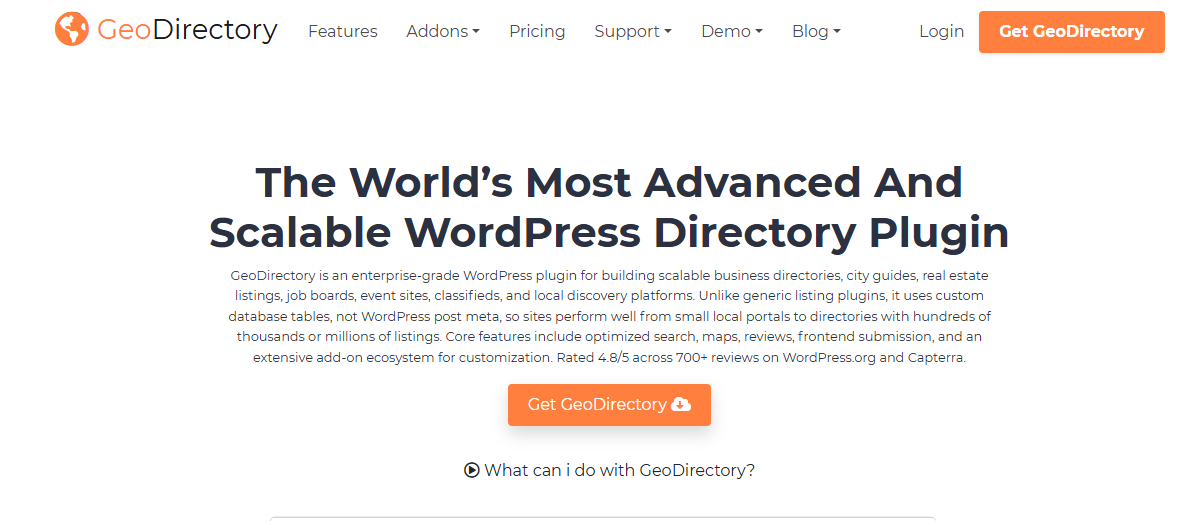
Best for: Businesses that need a full searchable location directory, not just a map widget
Drawback: Steeper learning curve and more setup than a dedicated store locator; built more for directory sites than a simple locations page
Key features: Custom listing fields, category and proximity search, reviews and ratings, CSV import/export, multi-location support via add-on, page-builder compatibility
Starting price: Free core plugin; add-on membership from $115
GeoDirectory is closer to a directory-builder framework than a dedicated store locator, which makes it a good fit for businesses with large or complex location networks that want individual, SEO-friendly pages per location, but likely more plugin than you need if you just want a simple map.
7. Super Store Finder
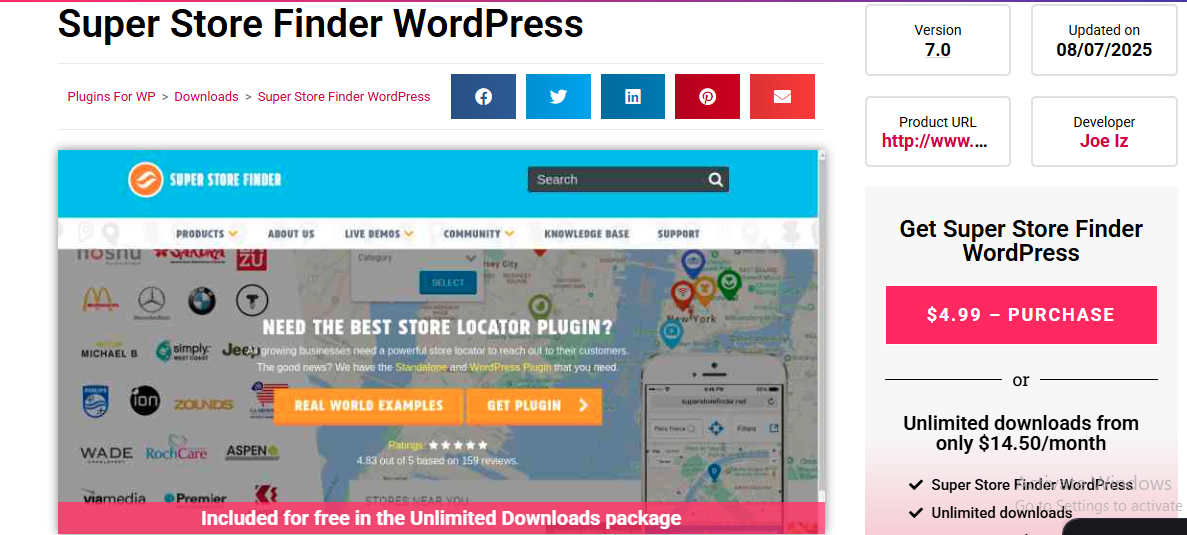
Best for: Aesthetic designs and multilingual support
Drawback: Relies on the Google Maps API, so costs can rise with traffic
Key features: Eye-catching designs, multilingual support, admin panel, responsive layout, bulk upload, geolocation, store details
Starting price: $29 one-time payment
Super Store Finder prioritizes visual appeal with distinctive map and listing designs. The multilingual support makes it suitable for international brands, though it runs on the Google Maps API.
8. Locatoraid
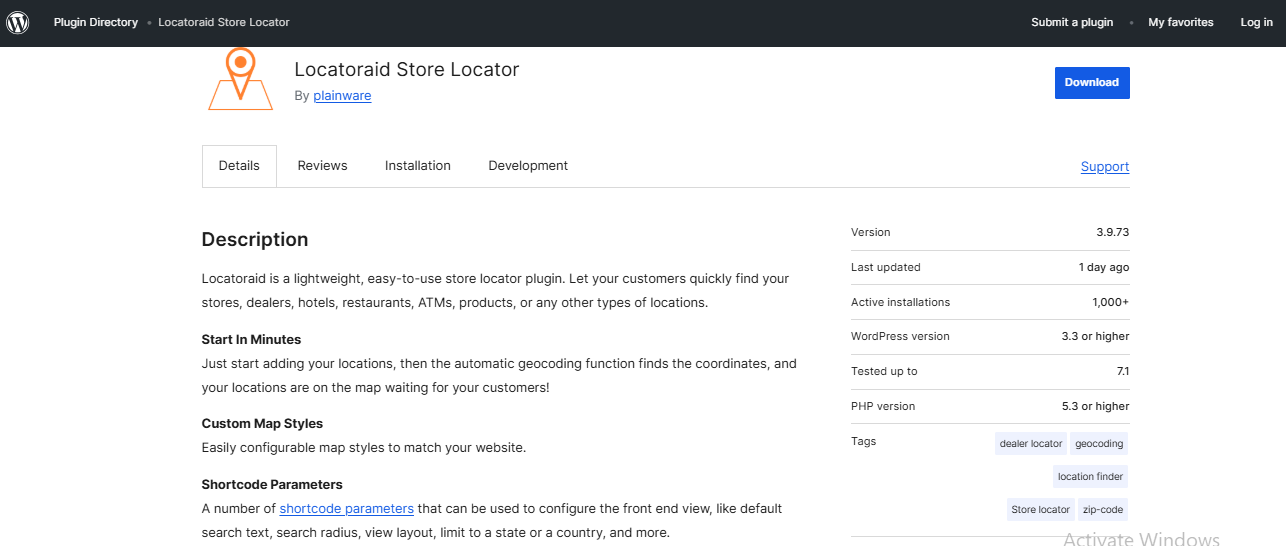
Best for: Budget-friendly businesses
Drawback: Limited advanced features compared to premium solutions
Key features: Radius search, bulk location upload, customizable marker styles, geolocation, store details, simple admin interface, mobile-friendly, geocoding integration
Starting price: Free tier available
Locatoraid keeps things simple with an easy-to-use interface and reasonable features. The free tier works well for small businesses just getting started.
9. Store Locator Plus
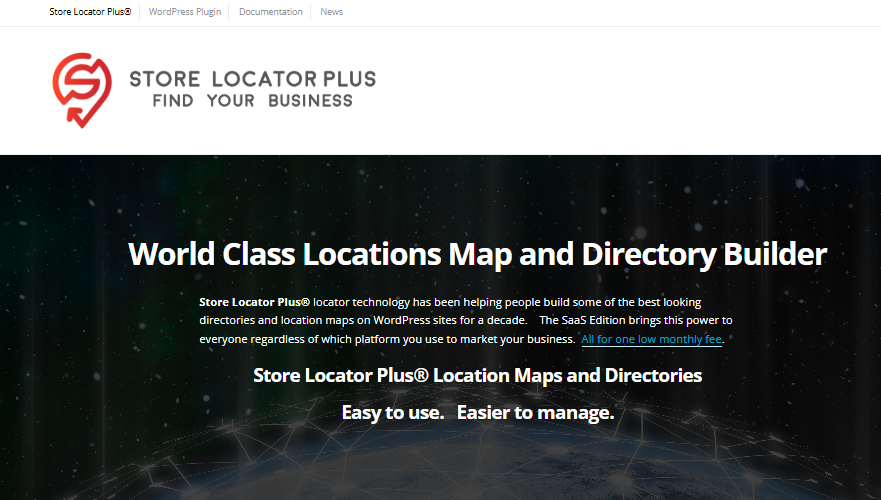
Best for: Large store, dealer, and location networks
Drawback: The self-hosted WordPress plugin is a one-time license; the more actively maintained SaaS edition is a recurring monthly cost
Key features: Up to 15,000 locations, CSV import/export, GPS detection, location categories, customizable search and results, location directories
Starting price: $5/month (SaaS edition)
Store Locator Plus is built for businesses managing large location networks. It’s available either as a self-hosted WordPress plugin or as a SaaS edition that works across WordPress and other platforms.
10. Storepoint
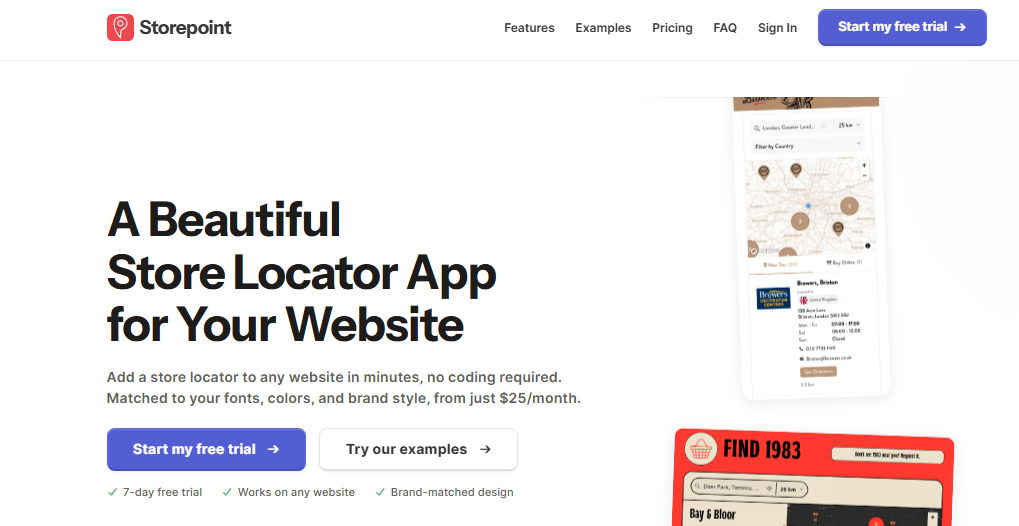
Best for: WordPress brands wanting a polished, no-code store locator
Drawback: Higher starting price than several free or one-time-purchase alternatives
Key features: Native WordPress plugin (Gutenberg block or embed), Google Sheets & CSV sync, location filters, geolocation, custom fields, directions, analytics
Starting price: $25/month
Storepoint is a hosted, no-code store locator with a dedicated WordPress plugin as well as an embeddable widget for any page builder. It supports CSV and Google Sheets syncing, brand-matched styling, and analytics out of the box.
Which plugin is best for small businesses?
For small businesses, the highest cost isn't subscription fees; it's the time spent learning new tools and managing data.
Locatestore's spreadsheet model saves time. Other paid plugins require ongoing subscriptions that add up if you only need occasional use. Free or low-cost options often come with hidden limitations: low search caps, forced ads, or limited location counts.
- A small business with three to ten locations benefits most from simplicity. Locatestore's free plan covers many needs. Premium tiers unlock space when you grow. The spreadsheet workflow feels natural if you're comfortable with basic data management.
- Elfsight Store Locator offers a free tier too, but removing branding and adding advanced customization requires paid plans.
- WP Store Locator is completely free if you're tech-savvy and comfortable with manual configuration.
Final thoughts
A WordPress Store Locator Plugin solves a clear problem: helping customers find your physical locations when they visit your website. In an era where online-to-offline traffic matters, this feature is increasingly strategic.
The right plugin preserves that connection. Poorly designed store locators frustrate users by slowing down your site or providing buggy experiences. Good ones fit seamlessly into how you already work and your brand. The right store locator tool can make it easier to manage location data while helping customers quickly find nearby stores.
For teams that prefer spreadsheet-based management, Locatestore offers a straightforward path. Use the tools you already know to manage locations, and let the system handle the visualization.
No single plugin fits every scenario. Ask yourself what matters most: no-code convenience, visual customization, advanced filtering, or pricing structure. Use this comparison to narrow your options. Whatever tool you choose, keep your location data current. Accurate hours, updated addresses, and current contact information prevent customer frustration.
FAQs
Can I add unlimited store locations in WordPress?
Yes. Locatestore doesn’t cap the number of stores your Google Sheet does. Each spreadsheet row equals one location, so you can track thousands of stores without changing plans. Some plugins cap free tiers at 10–25 locations, but Locatestore keeps your cost based on usage, not on row counts. The real difference is who charges you. Plugins that route through Google Maps charge per map view (after free usage). Locatestore routes through Mapbox-hosted styling instead, so those usage fees never hit your Locatestore bill.
Why unlimited locations help multi-store businesses
When you expand into a new city, you need tools that grow with you. Fixed limits force you to upgrade plans or split inventory across plugins. Expandable spreadsheet-based systems let you add or remove stores instantly by editing rows, with updates syncing across your site. Bulk imports let you launch a new city in minutes. Adjust inventories, close outlets, or update pop-ups by refreshing the sheet no admin panels, no manual edits to every page.
Are WordPress store locator plugins mobile-friendly?
Yes. Mobile-friendly maps are now standard. Responsive layouts that adapt to small screens and load quickly keep users engaged. Wide-format embeds that force panning lose customers quickly. Page speed matters most on mobile. A fast-loading page keeps visitors exploring; a slow one sends them away. Use PageSpeed Insights to test your real scores, then use those benchmarks as your target. Locatestore is built with mobile users in mind. Maps load quickly on slower connections.
Do WordPress store locator plugins cap locations?
Free plugins limit you to 10–25 locations. Locatestore allows unlimited locations by treating your Google Sheet as your database. Your only bound is spreadsheet rows, which accommodate thousands of stores.