


Setting up a store locator widget on WordPress usually means setting up Google Maps first, and that’s where things get complicated. Businesses end up creating a Google Cloud account, enabling the Maps API, generating an API key, configuring security restrictions, and attaching a billing account before a single map pin shows up on their site. For a small business or a marketing team without dedicated dev support, that’s a lot of overhead just to display a Store locator widget and help customers find your locations.
That’s why more businesses are looking at a WordPress store locator without Google Maps. Locatestore is one option built around that idea: it runs on Mapbox for mapping instead of Google, and it manages location data through Google Sheets instead of a custom admin dashboard. The result is a locator that’s cheaper to run, easier to hand off to non-technical team members, and faster to set up.
Common Issues with Google Maps API
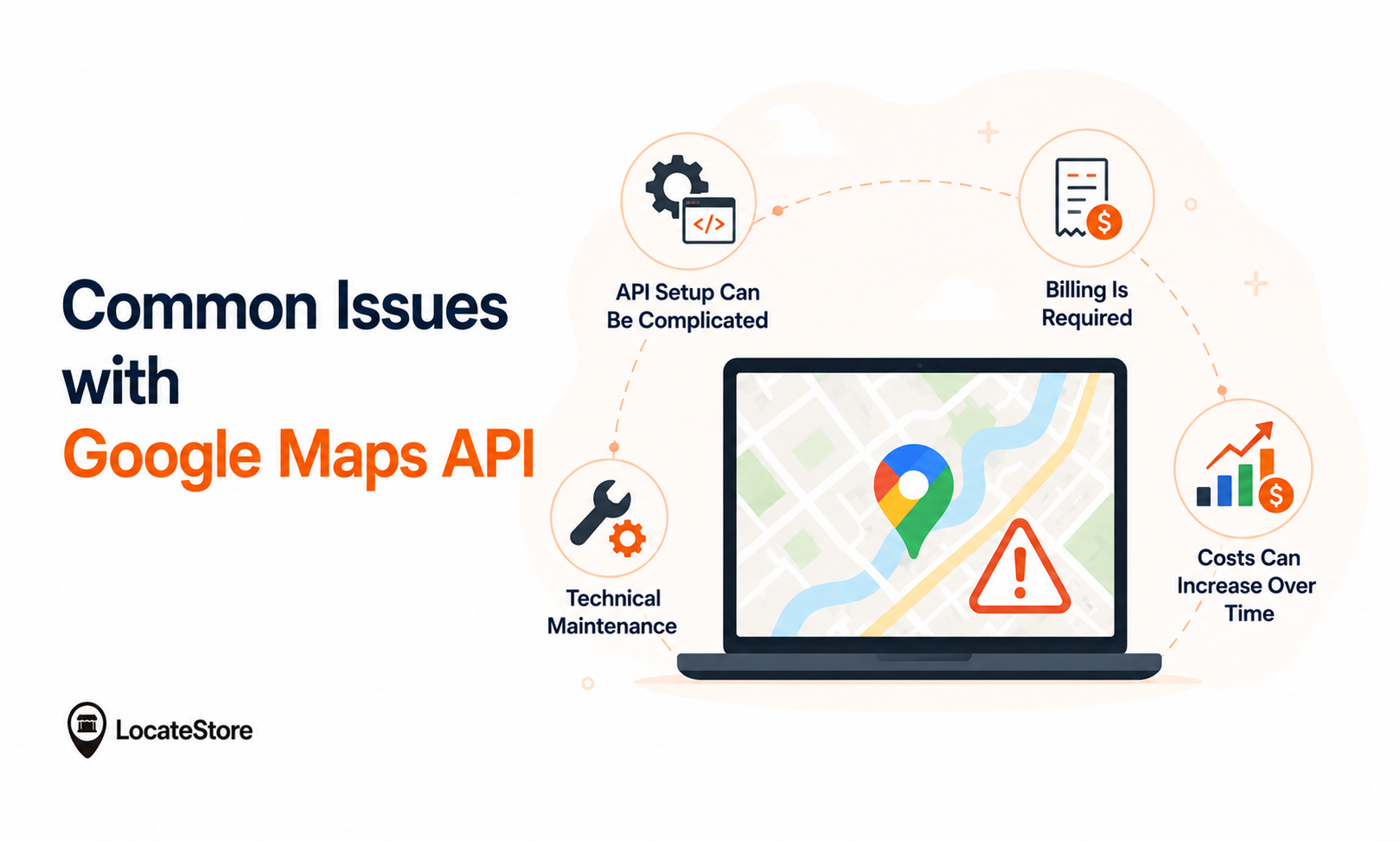
Google Maps has been a popular choice for store locators for many years. However, many businesses are now looking for alternatives because managing the Google Maps API can be complex.
One challenge with the Google Maps API is that businesses need to manage technical setup, billing, and ongoing maintenance. This can increase both the time and effort required to keep a store locator running.
Here are some of the most common challenges:
1. API Setup Can Be Complicated
Before displaying a Google Map, businesses usually need to:
- Create a Google Cloud account
- Enable the Maps API
- Generate an API key
- Configure security restrictions
- Set up billing
For developers, this may be manageable.
For small businesses, it can become a frustrating process.
2. Billing Is Required
Google Maps Platform requires users to create a billing account.
Even if your website stays within free usage limits, payment information is still required before many APIs can be used.
Many businesses prefer solutions that don’t involve API billing management.
3. Costs Can Increase Over Time
Google Maps charges its clients on a pay-as-you-go basis.
As website traffic grows, map requests increase too.
This means businesses may face:
- Higher monthly costs
- Unexpected charges
- Budget uncertainty
- Continuous usage monitoring
Predictable pricing is often easier for growing businesses.
4. Technical Maintenance
Managing Google Maps doesn’t stop after installation.
Businesses may also need to:
- Update API settings
- Rotate API keys
- Monitor quotas
- Fix billing errors
- Resolve authorization issues
This creates additional work for developers and website administrators.
What Is a Store Locator Without Google Maps?
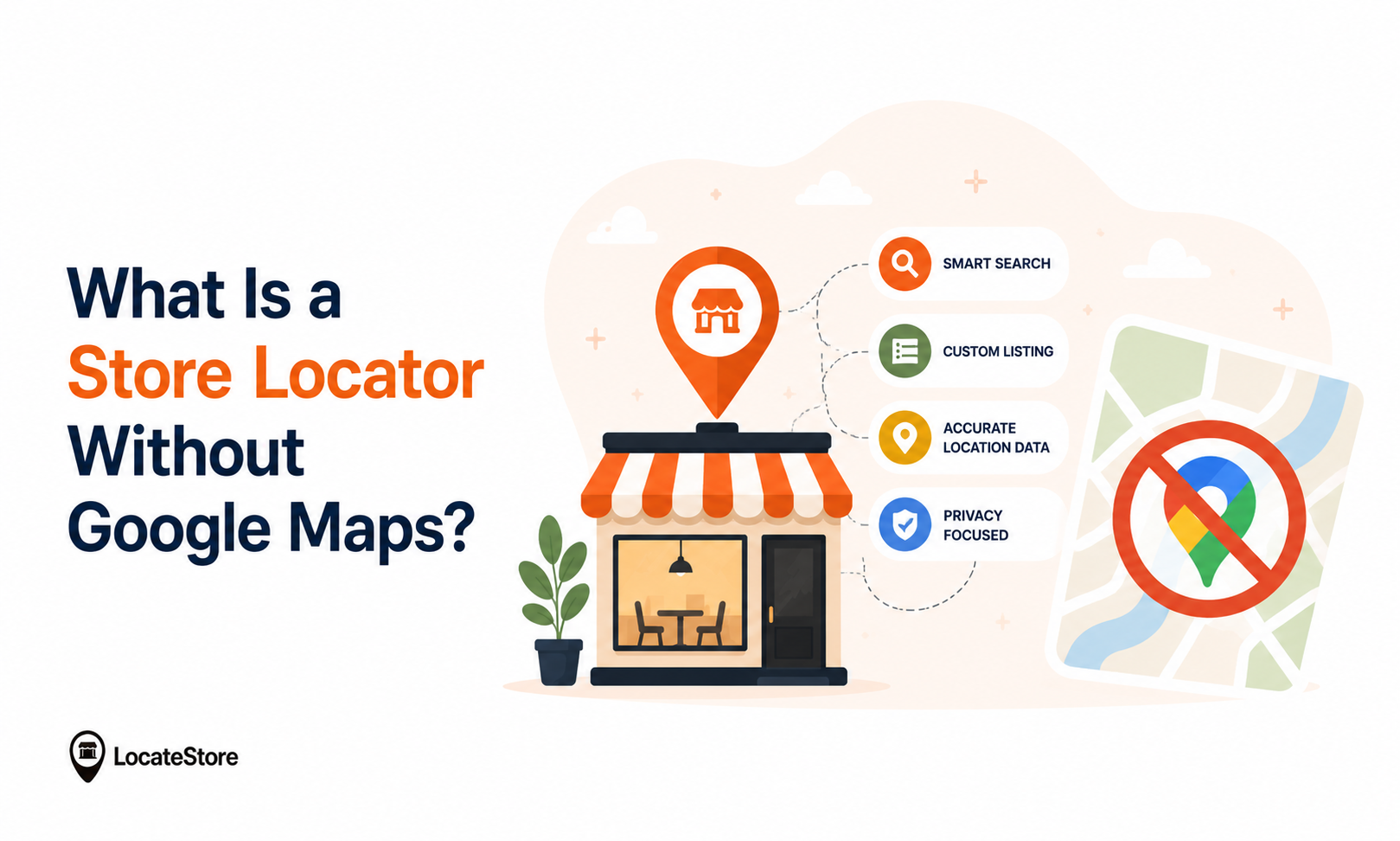
A store locator without Google Maps is a location finder built on a different mapping provider entirely. The main alternatives businesses consider are
- Mapbox
- OpenStreetMap
- HERE Maps
- Apple Maps
These platforms handle store locations, directions, and location search the same way Google Maps does, just without the Google Cloud billing and API management layer attached to it.
Mapbox vs Google Maps
Since Mapbox is one of the strongest Google Maps alternatives for store locators, it’s worth comparing the two directly.
Both platforms render accurate, reliable maps. The real difference is control: Mapbox gives businesses far more flexibility over how the map looks and behaves, with a simpler setup process to get there.
Why Locatestore Uses Mapbox Instead of Google Maps
Locatestore is designed to make store locator management simple.
Instead of relying on Google Maps, it uses Mapbox to deliver interactive, responsive maps.
Locatestore is built around Mapbox for the map itself, and Google Sheets for managing the data behind it. That combination shapes most of what makes it different from a typical store locator plugin.
- Design control: Businesses can adjust colors, markers, popups, and layout to match their brand, something Google Maps’ styling options don’t offer to the same degree.
- Performance: Mapbox renders lightweight vector graphics rather than heavier raster tiles, which helps pages load faster on both desktop and mobile, which matters for SEO as well as user experience.
- Scalability: Whether a business has 10 locations or 5,000, the same setup scales without needing a different infrastructure tier.
- No new dashboard to learn: Instead of a separate admin panel, Locatestore syncs directly with a Google Sheet. Store details, including addresses, hours, phone numbers, and categories, get added or edited in the spreadsheet, and the locator updates automatically. For marketing teams, franchise operators, and retailers who already use Sheets daily, that means:
Easy Management with Google Sheets
One of Locatestore’s main benefits is the possibility to sync it with Google Sheets.
Thus, there is no need to update the website with the help of a separate dashboard. Instead, all the necessary changes can be made in the spreadsheet.
This is a great advantage for marketing teams, franchisers, and retailers, who would like to update the information on the website in real-time.
Key aspects are:
- Bulk location updates
- Simple collaboration
- No coding required
- Faster deployment
- Reduced administrative work
For businesses managing multiple locations, this can save hours every month.
How to Add Locatestore to a WordPress Site
Step 1: Install and activate the plugin. From your WordPress dashboard, go to Plugins → Add New, search for Locatestore, then click Install Now and Activate.
Step 2: Upload your store locations. After signing up, you’ll get a ready-to-use Google Sheet template. Fill in each location’s address, phone number, hours, website, category, and map reference.
Step 3: Customize your map. Adjust colors, zoom level, marker icons, popup content, and search radius to match your site’s branding.
Step 4: Embed the locator. Copy the embed code or widget onto the page where you want the locator to appear, then preview it on both desktop and mobile.
Step 5: Keep locations updated. Any future changes, such as new stores, updated hours, or closures, happen directly in the Google Sheet, and the live map reflects them automatically.
This setup is a good fit for any business that opens new locations often or makes frequent changes to existing ones, since there’s no need to touch the website itself to update store details.
 Ziyad – AI & Mapping Technology Expert
Why Google Sheets Makes Locatestore Different
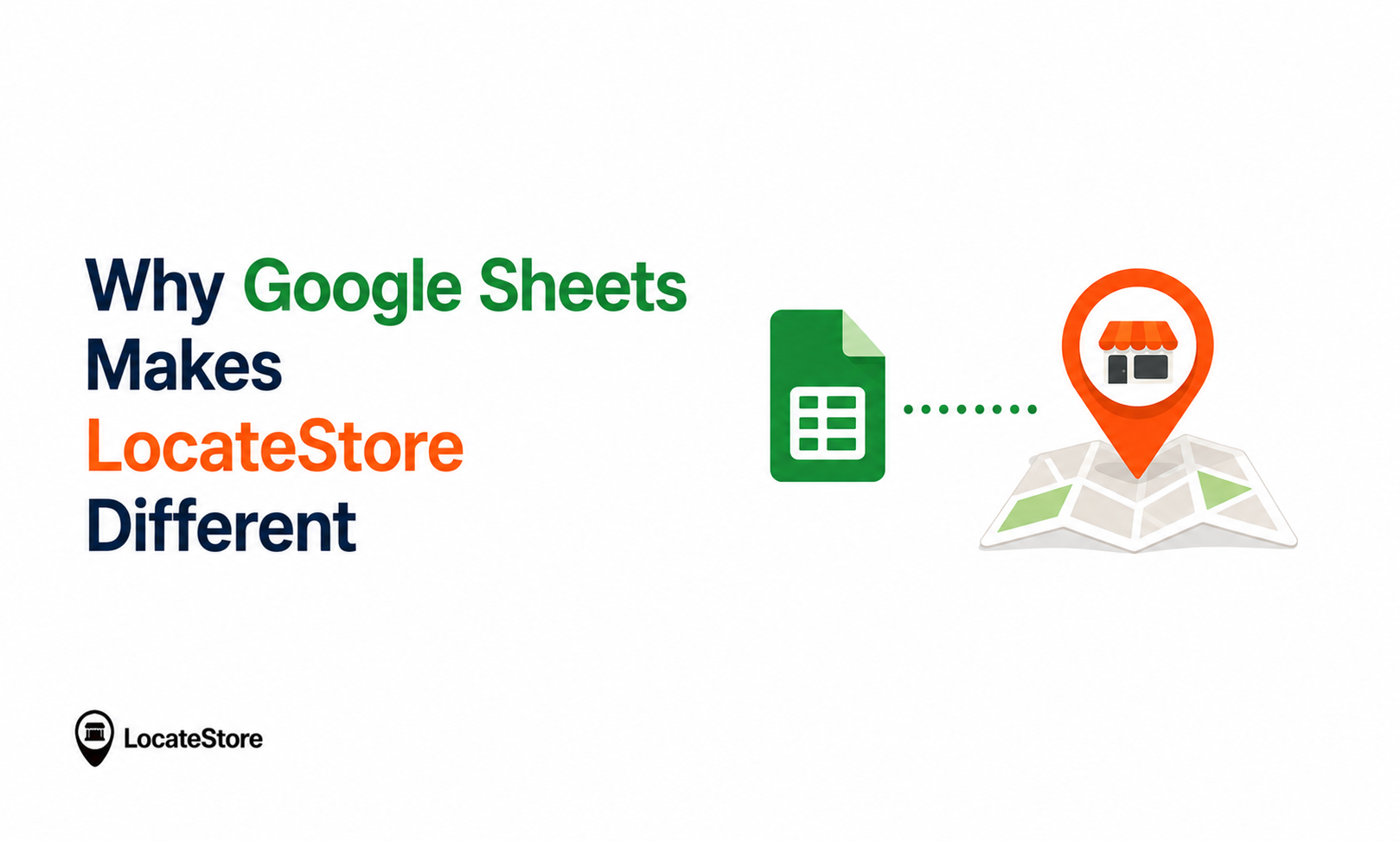
Many store locator tools want users to manage their locations in a separate administrative dashboard.
With Locatestore, there is no need to learn a new interface. Because it runs on Google Sheets, your team can think about it as a tool they already know and use. You can take advantage of all the existing collaboration features that Google Sheets offers. They can think about it as a tool in their existing tech stack, rather than as an application they need to get on board with.
Benefits of Google Sheets Integration:
- Bulk edit hundreds of locations
- Collaborate with team members in real time
- Import data easily
- Reduce manual work
- No database management
- Automatic updates
Marketing teams, franchise owners, and retailers can all manage store information without technical assistance.
Key Features of Locatestore
These days, a good store locator has delivered value beyond just showing a location on a map.
Here are several features that make a real difference:
- Smart search: customers can search by city, ZIP code, address, or store name to find the nearest location.
- Interactive, responsive map: built on Mapbox, so it performs well on both desktop and mobile.
- Category filters: locations can be organized by type (grocery, retail, service center, dealer, distributor), letting customers narrow results to exactly what’s relevant.
- Custom branding: marker icons, colors, fonts, and popups can be adjusted to match brand identity.
- Directions: customers get clear travel directions to their chosen location.
- Analytics: insight into which locations and cities get searched most, supporting local marketing decisions.
Mapbox vs Google Maps: Which Is Better?
Opting for the right mapping platform depends on your business goals.
For businesses looking for greater design flexibility and simpler implementation, Mapbox has become a preferred choice.
That’s why Locatestore uses Mapbox as it is the answer to What is the alternative to Google Maps, to deliver an easy-to-manage, high-performance store locator solution.
Cost and Maintenance Comparison
For growing companies, having predictable costs and a simplified management process can save both time and money.
Industry reports suggest that almost 97% of consumers research online before visiting any local establishment. And businesses with accurate locations are much more likely to receive foot traffic from these prospective customers. As such, a store locator is no longer a nicety, but a necessity for any company that wants to provide a good customer experience in 2026.
Why Choose Locatestore?
For a WordPress site, Locatestore offers a way to build a store locator without the Google Cloud setup, API billing, or ongoing key management that usually comes with it. It combines:
- Mapbox for fast, customizable maps
- Google Sheets for location management, your team already knows
- Easy WordPress integration
- Bulk location management and scalability from a handful of stores to thousands
Conclusion
Businesses are coming to terms with the fact that Google Maps is no longer an indispensable tool in providing a good store locator experience. As APIs, billing practices, and maintenance become more complicated, many organizations are looking for a simpler alternative.
A Store Locator Without Google Maps offers more flexibility and cost predictability while being easier to customize. Locatestore delivers an efficient way to build and manage a professional store locator for WordPress and other website systems by combining the power of Mapbox with the familiar spreadsheet interface of Google Sheets
If you are a business owner or marketer searching for something easy to set up, simple to manage, and right for your 2026 needs, Locatestore will give you all the tools to help your customers find your business conveniently and with confidence.
FAQs
Is a store locator without Google Maps accurate?
Yes, as long as it’s built on a reliable mapping provider like Mapbox. Accuracy also depends on how often a business updates its location data. Locatestore’s Google Sheets integration makes it easy to keep current.
Are there Google Maps alternatives that don’t track user data as heavily?
Mapbox, OpenStreetMap, HERE Maps, and Apple Maps all offer different privacy approaches. Businesses should compare each provider’s current privacy policy directly, since practices can change.
How should I choose a store locator for a retail store?
Look for: no complex API setup, fast load times on any device, mobile-first design, a management method your team already knows (like Google Sheets), the ability to match your site’s branding, search by ZIP code/city/name, and scalability from a handful of locations to thousands.
Why does a store locator matter for a WordPress site?
A store locator can improve the in-store experience, drive foot traffic, reduce customer support requests, and support local SEO by giving customers accurate, easy-to-find location information.