
Learn how to list and manage your business on Bing and Bing Maps.
Bing Places for Business is Microsoft’s free platform for adding and managing local business listings on Bing Search and Bing Maps. It is a separate listing from your Google Business Profile.
Looking for the Bing Places login? Open the current Bing for Business dashboard.
This guide explains what to maintain, how to get started, and how to avoid doing the same work twice when Google import is available.
Bing Places lets an authorized business representative manage information customers use to identify and contact a local business.
For example, a customer finding your repair shop on Bing needs the right address, opening hours, and website. A correct brand name alone cannot tell them whether this branch handles repairs today.
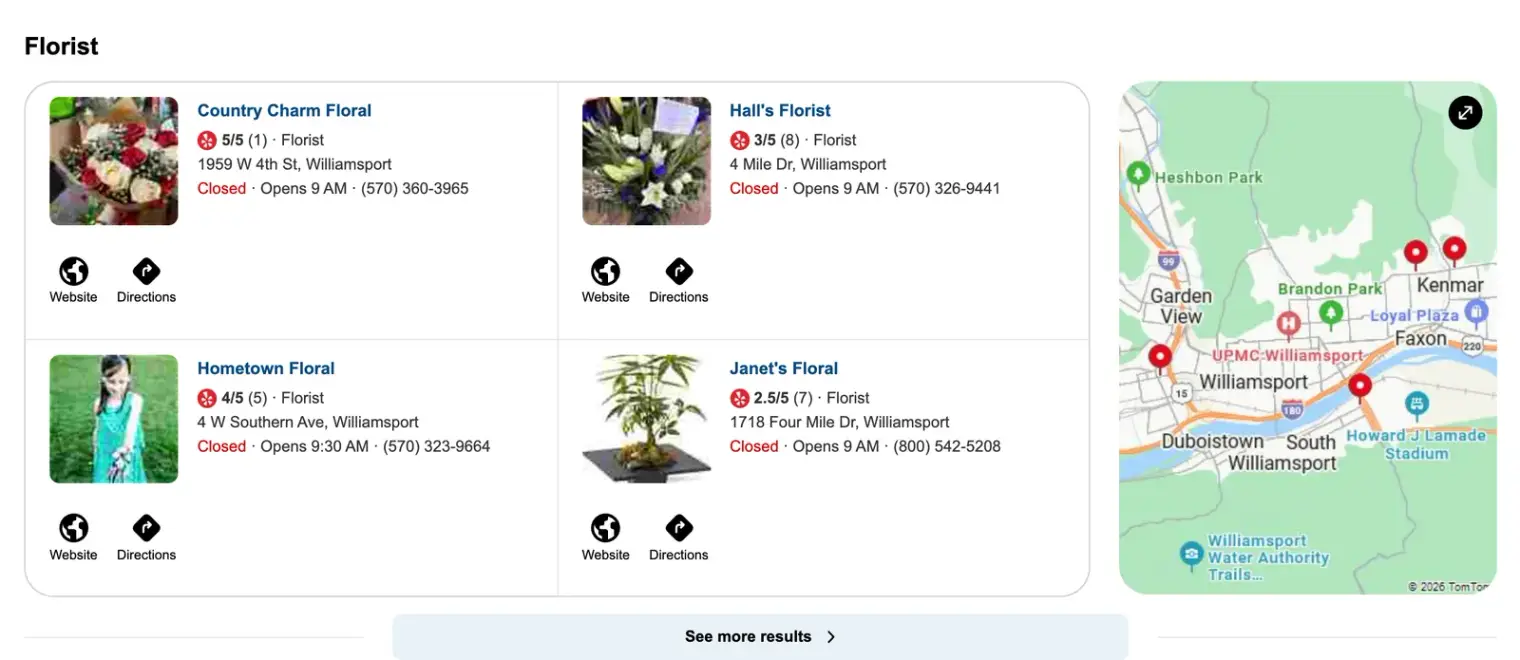
People may search for “Bing business,” “Bing for business,” or “Bing my business” when they mean this listing service. They do not necessarily need a different product or account for each name.
Microsoft’s announcement of the current Bing Places experience explains the move to bing.com/forbusiness. Older screenshots and addresses may therefore look different from the dashboard you see.
A business can be easy to find on one platform and still have an old phone number on another. Checking Bing gives customers using that service a more reliable place to start.
For example, a customer may open Bing Maps to plan a journey to your shop. If your old branch is still shown as open, an accurate Google profile does not automatically resolve that problem.
The useful goal is accurate local information, not a promise that Bing will send as much traffic as another platform. Compare the time spent maintaining the listing with real enquiries and visits.
Microsoft describes ongoing work across its wider search ecosystem. That does not establish that creating a listing guarantees a particular recommendation or a predictable volume of AI referrals.
Keep your business information accurate where customers can encounter it. Evaluate actual results rather than treating a listing as a guaranteed way into every answer.
| Question | Bing Places | Google Business Profile |
|---|---|---|
| Where is the listing managed? | Bing for Business dashboard | Google’s profile management tools |
| Which local results is it intended for? | Bing Search and Bing Maps | Google Search and Maps |
| Can Google information help with setup? | A Google import option is available | This is the source profile when importing |
| Do you still need to check the destination listing? | Yes | Yes |
| Is paid advertising the same task? | No | No |
Importing saves re-entry, but it is still important to review which branch and details are being brought across. An old Google phone number can become an old Bing phone number too.
Our Google setup guide helps with the source profile. The Bing listing guide covers import and manual setup.
Search for the business first. If the correct listing exists, use the claim route rather than adding another record for the same location.
If you manage a suitable Google Business Profile, check the import option. If you do not, follow the manual add-or-claim route in the dashboard.
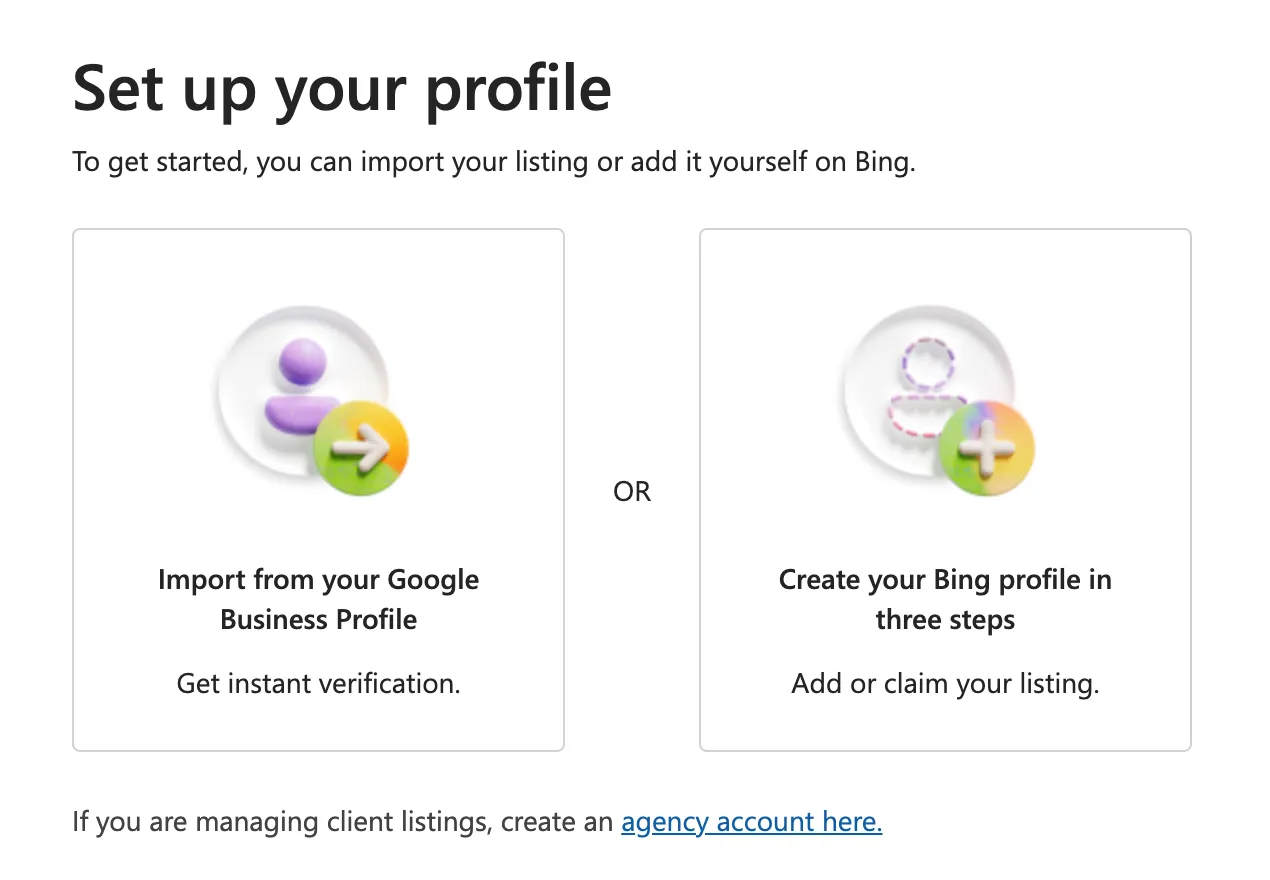
For example, a retailer with three branches should match each imported location to its correct Bing record. Selecting every result without checking can create confusion between branches.
After setup, read the status and finish any requested verification. Entering the details and seeing them published are different stages.
Prioritise information customers rely on:
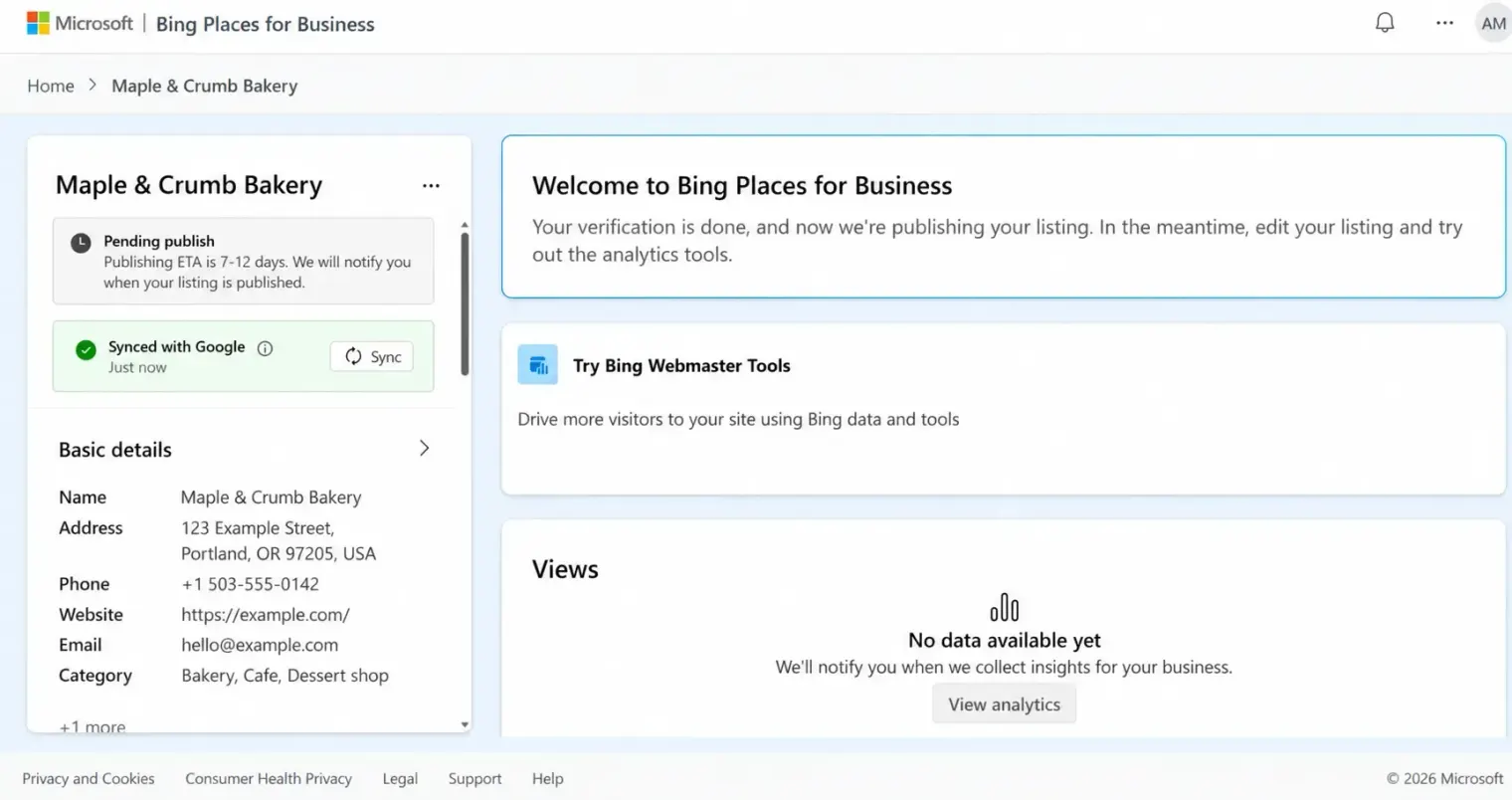
For example, a person opening the city-centre branch should not reach an outdated website page for an out-of-town store.
If you import from Google, check how the account’s import or sync settings behave before making different changes in two places. The profile management guide covers that risk and common access problems.
No. A local business listing and your website’s search presence are related parts of being found online, but they use different tools.
For example, adding a shop address to Bing Places does not resolve a website page that cannot be opened. Similarly, verifying a website does not by itself establish management of the shop’s listing.
Keep the listing’s website link useful. For multiple branches, a clear location page or searchable directory helps visitors continue to the right information.
Do not assume a formula or a set of weights transfers between search engines. Accurate information is useful to customers without promising a particular position.
Check whether the correct listing appears for relevant business and location searches. Investigate wrong details, duplicate status, or unfinished verification before buying services that promise a fixed ranking.
The Google Maps SEO guide covers Google’s own published guidance. This hub focuses on Bing’s listing and maintenance tasks.
Search your business on Bing and record the listing you find. Sign in to the current dashboard and check whether you manage it.
Then choose one task: add or import the business, or correct and maintain an existing profile.
If you also serve customers using Apple Maps, follow the Apple Business Connect guide for that service’s current tools and requirements.
Help customers choose a branch
Show your branches, opening hours, and directions in one searchable store locator. Build it from your location list in a Google Sheet.
Create a MapIf you have more questions, feel free to contact us
Help customers find your locations easily