
Learn how to get your business on Apple Maps and keep its details correct.
Apple Business Connect was Apple’s tool for managing business information across Maps and other Apple services. It is now part of Apple Business. You can still use Apple’s business tools to manage a location’s place card: the details customers see when they open it in Maps.
Looking for the Apple Business Connect login? Use the current Apple Business sign-in page.
This guide focuses on your customer-facing listing, rather than employee devices or other business administration.
Apple has brought Business Connect into a broader platform called Apple Business. Apple’s guide confirms the change, so a different name at sign-in does not mean you have reached the wrong product.
For a shop owner, the practical task remains clear: make sure the right location has accurate information, useful photos, and working contact options.
For example, someone checking your café in Maps needs today’s hours and the correct address. They do not need to understand how Apple’s business products are organised.
If you managed a listing before the change, use your existing organization access and follow the sign-in or migration prompts. Check your existing locations before creating another account or place card.
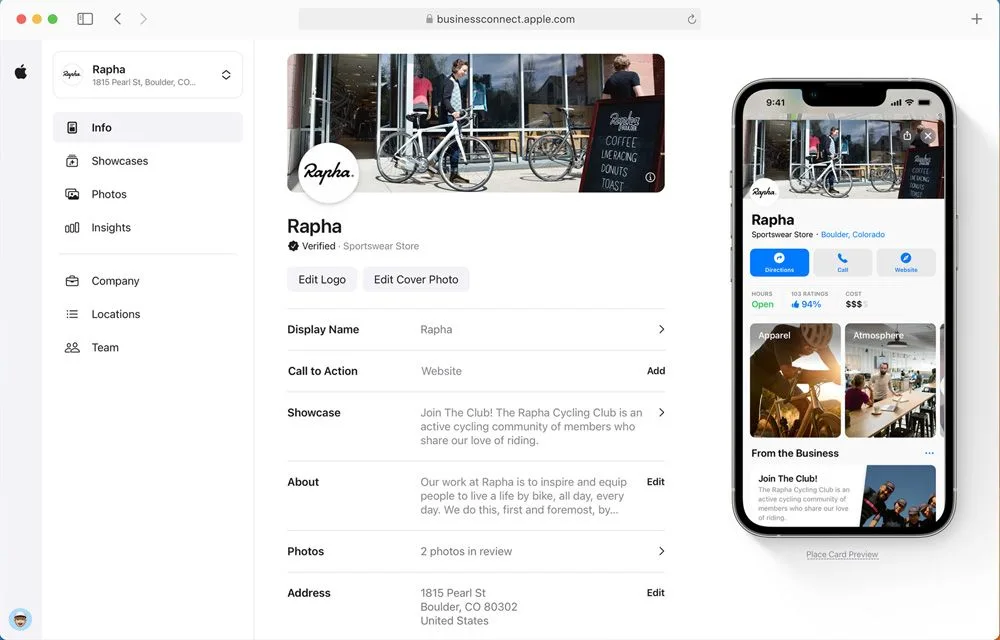
Customers can discover or open your location through Apple services. A listing is useful when it answers the questions someone has before contacting you or travelling.
A customer might want to know whether a branch is open, whether it offers a service, or which building contains the entrance. Incorrect hours or an old address can interrupt that journey.
For example, a customer choosing between two branches needs details for the branch they intend to visit. A shared brand name is not enough to tell them which location has the right opening time.
Start by checking your address, hours, and phone number. Correct any detail that could send a customer to the wrong place or stop them contacting you.
Both let you manage business information, but they are separate systems with different account and review processes.
| Question | Apple | |
|---|---|---|
| Where do you manage the listing? | Apple Business, including brands and locations | Google Business Profile |
| What do customers open? | A location’s place card | A Business Profile listing |
| How do you gain management access? | Apple’s organization and location process | Google’s claiming and verification process |
| Will an edit automatically update the other service? | Check separately; do not assume a connection | Check separately; do not assume a connection |
| What should be accurate in both? | Location details, hours, contact options, and website | Location details, hours, contact options, and website |
If you are also setting up Google, follow how to add your business to Google. Use the steps for each product rather than treating their verification rules as interchangeable.
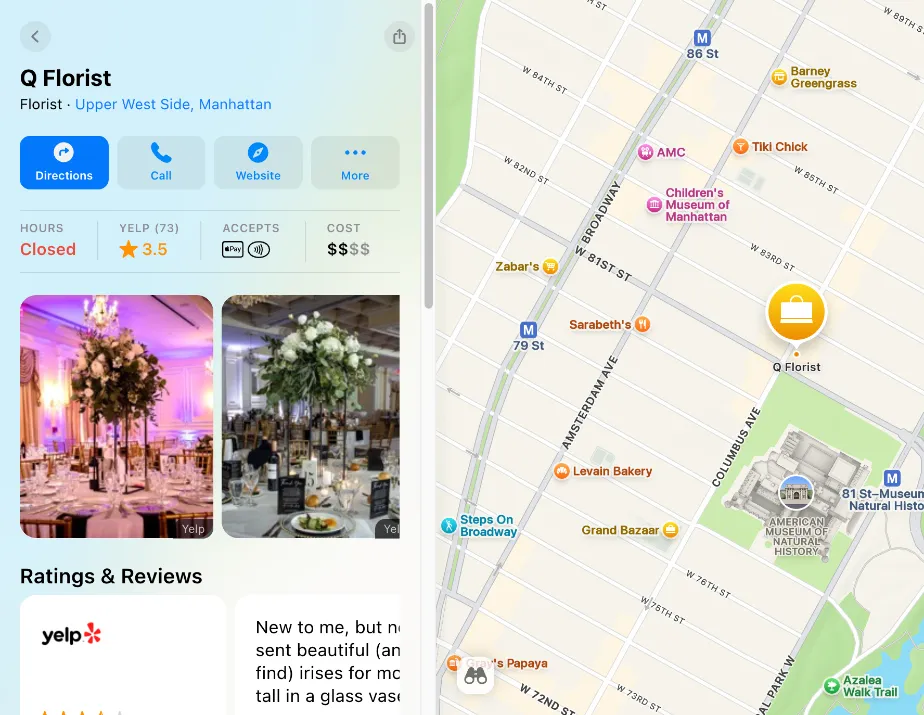
A place card is the information panel for a physical location. It can include business details, photos, hours, and ways to take an action, such as opening a website.
Apple explains how locations relate to brands. A brand can provide shared information, while each location still needs its own accurate details.
For example, a clothing retailer may use one brand logo across its shops but different cover photos and hours for each branch.
Some information on a card can come from Apple’s wider ecosystem and partners. Do not assume that every visible section is a field you can directly rewrite.
First search for the business. If the correct place already exists, use the existing-location route. If it does not, add the physical location through Apple Business.
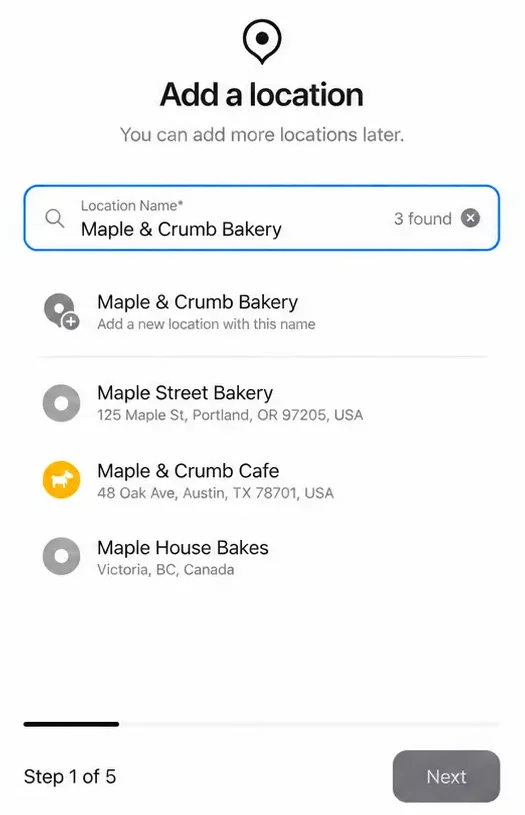
Prepare the real business details and use an account with permission to manage locations. Follow the verification requirements shown for the organization or location.
Our guide to adding your business to Apple Maps explains both the preparation and the current workflow.
A business can appear in Maps before its owner starts managing it. Finding a card is not proof that your account controls it.
Check the address and branch carefully. If someone else manages the location, follow Apple’s transfer process rather than creating a replacement place.
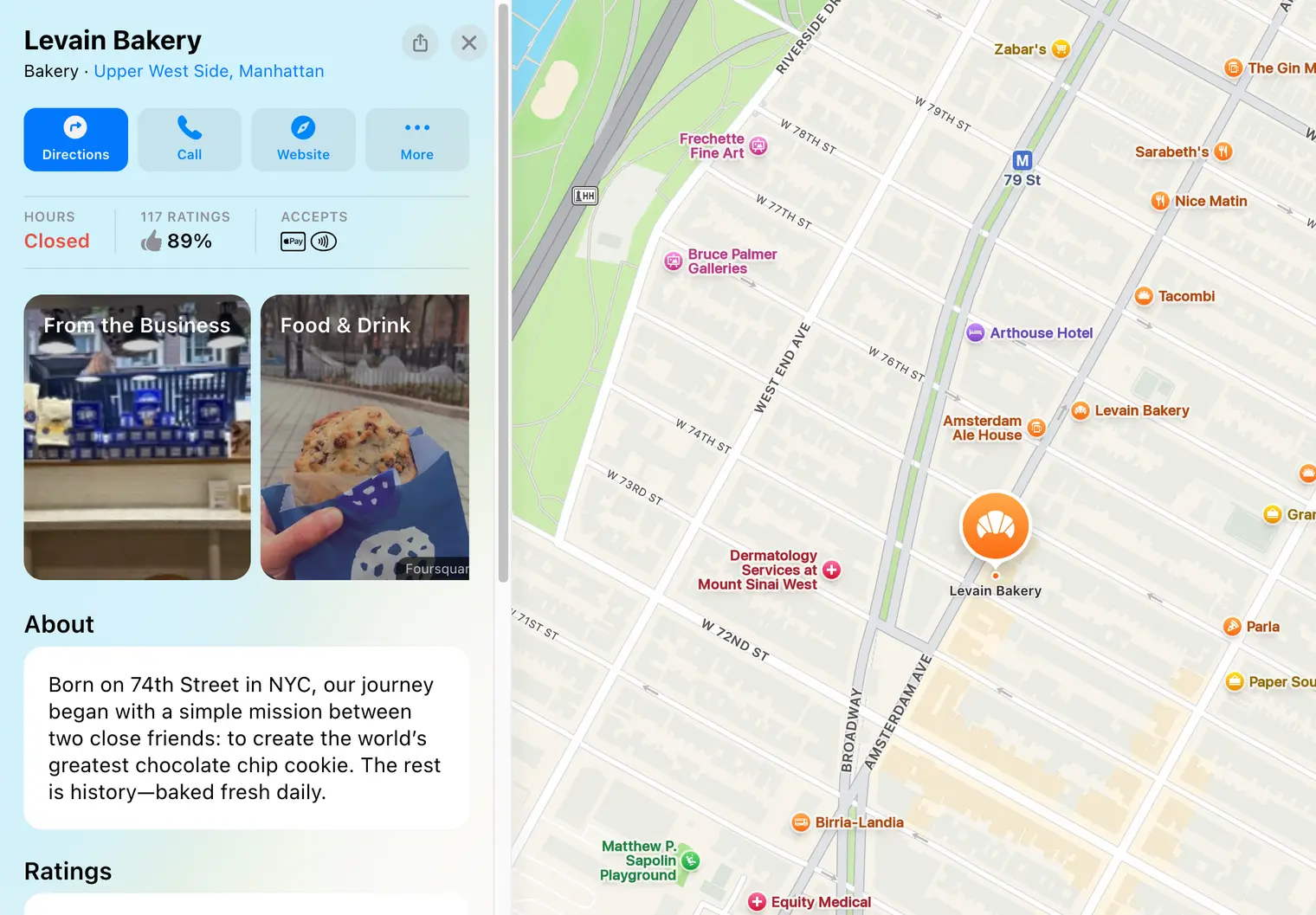
The Apple Maps listing claim guide explains the difference between finding a public card, adding it to your organization, and resolving an existing manager.
Check the details whenever the business changes: hours, phone number, website destination, services, photos, and location information.
For example, a holiday closure should be recorded as a temporary exception where that option applies. Replacing normal weekly hours for a single holiday can leave the wrong schedule in place afterward.
Keep a short change record and check the public card after the update. Our Apple Maps update guide covers those checks and what to do if the result still looks wrong.
A Showcase is a promotional section on a place card, such as an event or a new product announcement. It is different from the core details a customer needs to find the shop.
Apple reviews Showcases before they go live. Choose accurate content, a suitable action, and dates that match the promotion. Plan ahead rather than expecting an immediate same-day publication.
For example, a workshop Showcase should lead to that branch’s event or booking information. Remove or replace information that is no longer relevant.
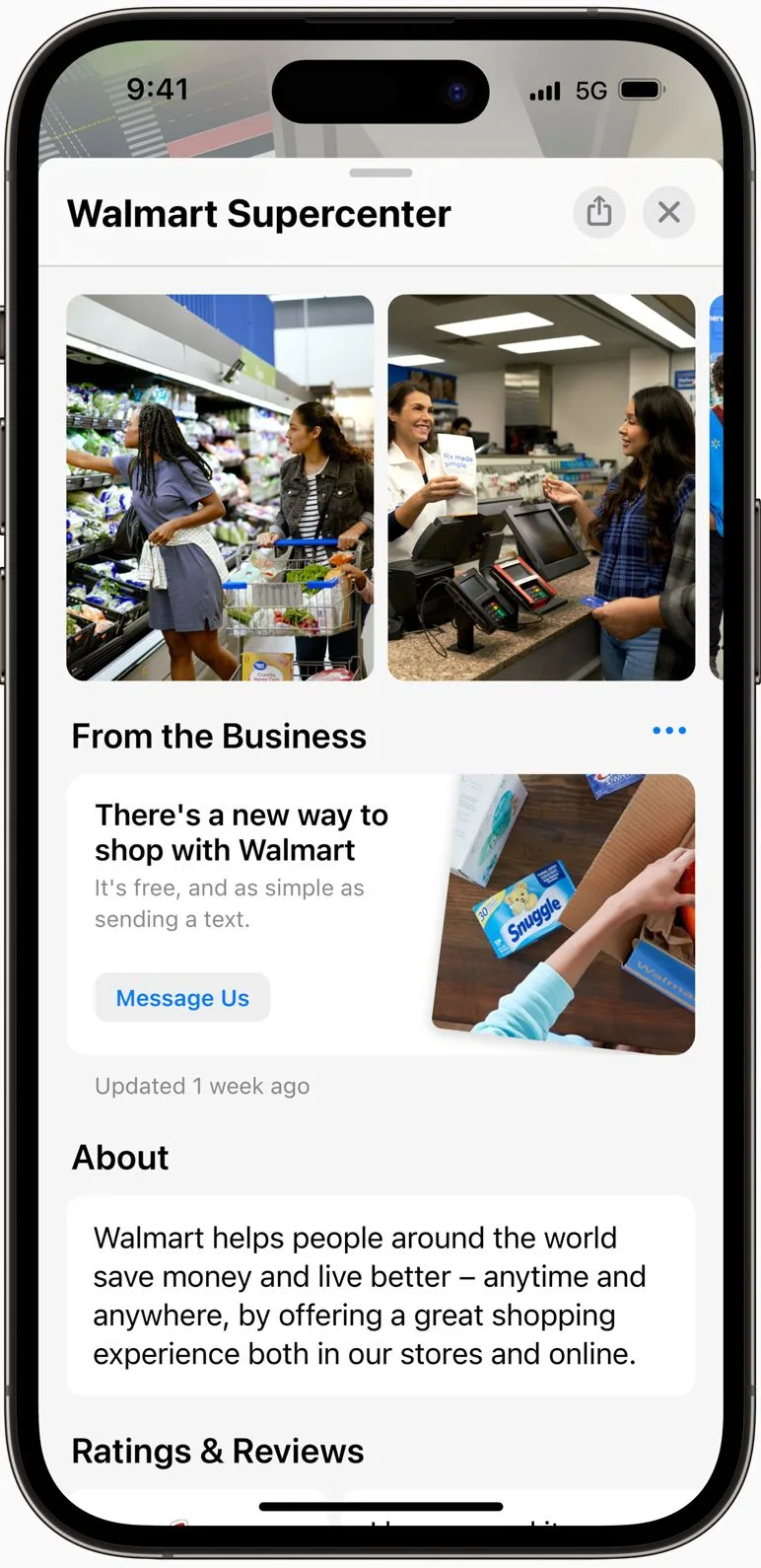
Use the available insights to understand how customers find and interact with the location. Apple’s insights guide explains searches, place-card views, and actions.
Keep these separate from real enquiries and store entries. A tap on directions shows a request for a route; it does not confirm arrival.
For several branches, review each location separately and use comparable date ranges. The multi-location SEO guide explains a practical branch checklist, while foot traffic measurement covers counting actual entries.
A complete card helps customers understand the business. It is not a promise of a particular search position.
Do not apply Google’s published ranking factors as if they were Apple’s formula. Focus on accurate categories, location details, hours, and useful information. Check the searches and customer journeys that matter to your business.
Advertising is a separate decision from maintaining the ordinary listing. Buying promotion is not the same as improving every unpaid search result.
Search for one branch in Apple Maps and compare its details with your own records. Then sign in to Apple Business and confirm who manages that location.
Fix one important error first. Once the card is accurate, check whether its website link helps visitors find the right branch and plan their visit.
Help customers choose a branch
Show your branches, opening hours, and directions in one searchable store locator. Build it from your location list in a Google Sheet.
Create a MapIf you have more questions, feel free to contact us
Help customers find your locations easily