
Foot Traffic Marketing: How to Bring Customers to Your Store
Foot traffic marketing helps you invite people into your physical store. A useful campaign reaches customers who can visit, gives them a reason to come, and explains where to go.
This guide shows how to choose a marketing channel, plan a small campaign, and check the results without confusing online clicks with store visits.
What is foot traffic marketing?
Foot traffic marketing is marketing intended to bring people to a physical location. It can include local search, social posts, email, advertising, flyers, and partnerships with nearby businesses.
For example, a garden shop could promote a Saturday planting workshop through its customer email list. The message would explain the activity, start time, price, and store address.
An online sale ends with an order on a website. A foot traffic campaign asks someone to take another step: travel to the shop. Make that step easy to understand.
For a broader explanation of store visits, read our foot traffic guide. For ideas such as improving your entrance or offering pickup, see how to increase foot traffic.
Why does foot traffic marketing matter?
People may need information before deciding to visit: whether you have a product, whether you offer a service, or whether an event is suitable for them.
Marketing gives you a way to share that information with people who could use it. For example, a bicycle shop could tell nearby cyclists that it offers same-day puncture repairs when that service is available.
Physical shopping remains relevant in specific markets and seasons. In Sensormatic Solutions’ 2025 US back-to-school survey, 70% of respondents planned to shop in physical stores. That is a finding about shopping plans for one season, rather than a measure of all retail visits.
Your own customers and visit counts should guide your campaign choices.
What should every campaign include?
Before choosing where to advertise, answer four questions:
- Who can visit? Choose customers within a realistic travelling distance, or people who already use that branch.
- Why should they come? Name a useful product, service, event, or offer.
- Where and when should they go? Give the branch, address, opening hours, and any booking details.
- How will you check the result? Choose a visit-counting period and a way to record responses.
For example: “Free plant-care demonstration at our High Street shop, Saturday at 11 am. Bring a photo of your plant and ask our team for advice.” Add the address and explain whether booking is required.
That message tells someone what they can do and how to take part.

Which marketing channels can you use?
A channel is a way to reach your audience. Choose one that fits both the people you want to reach and the message you have.
| Channel | Who you could reach | Example message | Cost to consider |
|---|---|---|---|
| Google Search and Maps | People looking for a nearby business | Your services, hours, and directions | Time to maintain your profile; advertising is separate |
| Social posts | Followers and people who see local content | An event or new product demonstration | Staff time, photography, and optional promotion |
| Email or text messages | Customers who agreed to receive updates | Requested stock arriving at their branch | Messaging tools and staff time |
| Paid advertising | People reached through selected ad settings | A local event or specific service | Advertising, design, and offer costs |
| Flyers and local partnerships | People in a physical area or another local audience | A workshop at a nearby shop | Printing, distribution, and partner arrangements |
There is no single cheapest channel for every shop. Start with one you can manage and measure.
Google Search and Maps
Your Google Business Profile helps people check your location and services. Keep the category, address, opening hours, and photos accurate.
Google says complete and accurate business information can help your local visibility. This is useful background work before directing more people to the listing.
For example, someone searching for shoe repairs needs to know whether you provide that service and when the shop is open. Our Google Maps SEO guide explains local search in more detail.
Social posts
Use a post to show a specific reason to visit. Include the actual branch, date, and next step.
For example, a kitchenware shop could show a short coffee-making demonstration and invite customers to try the machine on Saturday. Include where the demonstration will take place and whether customers need to book.
If you post in a community group, check its posting rules first. A large view count is only useful to your campaign if the audience includes people who can visit.
Email and text messages
Send information relevant to the customer’s interests and location. If someone shops at one branch, give them details for that branch.
For example, a craft shop could tell interested local customers that a requested yarn has arrived. Link to the branch page with the collection or opening details.
Use a list of customers who agreed to receive marketing, explain how to stop messages, and follow the rules that apply to your campaign. Choose a useful message rather than sending an update simply because the calendar says to.
Paid local advertising
Paid advertising lets you test reaching an audience beyond your current followers or customer list. Set a spending limit before starting.
Choose the location settings carefully. A circle on a map does not show travel time: a river, road layout, or limited public transport may make a nearby shop difficult to reach.
For example, a furniture shop could promote a weekend demonstration to an area it can realistically serve. Check the platform’s available settings and location report to understand where the ad was shown.
Use a clear destination page with the offer, branch details, and directions. Start with a small test rather than paying to promote several different messages at once.
Flyers and local partnerships
A flyer or partnership can help you reach people in a particular area. Give it one clear purpose.
For example, a café could display a nearby bookshop’s reading-event poster. The poster should show the date, venue, and how to book.
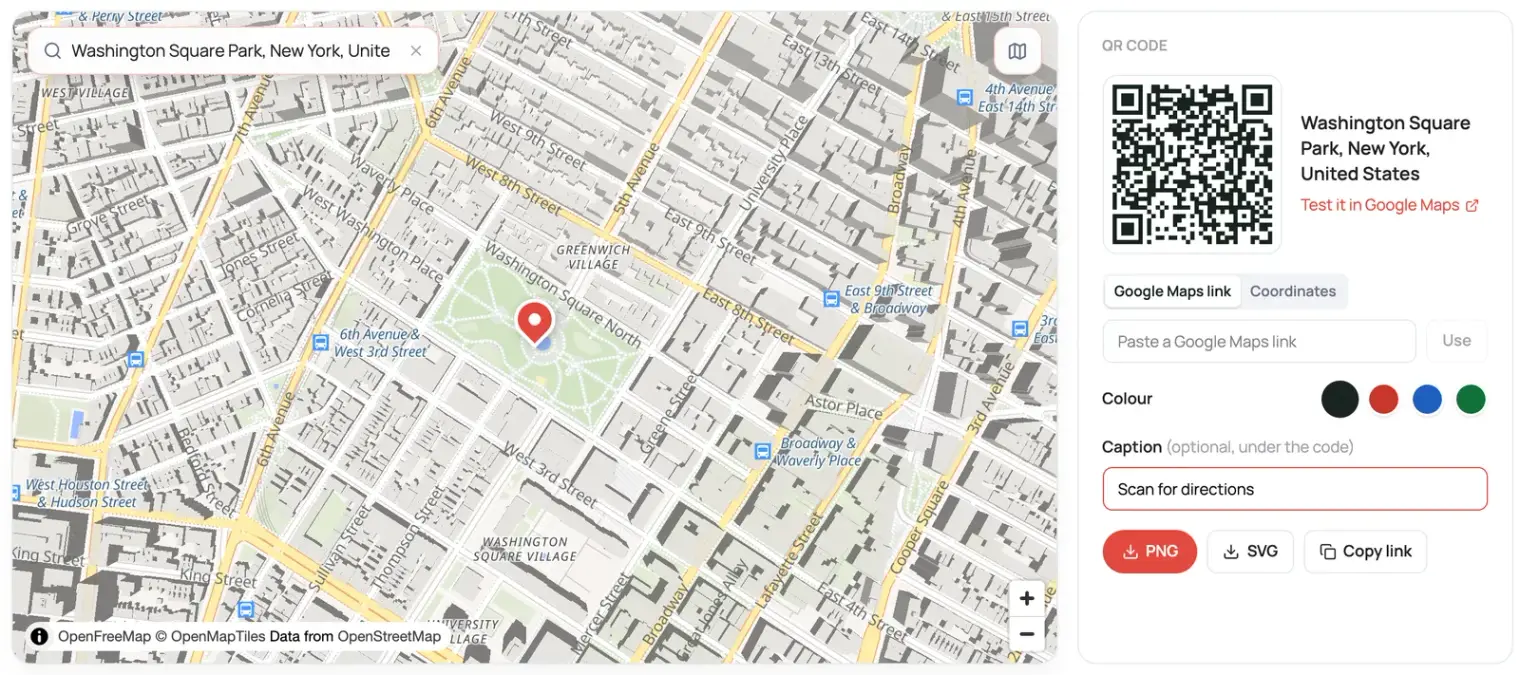
A QR code can open the event page or directions. Test it on your phone before printing. Our Google Maps QR code generator can create a code for a Maps link. A basic Maps QR code does not report scans on its own; tracking needs a separate setup.
Where should campaign links send people?
Send people to a page that answers the questions raised by the message. For a workshop, that might be an event page. For a branch-specific offer, it might be the branch page.
Include:
- The event, service, or offer details.
- The correct branch and address.
- Opening hours or the event time.
- Directions and useful arrival information.
- Booking requirements, prices, or offer conditions.
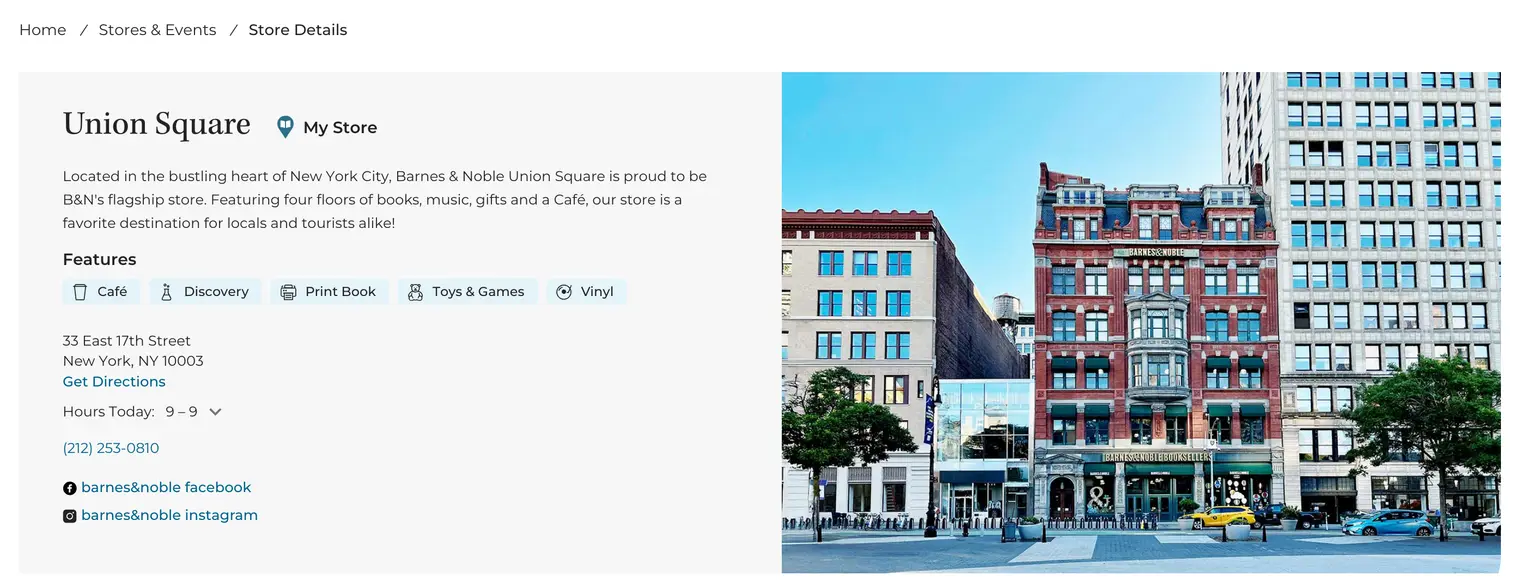
If customers need to choose between branches, a store locator can help them find a nearby option. Check the whole journey on a phone before launching the campaign.
How do you measure foot traffic marketing?
Start by counting entries before the campaign. Continue counting during comparable hours while it runs. Our foot traffic measurement guide explains how.
Then add a way to record responses to the campaign:
| Measure | What it can tell you | What it cannot confirm |
|---|---|---|
| Link clicks or tracked QR scans | People opened the destination | They entered the store |
| Direction requests | People asked how to reach you | They arrived |
| An in-store campaign code | A purchase or response used that code | Every visit influenced by the campaign |
| “How did you hear about us?” answers | What customers remember | Every message they saw |
| Visitor counts | How many entries you recorded | Which campaign caused each visit |
Attribution means working out which marketing helped produce a result. These measures give you different pieces of that answer.
Google Ads also offers store visit reporting for eligible accounts. Google explains that its store visit numbers are modelled estimates, with data and eligibility requirements. Keep them separate from your counted entries.
Work through a simple example
Imagine a shop spends £60 advertising a demonstration. It usually records 80 visits during the same Saturday hours and counts 100 during the event.
That is 20 more visits than the comparison period. It does not prove the advertising caused all 20. Weather, the event itself, or other activity could also matter.
If six customers use the campaign code, you have six recorded uses. Check the purchases linked to those uses, the cost of the event, and total sales before deciding to repeat the campaign. These figures are illustrative, not expected results.

Common mistakes to avoid
- Choosing a channel before choosing a reason to visit. Start with what the customer will gain from the trip.
- Sending people to the wrong branch. Check every address, link, and event time.
- Counting clicks as visits. Record entries separately from online activity.
- Changing several things at once. Keep your first test simple enough to review.
- Judging only visitor numbers. Check purchases and costs before increasing your spend.
What should your first campaign look like?
Choose one branch, one reason to visit, and one way to reach a suitable audience. Set a spending limit, a start date, and a review date.
Count visits during comparable hours before and during the campaign. Record purchases, costs, and any unusual events. Use what you learn to decide whether to repeat, adjust, or stop the campaign.