
How to Increase Foot Traffic in Your Store
To increase foot traffic, give people a clear reason to visit and make your store easy to find. Start by checking why visits are low, then choose one change you can measure.
This guide covers practical actions for your online listings, website, storefront, and customer promotions. The examples are ideas to adapt to your shop, rather than promised results.
What does increasing foot traffic mean?
Increasing foot traffic means bringing more visits to your physical store during a set period. A visit counts even when the person leaves without buying.
For example, imagine your shop receives 100 visits on a typical Saturday. After you introduce a product demonstration, you count 120 visits on another Saturday. That is 20 more visits, or a 20% increase.
Those are example numbers. You would also check purchases, event costs, and other changes before deciding whether the demonstration was worth repeating.
For the basic definition and the difference between visits and purchases, read our foot traffic guide.
First, find out why visits are low
The right action depends on where customers are having difficulty. Start with these questions:
| What have you noticed? | What should you check? | One change to try |
|---|---|---|
| Fewer people walk past | Roadworks, nearby closures, transport changes | Tell local customers how to reach you |
| People pass but do not enter | Your sign, window display, and entrance | Show one clear product or service in the window |
| Customers struggle to find you online | Your business listing, address, and website | Correct missing or outdated store details |
| Customers visit once but rarely return | Product availability, service, and reasons to return | Invite customers back when relevant stock arrives |
Count entries during a few fixed hours on comparable days. If possible, also count people passing your entrance during those hours. Ask customers how they found you and note what staff have noticed.
A short count is a starting point. It describes the hours you observed, so repeat it before drawing conclusions about the whole week. Our measurement guide explains how to keep the counts consistent.
1. Check your Google business listing
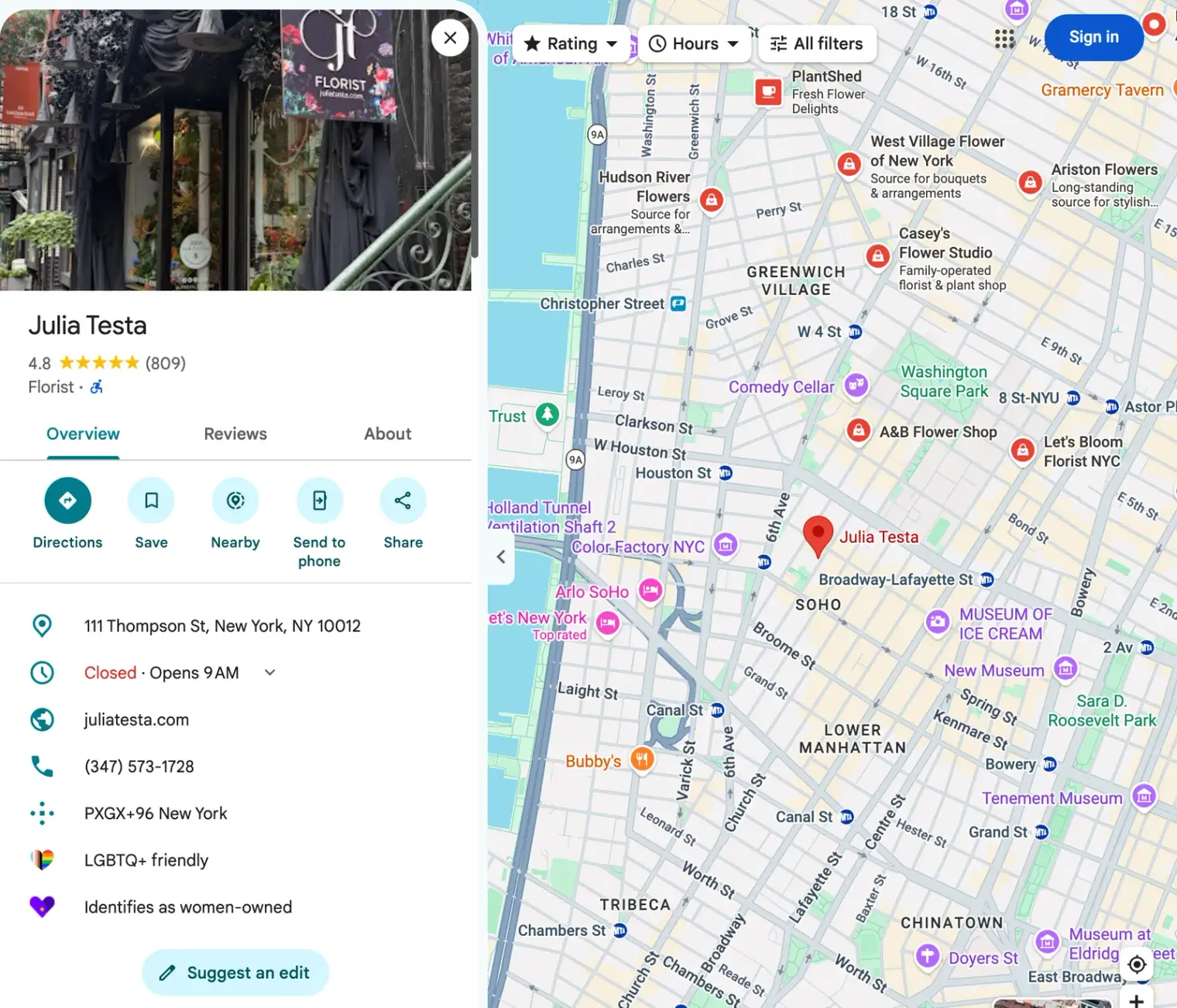
Your Google Business Profile is the listing that shows your shop on Google Search and Maps. It helps customers check your address, hours, and contact details before travelling.
Google recommends keeping your business information complete and accurate to help it appear in relevant local results.
Check the following:
- Your address and map pin point to the correct location.
- Your normal and holiday opening hours are current.
- Your phone number and website link work.
- Your business category describes what you do.
- Your photos help people recognise the shop and see what you sell.
For example, a repair shop that closes early on Saturdays should show those hours. A customer can then plan a visit before closing.
If you are not listed, follow our guide to adding your business to Google. To learn more about local search, see Google Maps SEO.
2. Make your location clear on your website
Someone arriving on your website should be able to find your address, opening hours, and directions without reading several pages.
For one shop, a clear contact or location page may be enough. Include parking information or a nearby landmark if it helps visitors find the entrance.
For several branches, show the details for each location. A searchable store locator helps customers choose a nearby branch instead of checking addresses one by one.
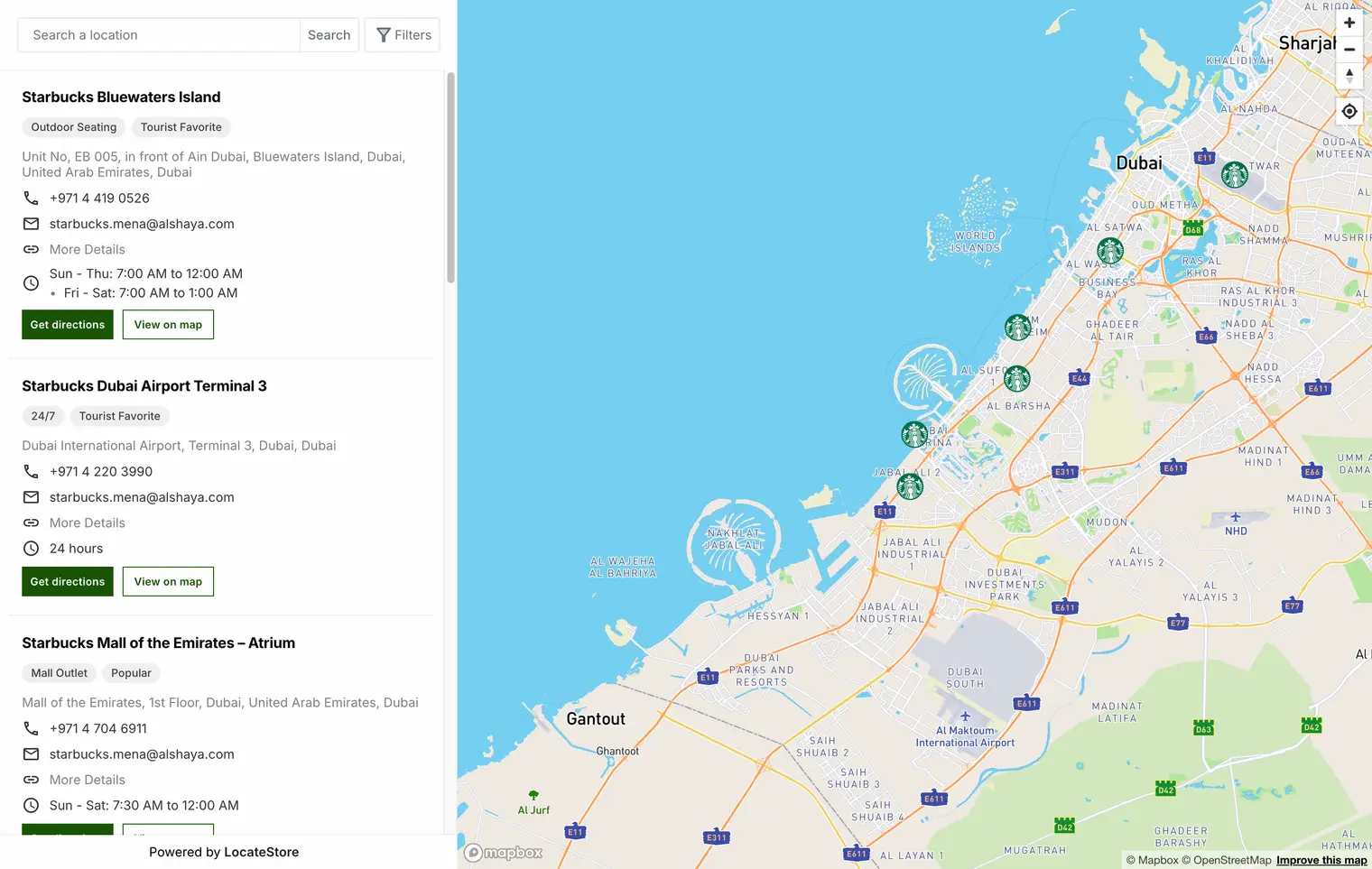
For example, a customer looking for your town-centre branch needs that branch’s hours, rather than the hours of your out-of-town shop. Test the journey on your phone: find the branch, check its hours, and open directions.
3. Help people notice your storefront
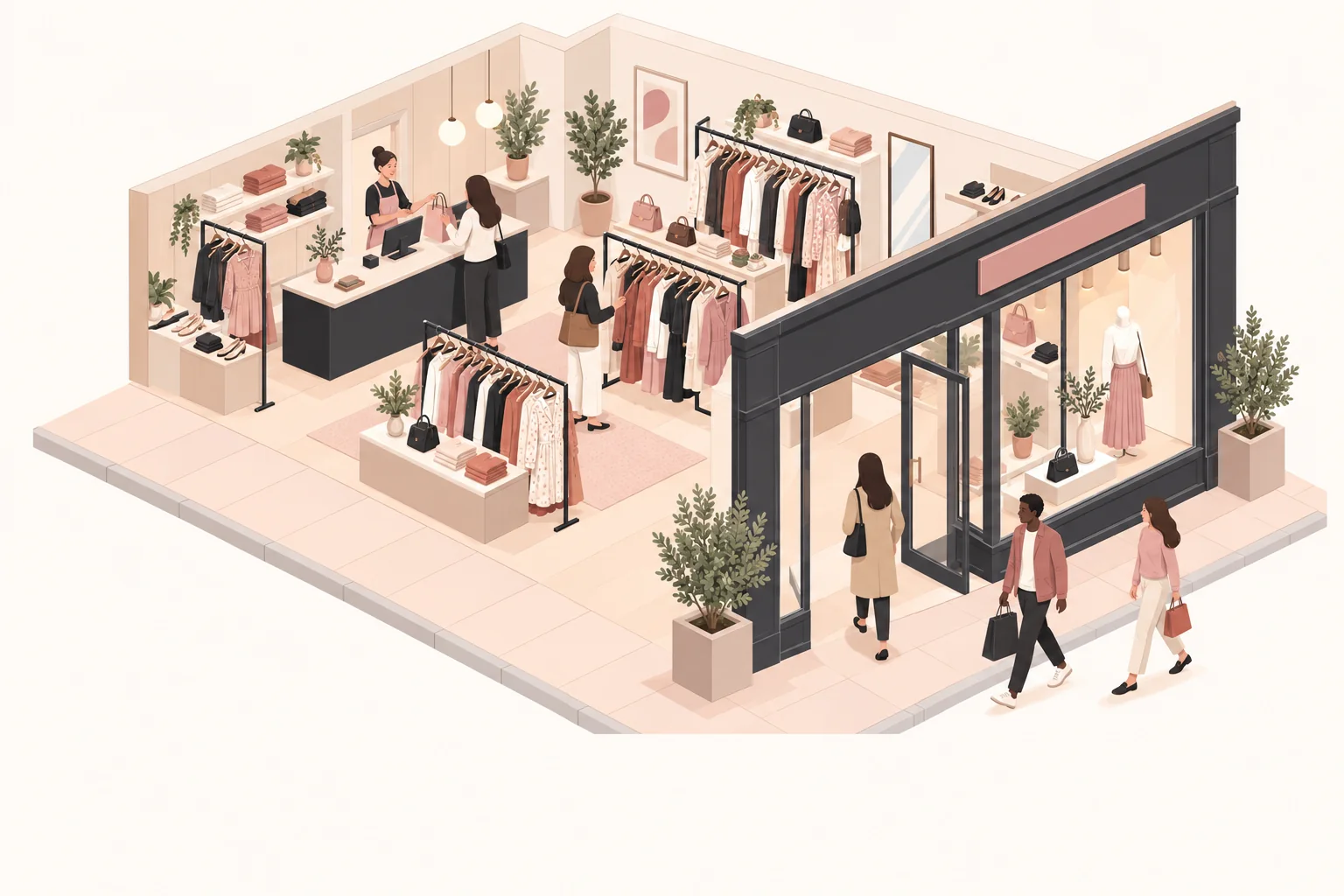
A window display tells people what they can find inside. A clear entrance helps them understand where to go.
Stand across the street and check whether your shop name is readable. Remove old posters that cover the window, replace broken lights, and make sure the entrance is easy to identify.
Then try one specific message. For example, a bakery might display “Fresh bread from 8 am.” A bicycle shop might display “Puncture repairs available here.” Use a message that accurately describes what you offer.
Count entries during comparable hours before and after the change. Keep other changes to a minimum so the result is easier to interpret.
4. Offer a useful event or demonstration
An event gives people a reason to visit on a particular day. Choose an activity connected to your products or expertise.
For example, a garden shop could demonstrate how to repot a plant. A kitchenware shop could show customers how to use a new coffee maker.
Start with a manageable event:
- Choose the activity, date, and capacity.
- Explain what visitors will learn and whether booking is needed.
- Share the address, opening hours, and any event price.
- Tell existing customers and nearby businesses about it.
- Record visits, sales, and the cost of running it.
An event can bring visitors without producing enough sales to cover its costs. Review both before booking another date.
5. Work with a nearby business
A local partnership lets two businesses introduce themselves to each other’s customers. Choose a business whose products or services fit yours.
For example, a bookshop and a café could promote an author event together. Each could display the event details and explain how to reach the venue.
Agree on one activity, who will promote it, and how you will check the response. You could ask visitors where they heard about the event. Start small before paying for joint advertising or a larger event.
6. Make in-store pickup straightforward
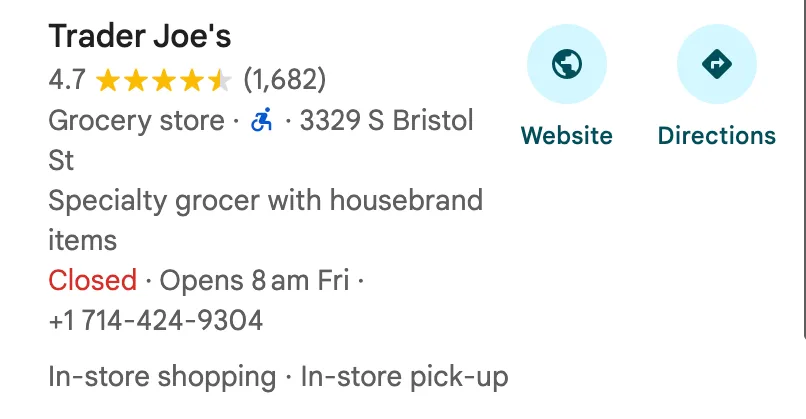
In-store pickup lets customers order online and collect their purchase at the shop. It can suit customers who want to reserve an item before travelling.
In Sensormatic Solutions’ 2025 US back-to-school survey, 46% of respondents expressed interest in buying online and picking up in store. This finding concerns one season and market; it does not predict how many of your customers will use pickup.
If pickup fits your business, explain when an order will be ready, where to collect it, and what the customer should bring. Make sure staff can find the order when the customer arrives.
Count collections inside the shop as visits. Keep curbside collections separate when the customer does not enter.
7. Give existing customers a reason to return
A return visit might start with a useful message: a requested item is back in stock, a repair is ready, or a class is taking place.
For example, a craft shop could invite interested customers to a beginner’s knitting session. Include the date, branch, and booking details in one clear message.
Send updates to customers who have agreed to receive them, and provide an easy way to stop future messages. Choose information that is relevant to that customer rather than sending every offer to everyone.
A loyalty card is another option. Before introducing one, work out what the reward costs and how you will record return visits.
How do you know whether a change worked?
Record your usual visits before making the change. This starting count is your baseline.
Then compare the same days and hours after the change. Keep a note of promotions, weather, holidays, and anything else that could affect visits.
Track three things:
- Visits: Did more people enter?
- Purchases and sales value: Did those visits lead to more sales?
- Costs: What did you spend on advertising, materials, staff time, or discounts?
A rise in visits is encouraging, but it does not prove your change caused it. Look for a pattern across comparable periods before deciding to spend more.
For help choosing where to promote an event or offer, read foot traffic marketing.
What should you do this week?
Choose one issue you can check and one change you can track.
If customers cannot find your entrance, correct the map pin and add clear directions. If people walk past without noticing you, test a clearer window message. If you need a reason for customers to return, plan a small activity related to what you sell.
Count visits during fixed hours before and after the change. Use what you learn to choose your next action.